Every image model
One photo, a set
Build the set in three steps
- 01
Open Morphic
Sign up and start creating on a free-flowing, infinite visual canvas.
- 02
Upload one product photo
Drop in a clear shot of the item to use as the reference for every frame.
- 03
Generate and export
Describe each angle or scene and the model keeps the product identical. Export the set.
Use cases
Fill a listing gallery from one shot
Marketplaces want several images per product, and reshooting each angle is slow. Start from one clean photo and generate the front, three-quarter, top-down, and detail views the gallery needs. Because they all trace the same reference, the buyer sees one consistent product across every thumbnail.
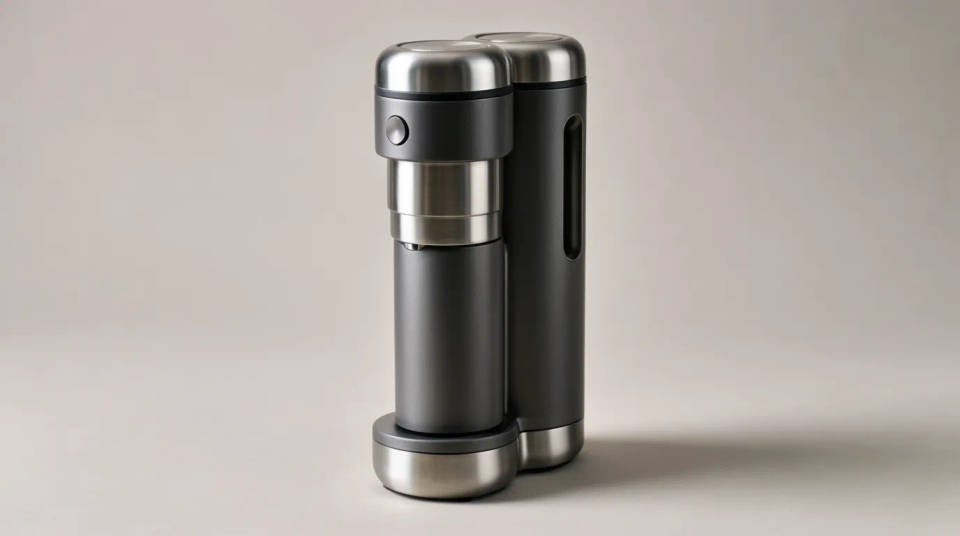
Show the product in a lifestyle scene
A plain pack shot rarely sells the feeling of using the item. Keep the product identical and place it on a kitchen counter, a desk, or in someone's hand. The reference holds the label and shape so the lifestyle shot still shows your real product, not a lookalike prop.
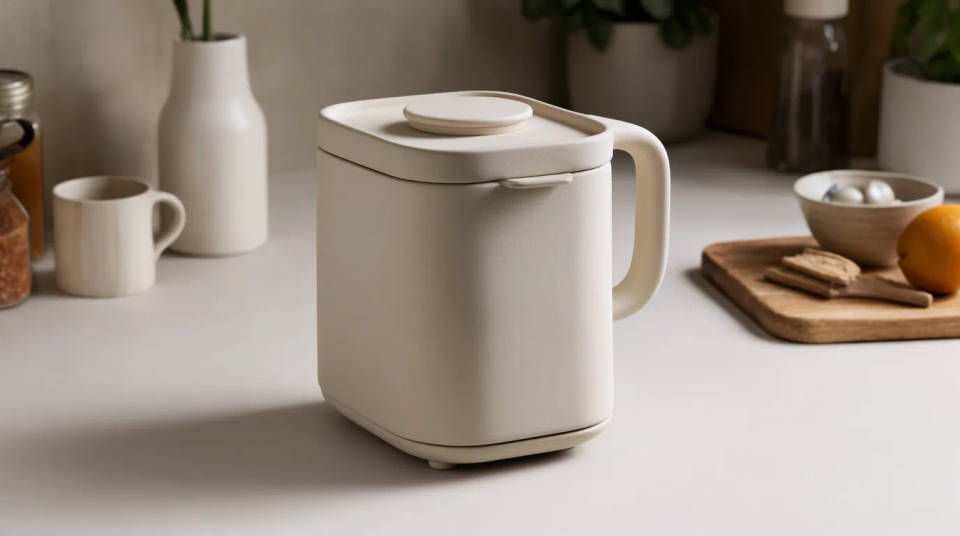
Test backgrounds before a campaign
Try the product on white, on a bold colour, and in a styled set without booking a shoot for each. Generating variations lets you compare which backdrop sells hardest, then commit to the winner. The item stays the same in every option, so you are judging the setting, not a changing product.
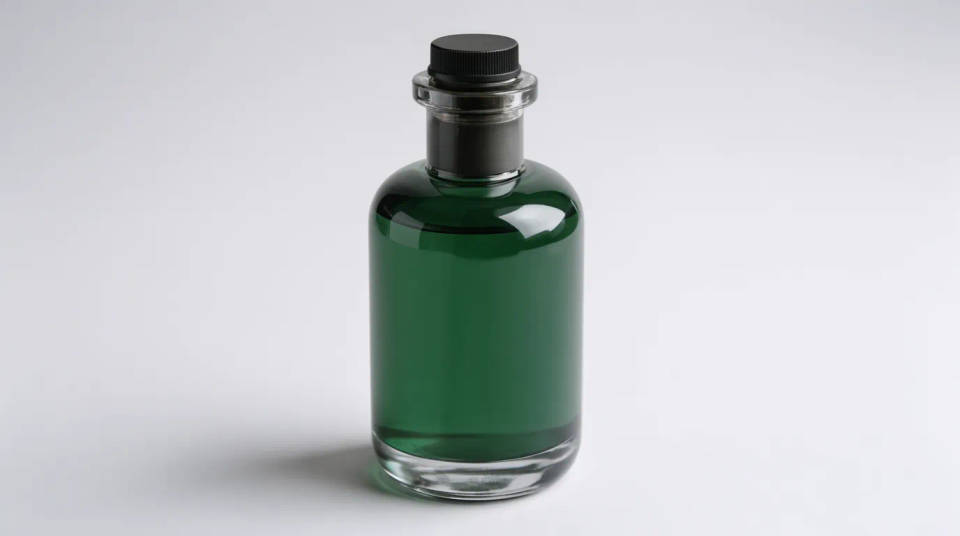
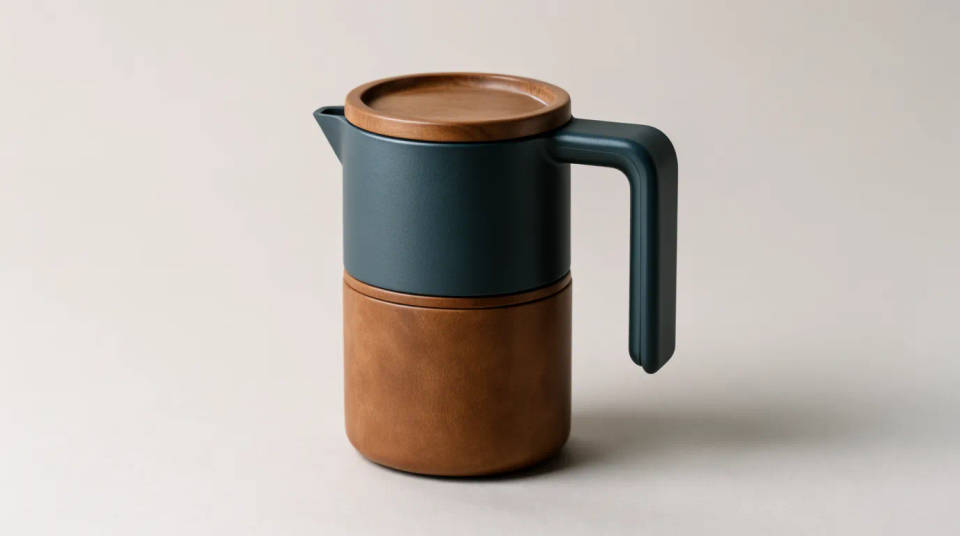
Keep a range looking like one family
When several products need to sit together in an ad or a lookbook, matching the angle and lighting by hand is fiddly. Generate each from its own reference in the same style and the set reads as one matching family, which makes a brand look considered across a page or a feed.
Prompt examples
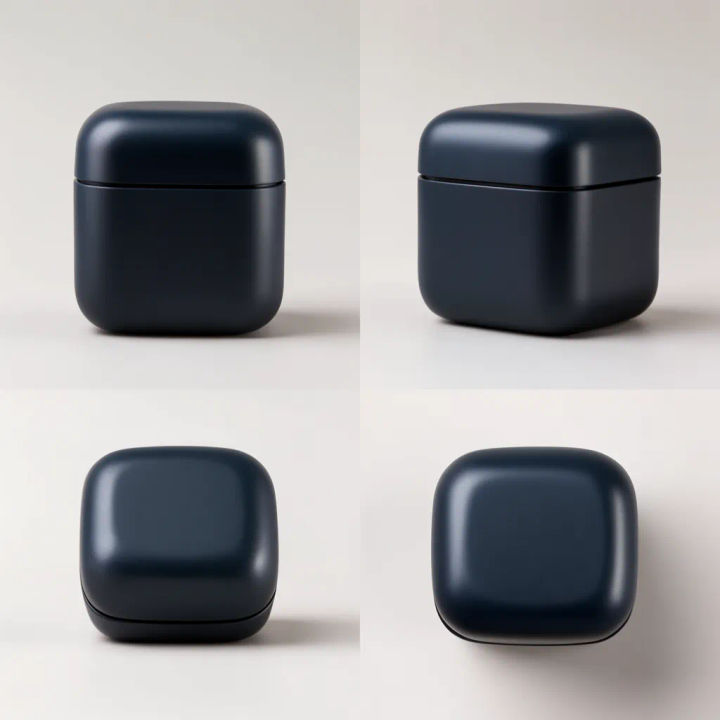
Set of angles
Generate front, three-quarter, and top-down shots of this product, keeping it identical
Edit prompt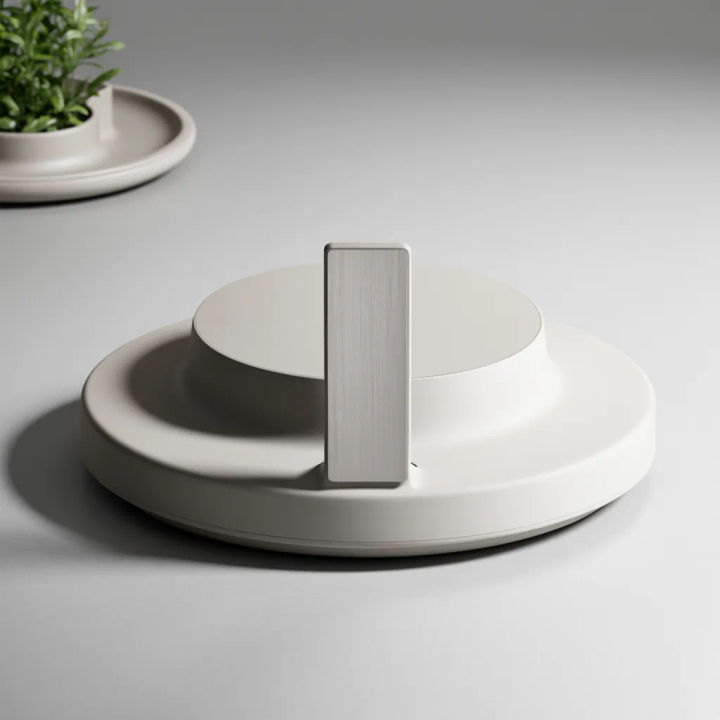
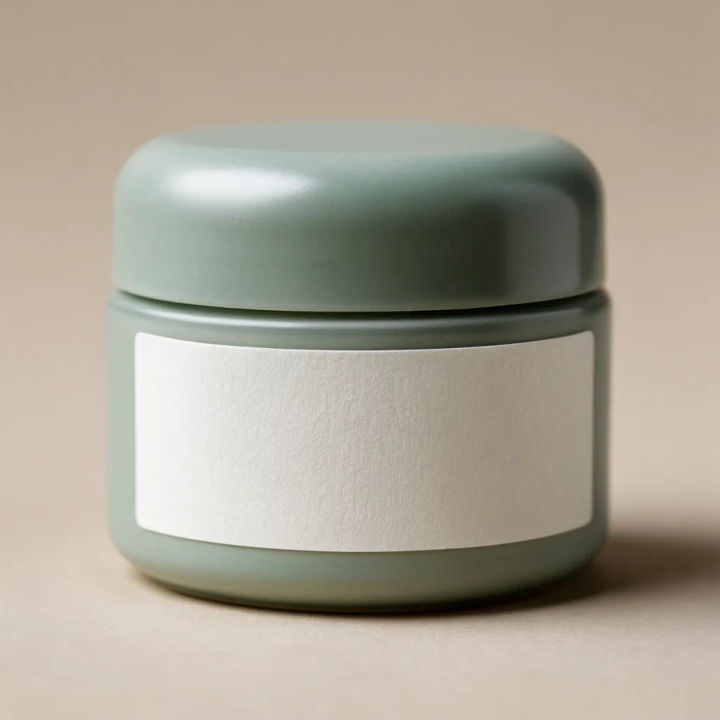
Detail close-up
Create a close-up of this product showing the label and texture, product unchanged
Edit prompt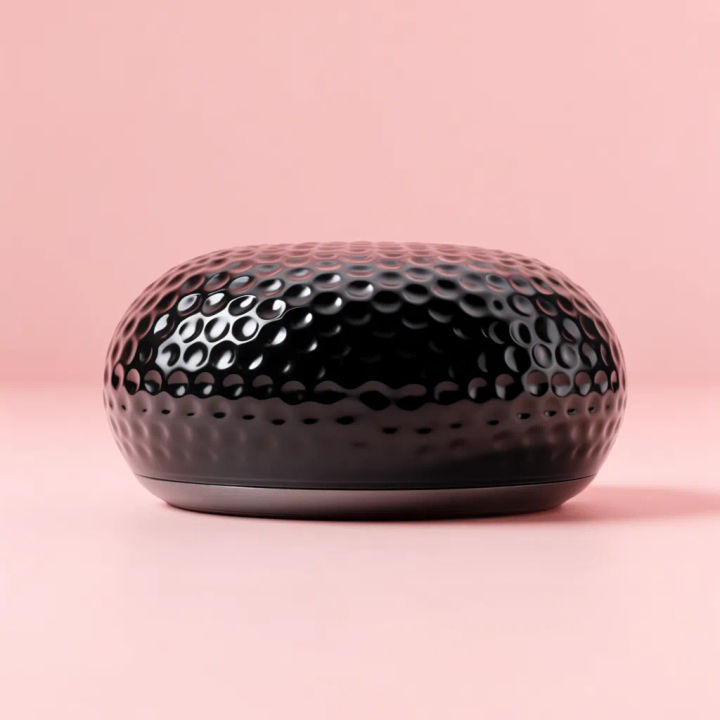
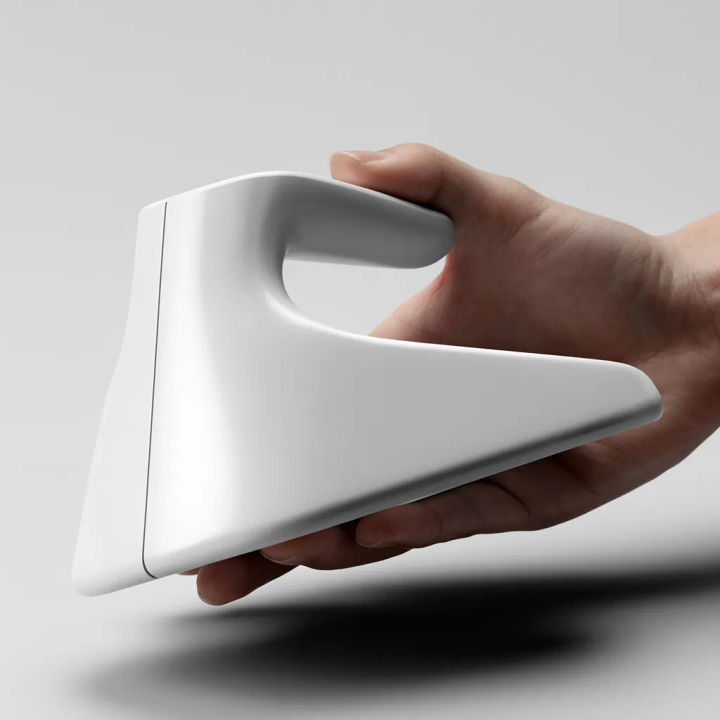
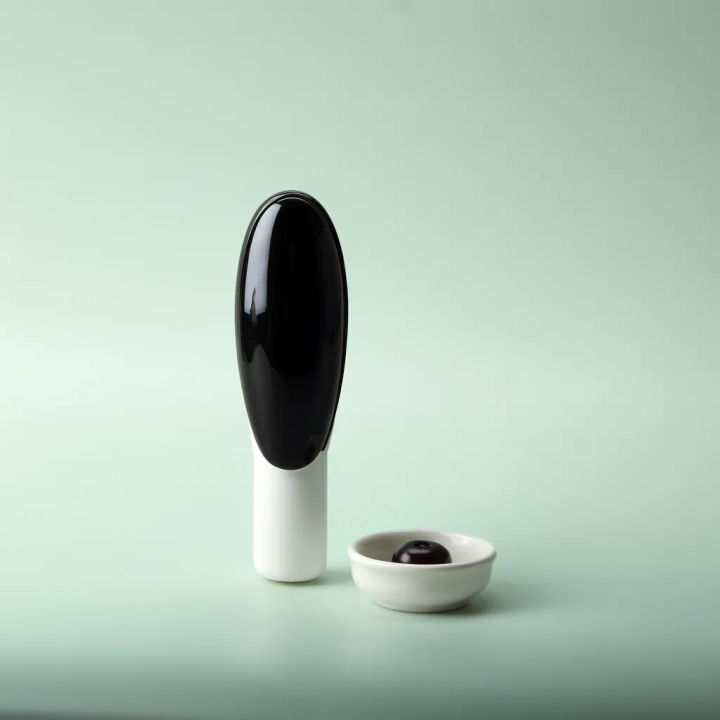
Grouped with props
Arrange this product with matching props on a styled surface, product identical
Edit prompt
Product explosion ad
Dramatic 5-second product reveal video with audio.

Jewelry campaign
One product shot becomes a full campaign pack with hero shots, angles, and format variations.
UGC product pitch
Multi-shot product pitch video from a still, a person, and a script.

Product mockup generator
Upload a product photo and get studio-quality shots on any surface with configurable lighting, angles, and aspect ratios.

Anime sticker pack
Turn any image into anime-style stickers in PNG. Ready for messaging apps or social media.

Messages to cinematic scene
Dramatize any text conversation into a cinematic multi-shot video.
All on Morphic
Models
Nano Banana 2, Flux 2 Pro, ChatGPT Images, Grok Imagine, Recraft, Seedream, and more. Switch models when a shot needs a truer hold on the product.
Product photo generator
Stage the product in a full scene or set, when you want a single hero shot rather than a set of angles.
White background generator
Drop any of the shots onto clean white with a natural shadow for a marketplace listing.
Image to image
Restage, relight, or recolour a shot through the same canvas that powers the variations.
