Every image model
One workspaceMade with Seedream 5.0 Pro
Make an image in three steps
- 01
Open Morphic
Sign up and start creating on a free-flowing, infinite visual canvas.
- 02
Describe the image
Subject, layout, text, style. The more specific, the closer the first render lands.
- 03
Generate and refine
Render in seconds. Edit one region, split layers, and swap models side by side on the Canvas.
What Seedream 5.0 Pro generates
Grounded region edits
Point, box, arrow, or sketch the exact spot to change, and the rest of the frame stays put. Swap a product color, fix a label, or move one element without re-rolling the whole image.

Layered posters and layouts
Separate a design into text, subject, and background layers, then reposition or scale each one on its own. Edits stay non-destructive, so you build a layout instead of re-rolling it.

Native text in 14 languages
Render headlines, labels, and captions directly in 14 languages, including Arabic, Japanese, Korean, and Thai, with correct letterforms and local typography. Right-to-left and stacked tone marks land, not translate-and-paste.

High-density infographics
Data charts, flowcharts, and precision diagrams in a single pass, with small text that stays legible and a clear reading order. Ideal for explainers, decks, and education visuals.

Prompt examples
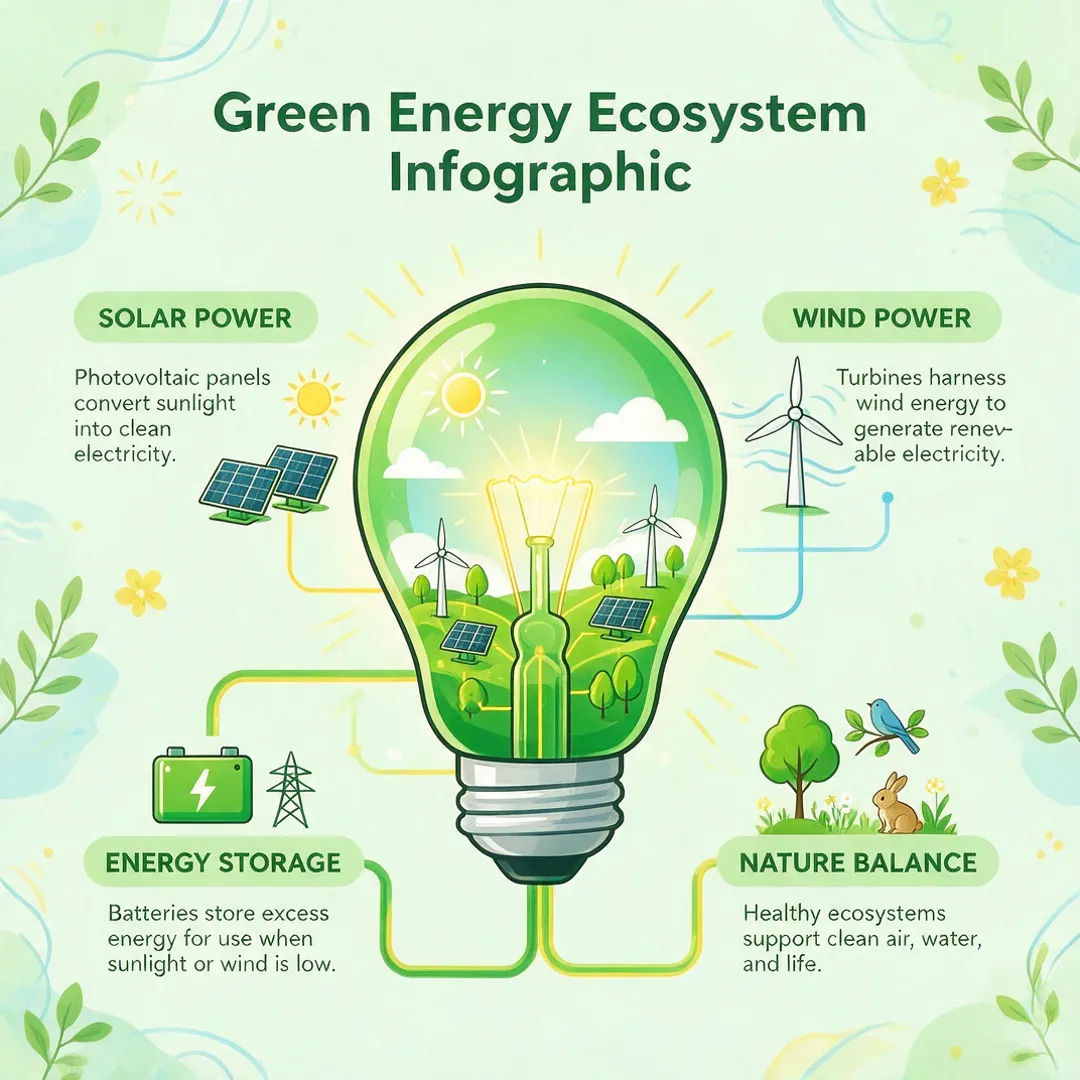
Green-energy infographic
Green-energy infographic with a light-bulb ecosystem diagram, labeled sections, clean flat vector style
Edit prompt
Arabic sale poster
Arabic sale poster with a bold right-to-left headline, warm gradient, modern retail layout
Edit prompt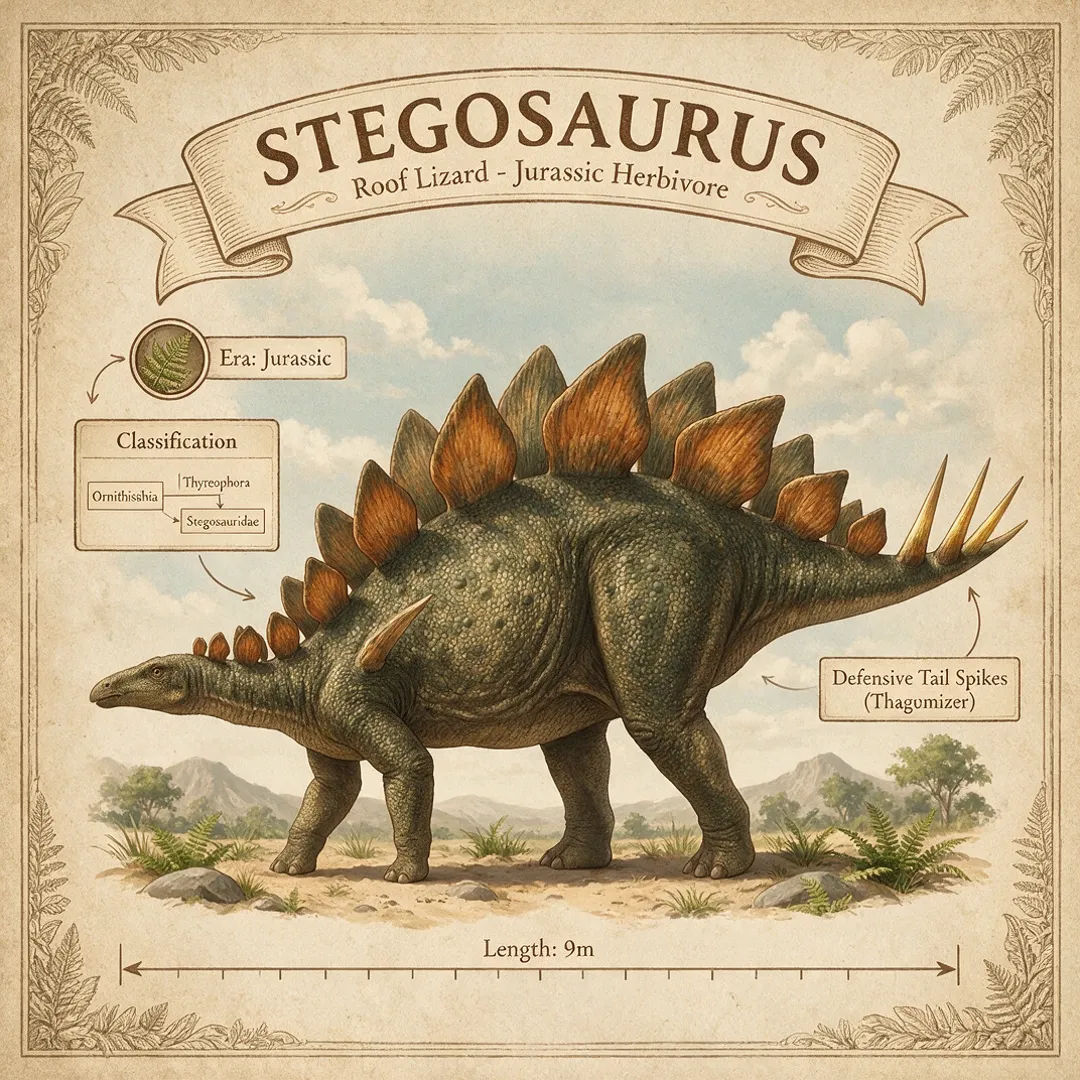
Education diagram
Labeled Stegosaurus infographic: classification, era, size, annotated diagram, museum poster style
Edit prompt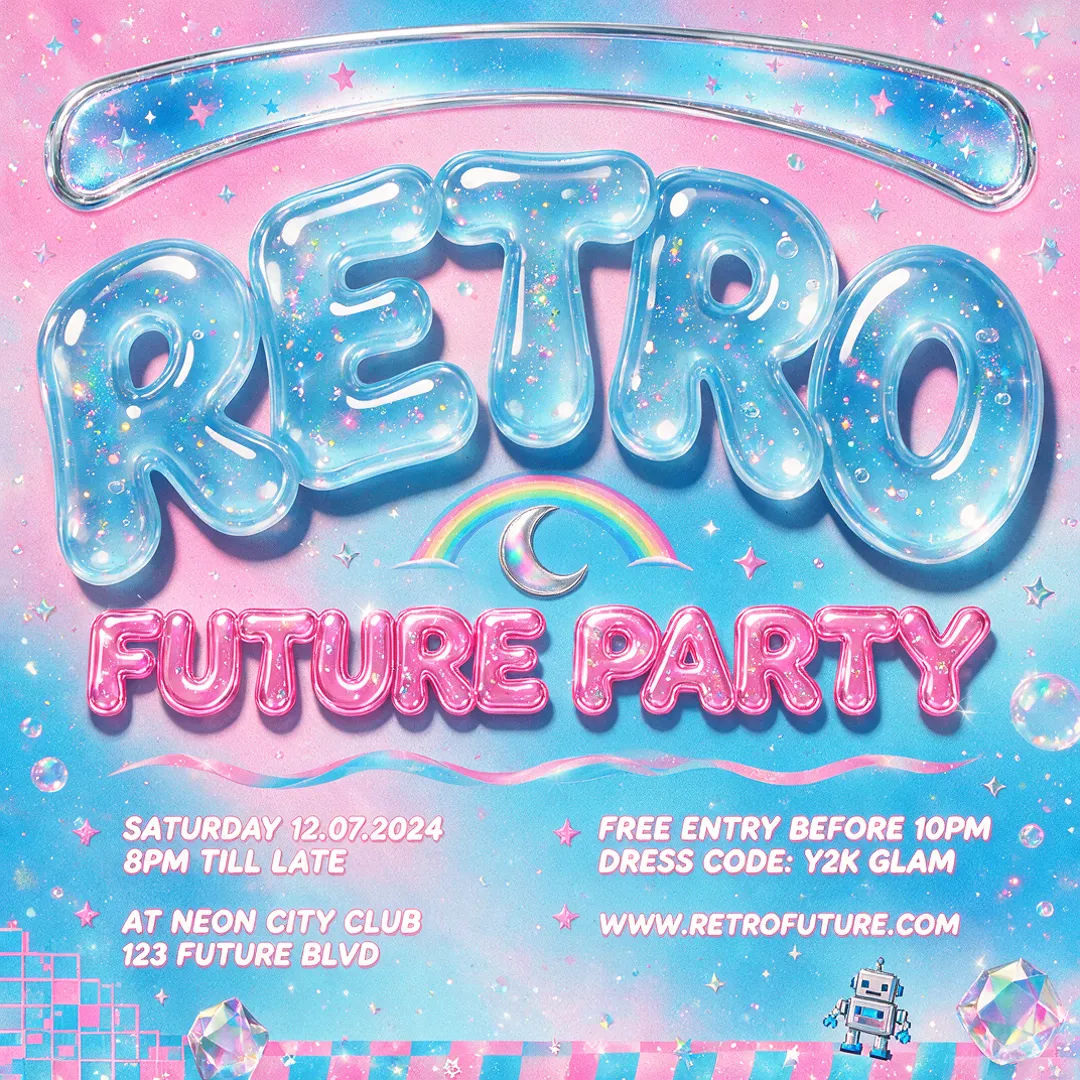
Layered poster
Y2K event poster, translucent jelly type, separable title and subject layers, high-contrast palette
Edit prompt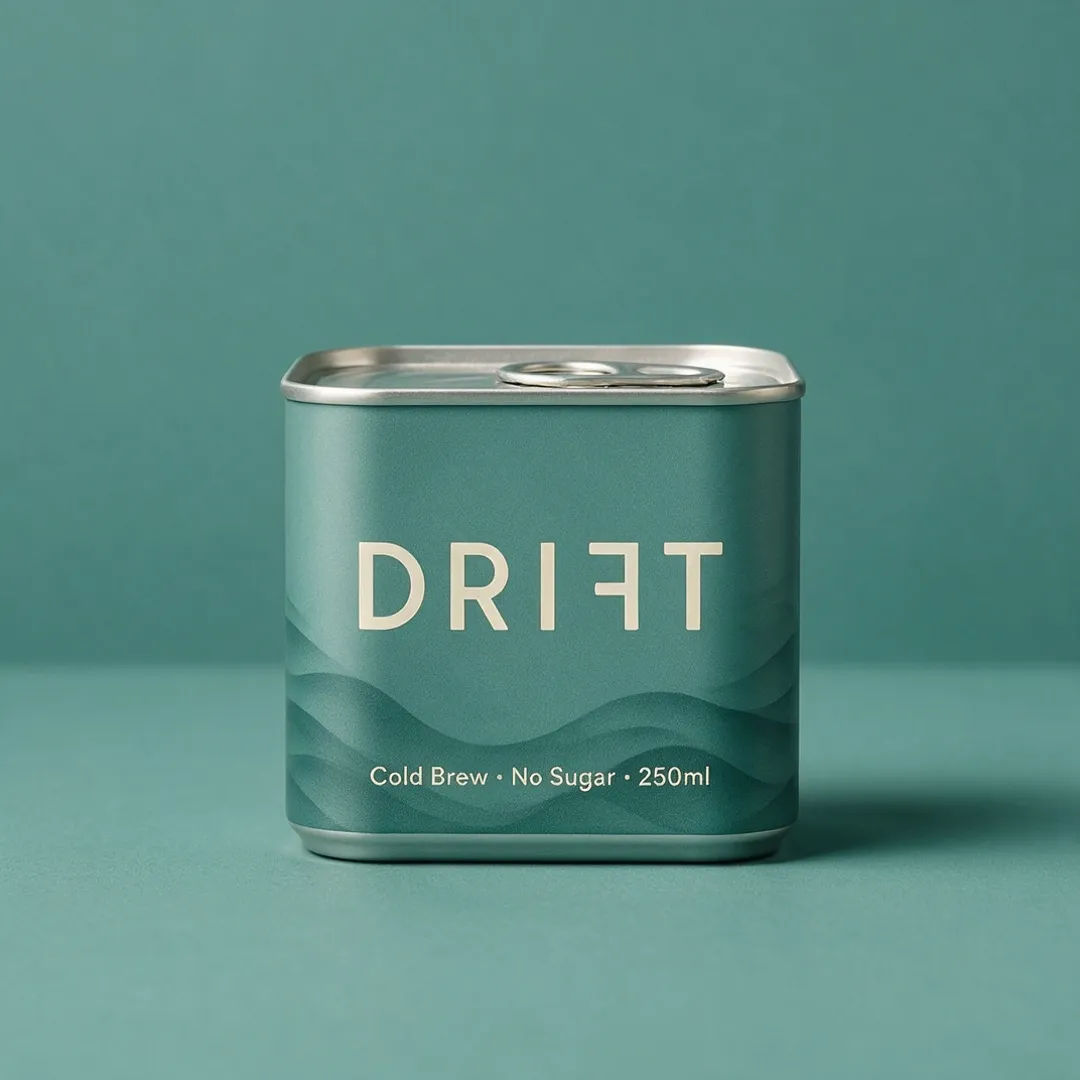
Product label
Cold-brew can label, minimal typography, muted teal palette, crisp legible small text
Edit prompt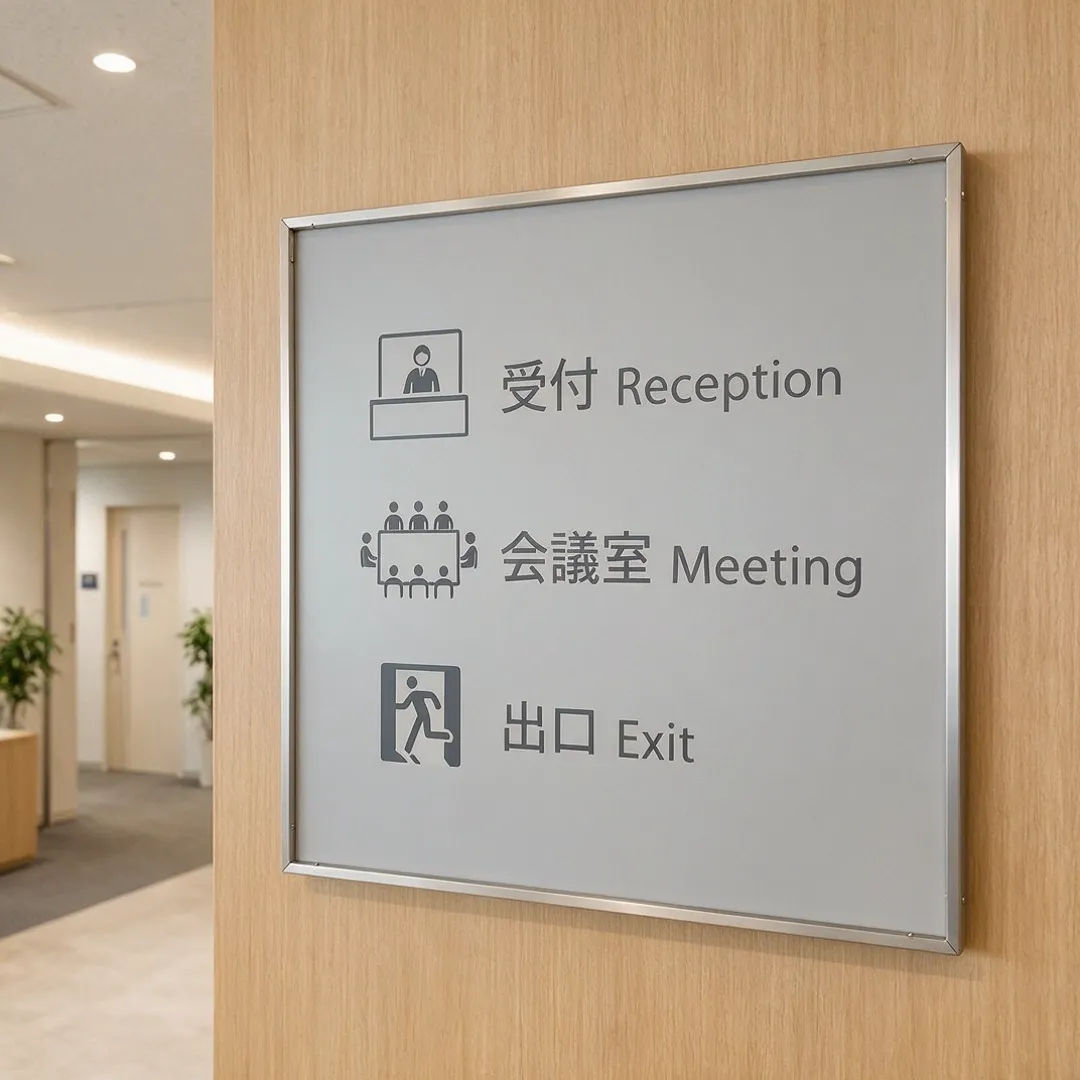
Multilingual signage
Wayfinding sign set in Japanese and English, clean sans typography, consistent icon system
Edit prompt
Cinematic storyboard
Share a scene description with character references. Get a full storyboard with shot angles and mood.

Messages to cinematic scene
Dramatize any text conversation into a cinematic multi-shot video.

Title sequence
Generate a professional film title card from scratch, with optional cinematic animation.

3x3 storyboard
Feed in a single image. Get 9 cinematic beats laid out as a 3x3 storyboard grid.

Expressions
Take any character image and generate 6 distinct facial expressions on a single reference sheet.

Chibi sprite animation
Turn any photo or description into an animated chibi sprite. Dance, jump, wave, attack, and more.
All on Morphic
Your complete image stackModels
Seedream 5, Nano Banana 2, Flux 2 Pro, Grok Imagine, and more. Pick the one that fits the look and swap mid-project.
Grounded editing
Point, box, arrow, or sketch a target and change just that region. The rest of the frame stays put, no full re-roll.
Separable layers
Split a result into text, subject, and background layers, then drag or scale each on its own. Non-destructive, like a design file.
Workflows
Turn a finished image into a one-click Workflow. Rerun it, share the link, or favorite it for fast reuse.
