Every image model
Totes you can stage
Mock up a tote in three steps
- 01
Open Morphic
Sign up and start creating on a free-flowing, infinite visual canvas.
- 02
Upload your print
Add your logo, slogan, or full artwork and say how it should sit on the bag.
- 03
Generate and export
Describe the tote and the scene, then export the finished photo once the print sits right.
Use cases
Show a merch drop before you print it
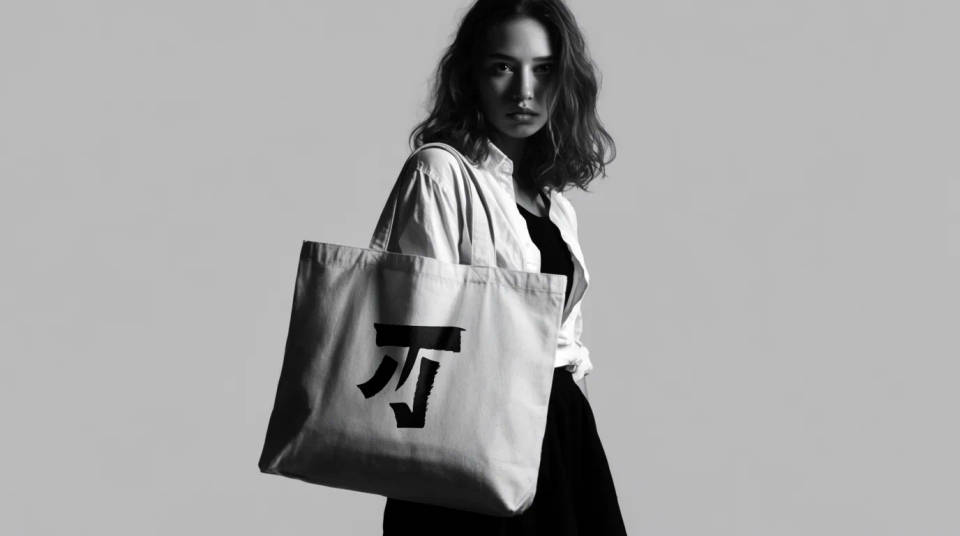
Put your new design on a canvas tote and see it carried before you commit to a print run. Try natural cotton against black, a centered logo against an edge to edge pattern, and pick the version that sells. It turns a flat artwork file into something a shopper can picture on their shoulder.
Fill a shop or marketplace listing
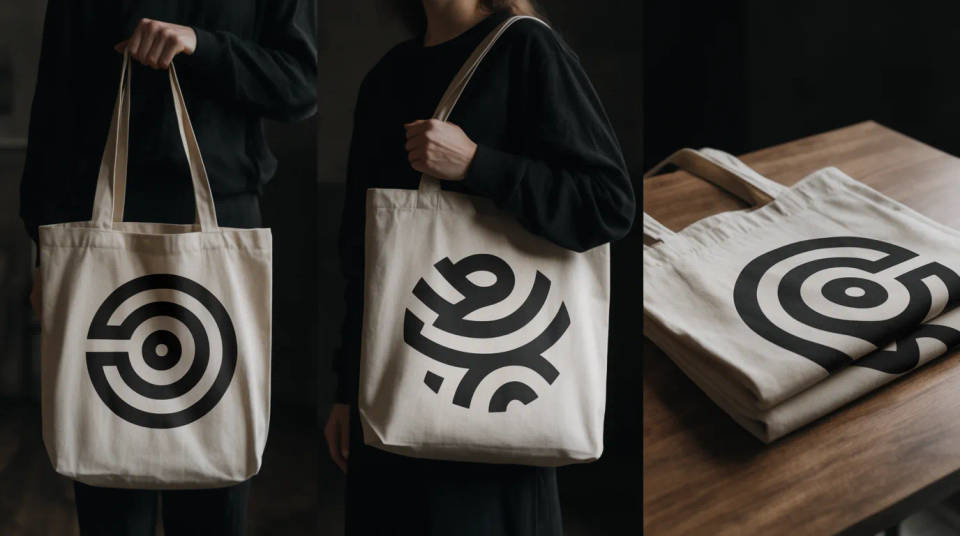
A tote listing needs more than the flat print. Generate the bag held, worn across the body, and folded on a table, so the same design fills every slot on the product page. Consistent, well lit angles make a small brand read as a real one, without booking a model or a studio.
Pitch a tote as an event giveaway
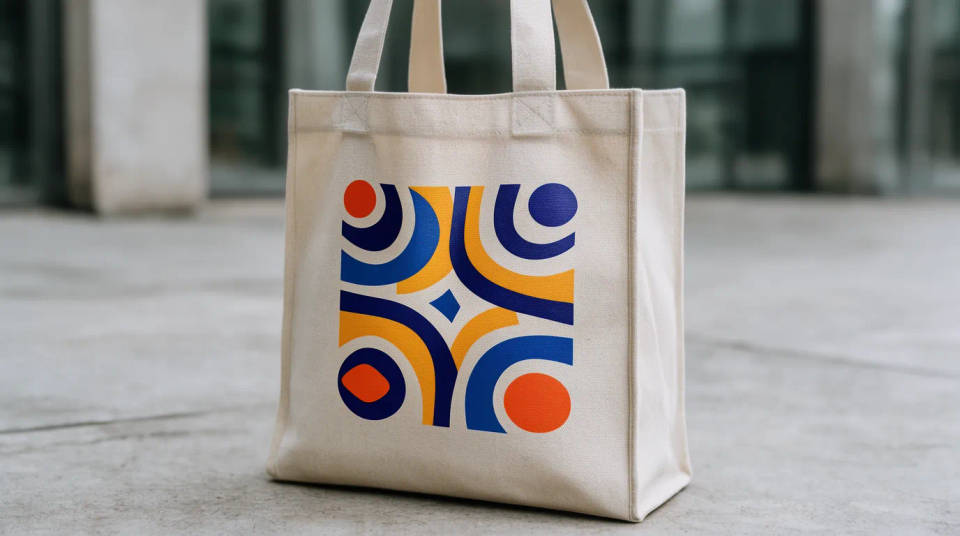
Conference bags, festival totes, and welcome gifts are easier to approve when the client can see the finished thing. Drop the event artwork onto the canvas, set it at the venue, and share the shot in a deck. Swapping a logo or a colorway is a regenerate, not a reshoot.
Try prints and colorways side by side
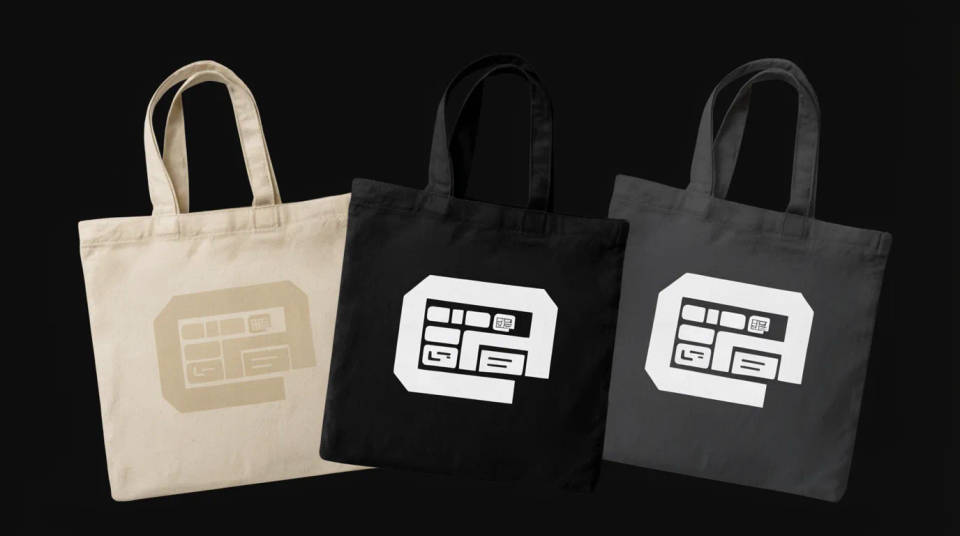
Cotton totes come in natural, black, and dyed canvas, and a print reads differently on each. Generate your design across a few base colors and grips at once, compare them on the canvas, and lock the one that holds up. It is faster than sampling physical blanks.
Prompt examples
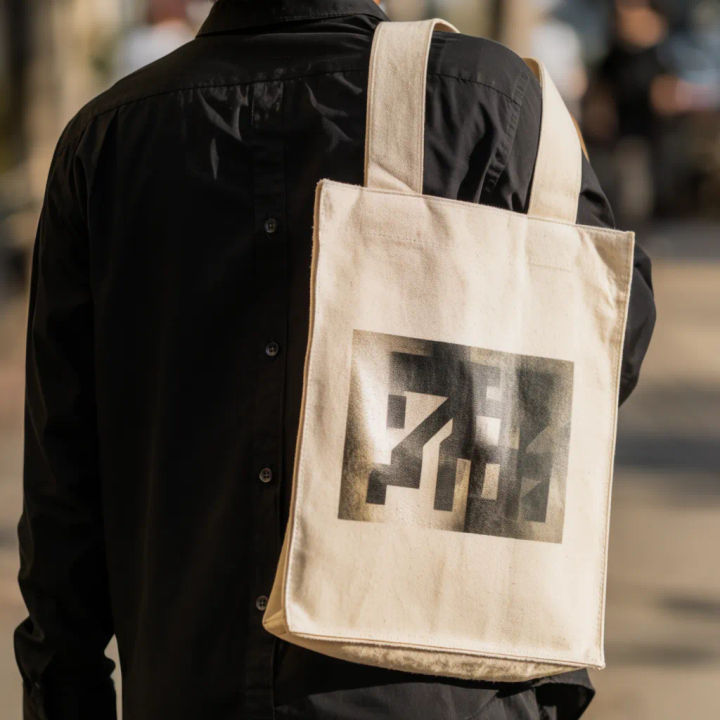
Carried on a city street
Print my uploaded design on a natural canvas tote carried over the shoulder, sunny sidewalk behind
Edit prompt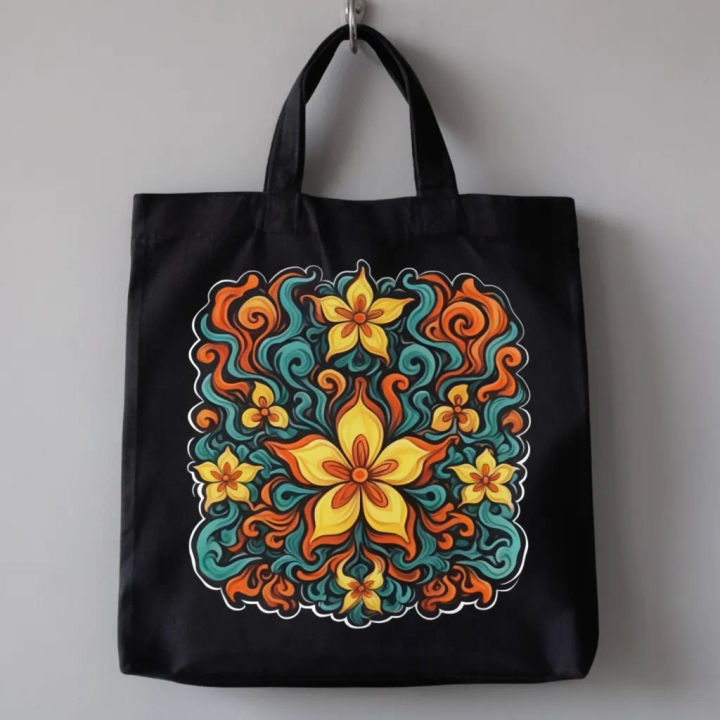
Clean studio still
My artwork centered on a black cotton tote, hung on a hook against a soft grey studio wall
Edit prompt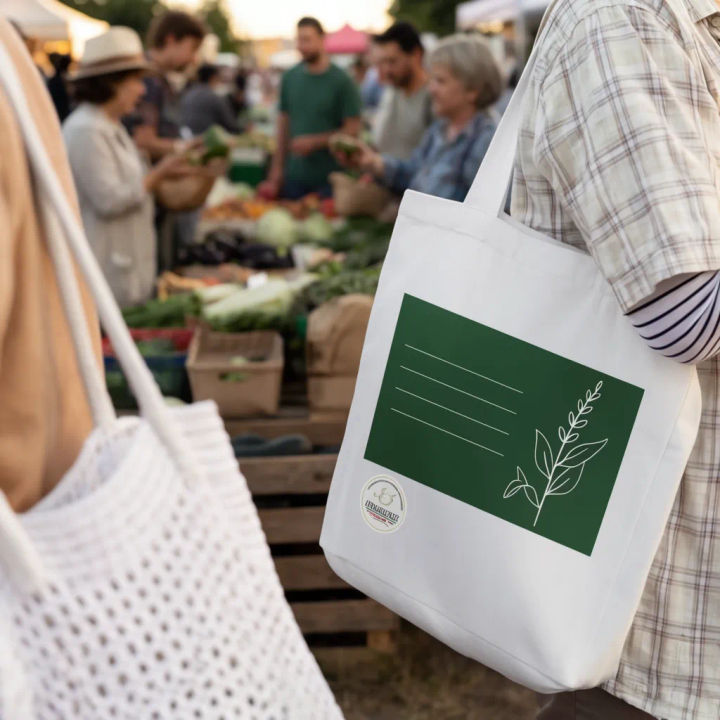
Held at a market
Put my design on a canvas tote held at the side, farmers market stalls softly blurred behind
Edit prompt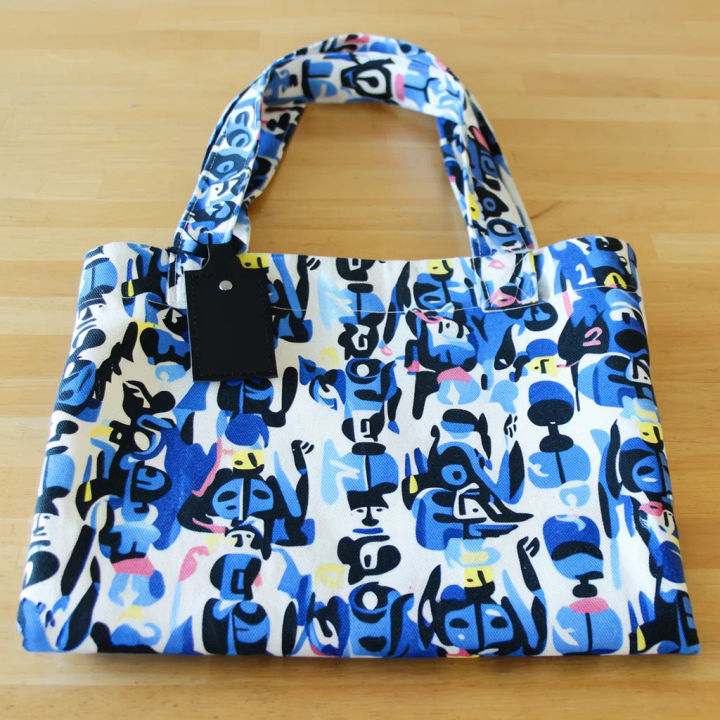
Full edge to edge print
Repeat my pattern edge to edge across a natural tote, folded flat on a light wood table
Edit prompt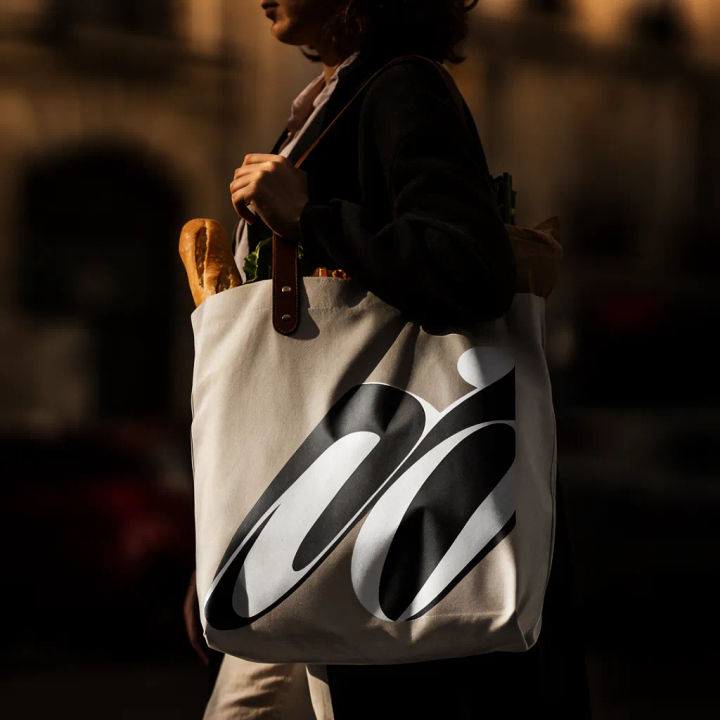
Filled and in use
My logo tote filled with groceries and a baguette, held while walking, warm afternoon light
Edit prompt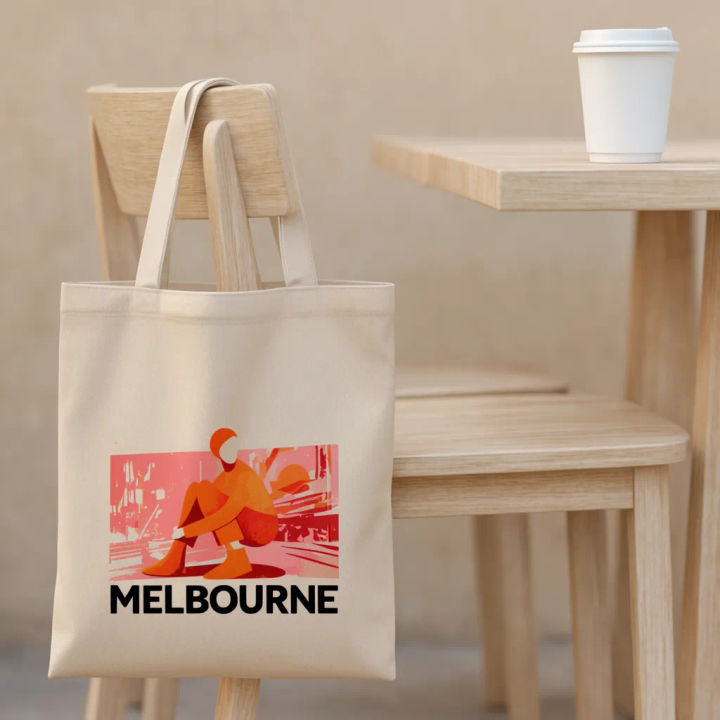
Cafe tabletop
Canvas tote with my print draped over a cafe chair, coffee cup on the table beside it
Edit prompt
Cinematic storyboard
Share a scene description with character references. Get a full storyboard with shot angles and mood.

Messages to cinematic scene
Dramatize any text conversation into a cinematic multi-shot video.

Title sequence
Generate a professional film title card from scratch, with optional cinematic animation.

Expressions
Take any character image and generate 6 distinct facial expressions on a single reference sheet.

3x3 storyboard
Feed in a single image. Get 9 cinematic beats laid out as a 3x3 storyboard grid.

Chibi sprite animation
Turn any photo or description into an animated chibi sprite. Dance, jump, wave, attack, and more.
All on Morphic
Models
Nano Banana 2, Flux 2 Pro, ChatGPT Images, Grok Imagine, Recraft, Seedream, and more. Swap models when a fabric or a print needs a cleaner render.
AI mockup generator
Put any design on any product, from apparel to signage, when you need more than a tote.
Paper bag mockup generator
The retail companion to a tote. Print your branding on a kraft bag and photograph the handles and creases.
Image to image
Restyle, place, and rebuild any photo from a reference, the same method that wraps your print onto the canvas.
