Every image model
Cutouts you can export
Make a transparent background in three steps
- 01
Open Morphic
Sign up and start creating on a free-flowing, infinite visual canvas.
- 02
Cut out the subject
Upload an image and let the model trace your subject and separate it from the background.
- 03
Export or place it
Export a transparent PNG, or drop the cutout straight onto a new background on the canvas.
Use cases
Isolate a product for a catalogue
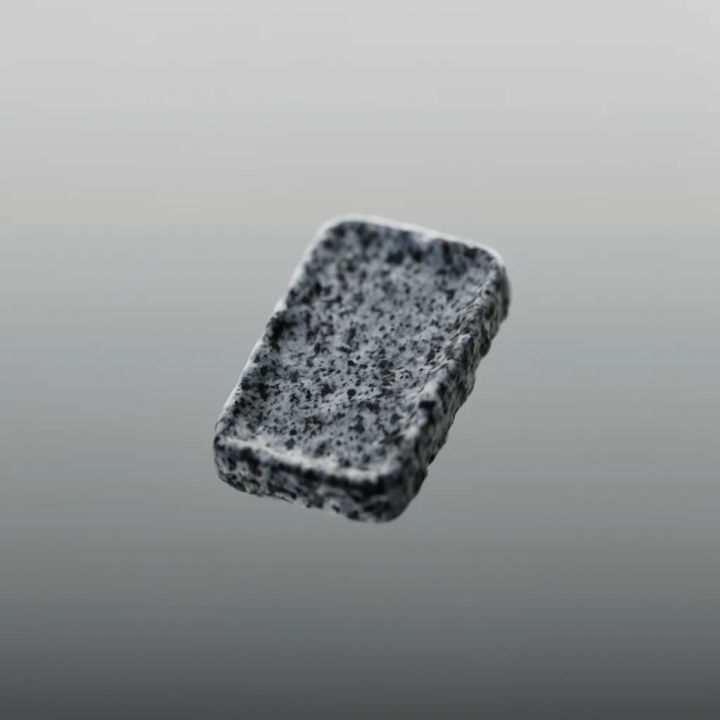
Cut a product away from its shot and export it on transparency, so it sits on any store background you choose. A consistent, edge-clean cutout is what makes a catalogue or a grid look uniform, and segmentation follows the true outline rather than boxing the item, even around handles and straps.
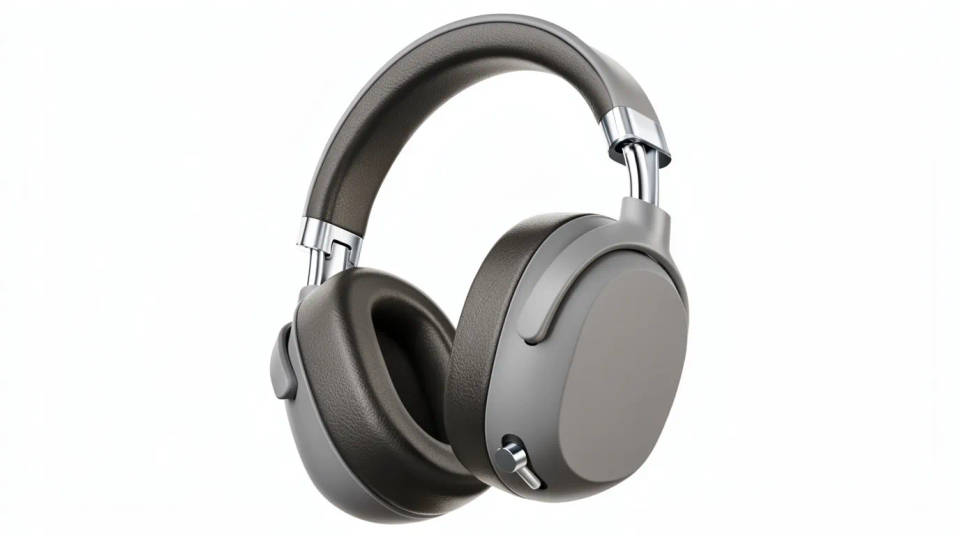
Make a sticker or logo cutout
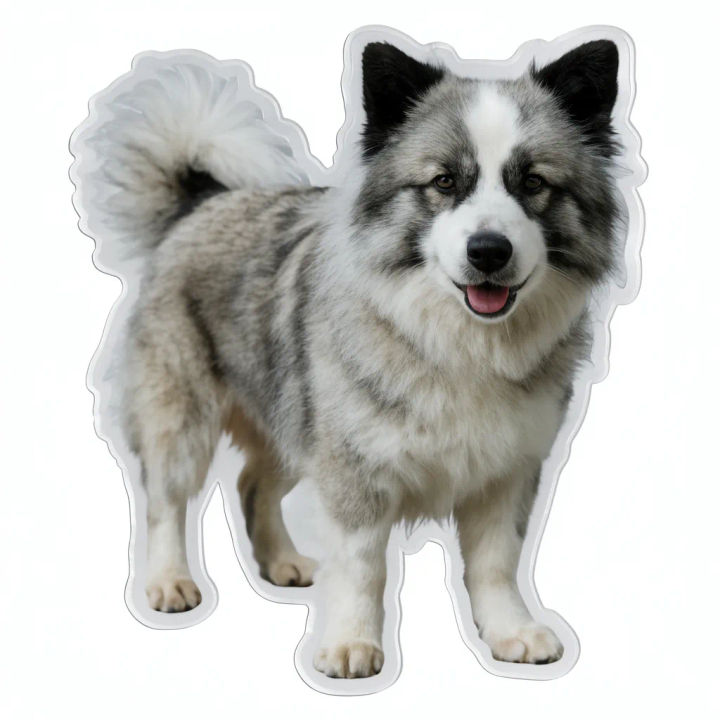
Turn a subject into a sticker or lift a logo off its plate by cutting it to a transparent PNG. Because the edges are traced cleanly, the cutout drops into a design, a chat, or a print without a white halo, and it scales without carrying a background along with it.

Prep a subject for a composite
Cut a person or object out and drop it straight onto a new background on the canvas, so the cutout goes into your next shot rather than an export folder. With the subject already on a transparent layer, building a composite becomes placing and arranging rather than tracing edges by hand.
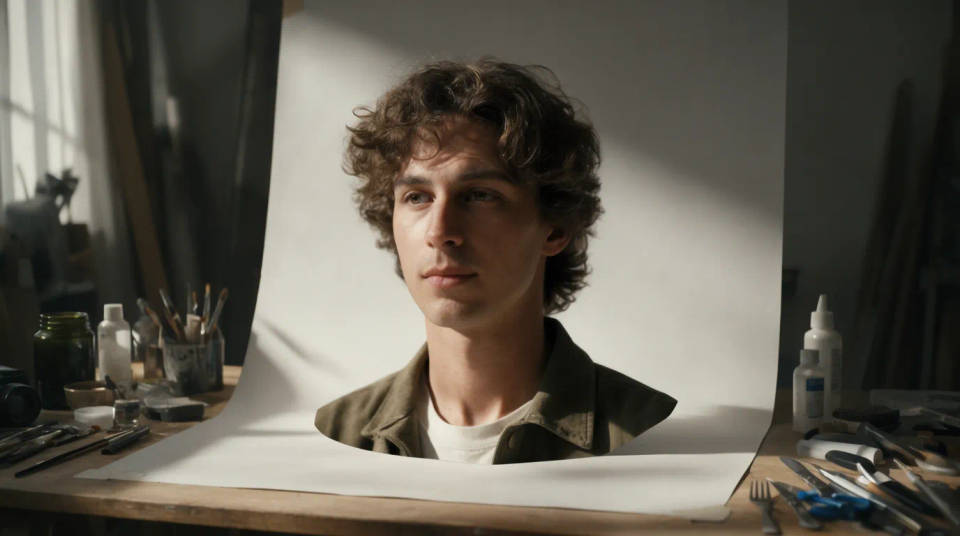
Keep soft edges like hair and fur
Portraits and pets are where hard cutouts fall apart. Segmentation follows fine strands and feathered edges, so hair and fur come away with their detail instead of a jagged line. The cutout then reads naturally on whatever colour or scene you place behind it.
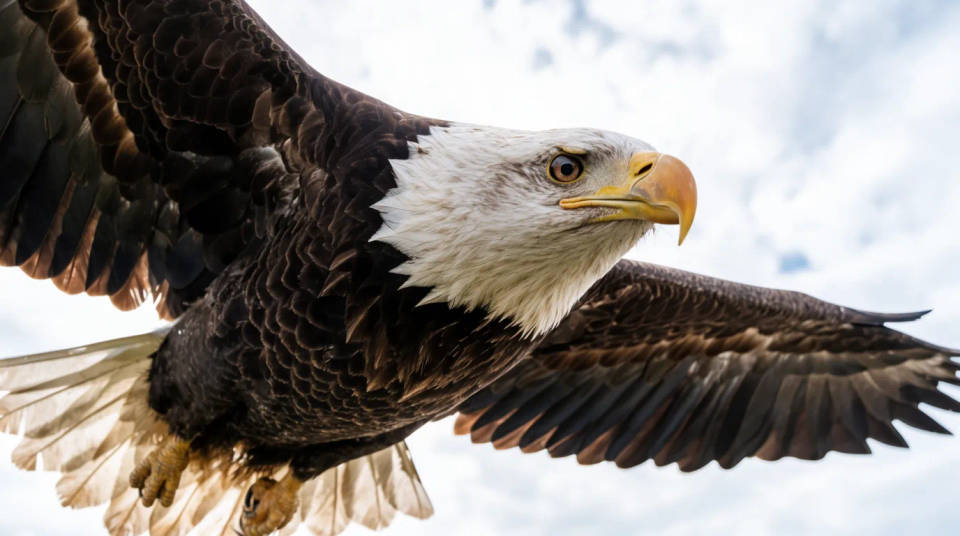
Prompt examples
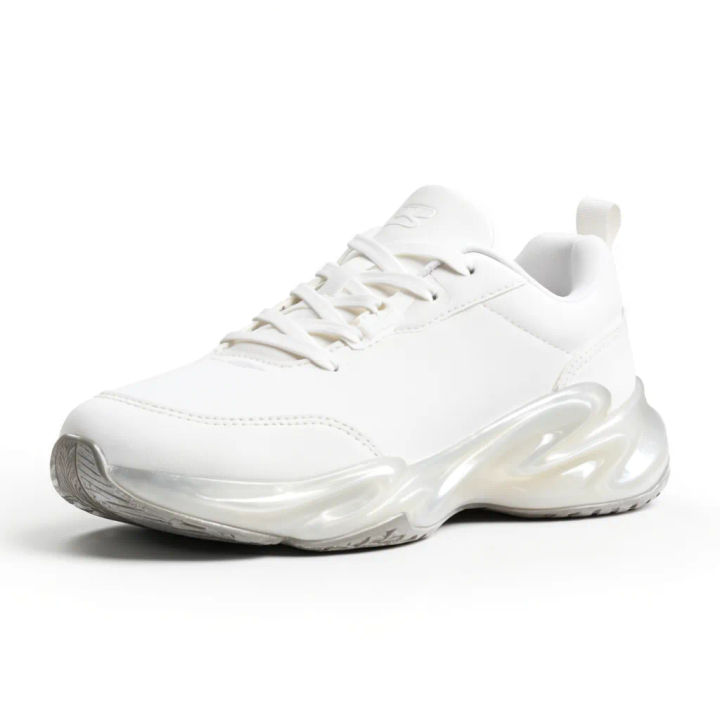
Isolate the product
Cut out the sneaker and export it on a transparent background with clean edges
Edit prompt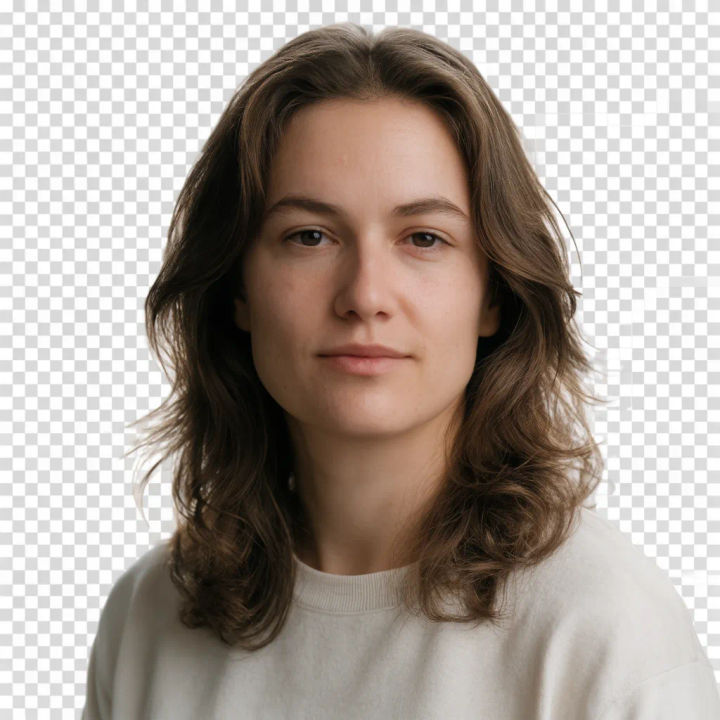
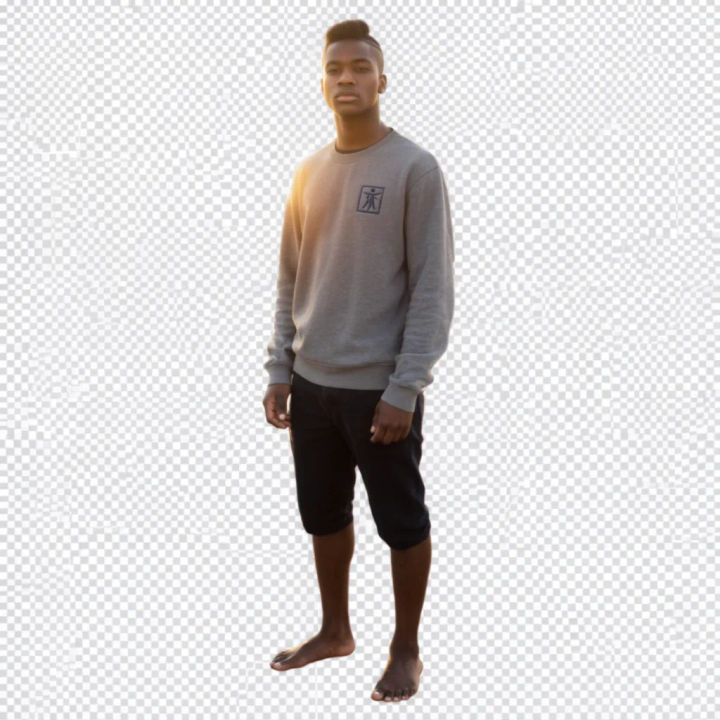
Prep for a composite
Isolate the model on transparency so I can drop them into a new scene
Edit prompt
Anime sticker pack
Turn any image into anime-style stickers in PNG. Ready for messaging apps or social media.

Cinematic storyboard
Share a scene description with character references. Get a full storyboard with shot angles and mood.

Messages to cinematic scene
Dramatize any text conversation into a cinematic multi-shot video.

3x3 storyboard
Feed in a single image. Get 9 cinematic beats laid out as a 3x3 storyboard grid.

Title sequence
Generate a professional film title card from scratch, with optional cinematic animation.

Chibi sprite animation
Turn any photo or description into an animated chibi sprite. Dance, jump, wave, attack, and more.
All on Morphic
Models
Nano Banana 2, Flux 2 Pro, ChatGPT Images, Grok Imagine, Recraft, Seedream, and more. Switch models when a tricky edge needs a cleaner cut.
Background remover
The same cut, aimed at swapping the scene, drop a new background in instead of keeping the subject transparent.
Mockup generator
Place a clean cutout into a product mockup or a scene, once the subject is on a transparent layer.
Image to image
Build the composite, drop your cutout onto a new background and refine the whole frame.
