Every image model
Blur brought back into focus
Unblur a photo in three steps
- 01
Open Morphic
Sign up and start creating on a free-flowing, infinite visual canvas.
- 02
Upload the blurry photo
Drop in the soft or shaken shot you want to rescue. Any common format works.
- 03
Deblur and export
Morphic reconstructs the lost detail. Upscale it if you need a bigger file, then export.
Use cases
Rescue a shot you cannot retake
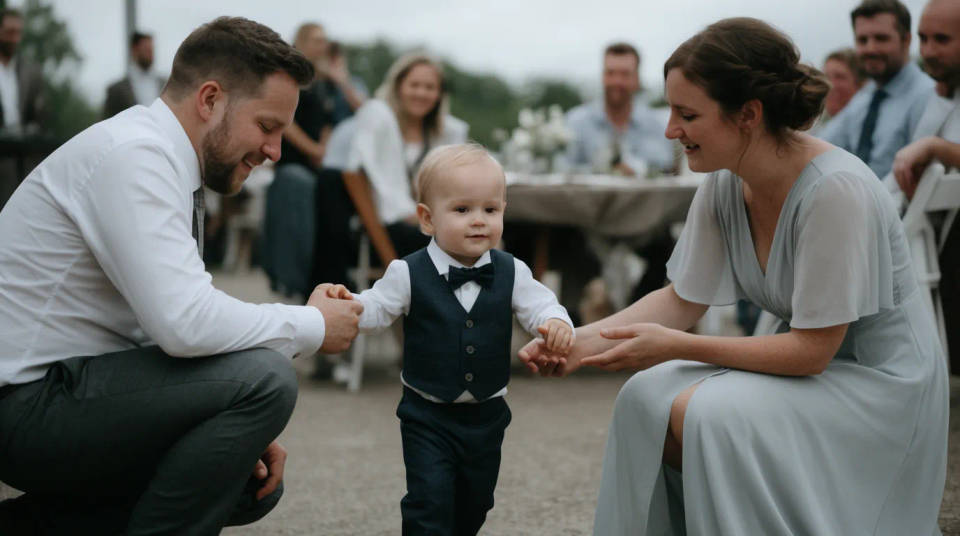
A wedding candid, a first-steps photo, a moment that happened once and came out soft. When there is no chance of a reshoot, deblurring is often the only way to bring the frame back. Morphic rebuilds the focus so the memory is worth keeping and printing.
Fix camera shake on handheld photos
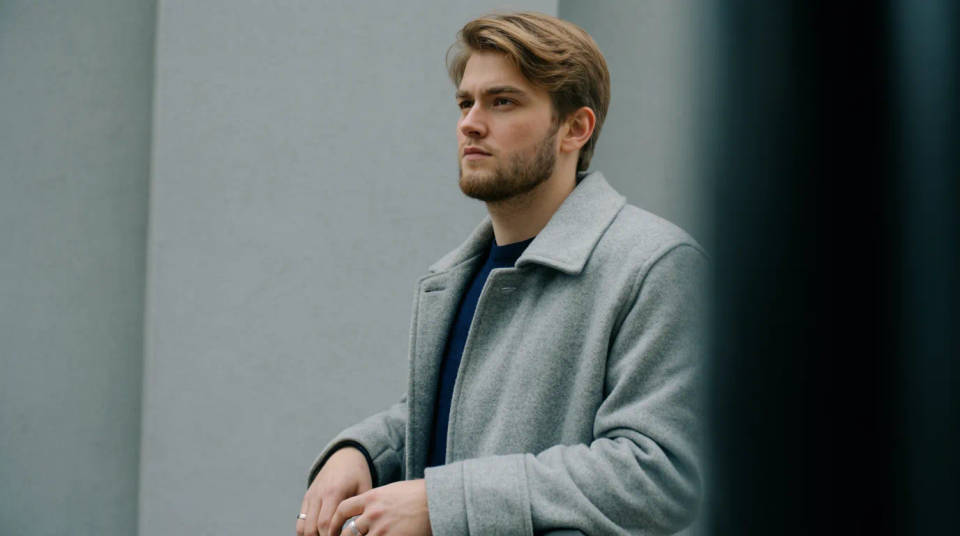
Low light and a slow shutter leave a faint smear across the whole frame. Morphic estimates the shake and reverses it, tightening edges and small features. A photo that looked hopeless at full size becomes usable for sharing or a small print.
Sharpen a soft scan or download
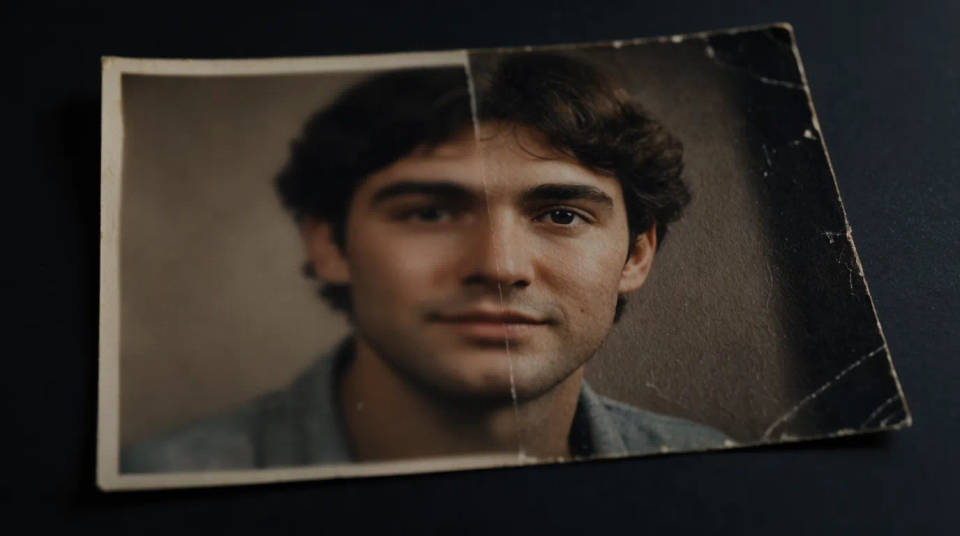
Old scans and heavily compressed downloads lose their crisp edges. Deblurring restores the definition that the format threw away. Because you can enlarge in the same step, a small soft source can come back as a clean, bigger file ready to use.
Make a blurred product photo usable
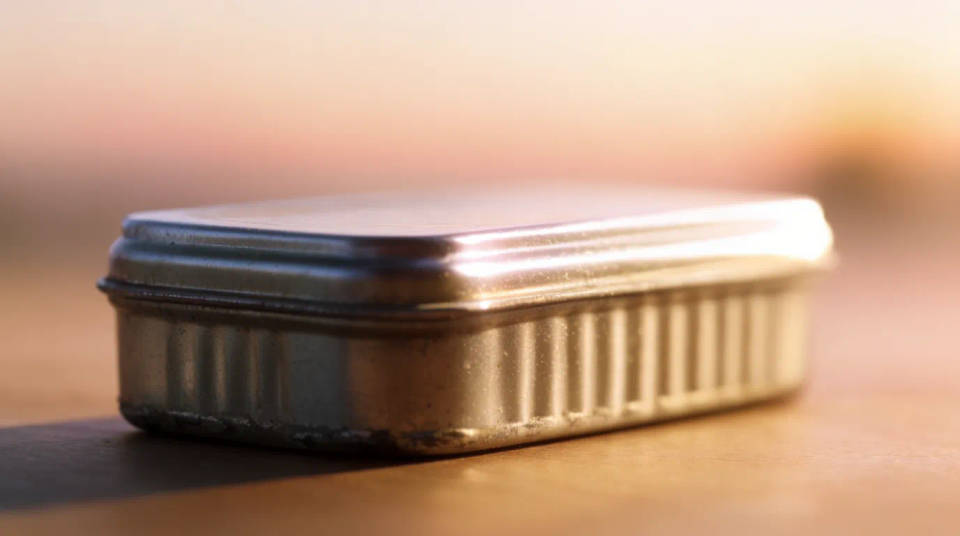
A listing photo that missed focus reads as careless to a buyer. Morphic pulls the item back into focus so the shape, label, and texture are clear. Deblur, enlarge to the size your store needs, and the shot earns its place on the page.
Prompt examples
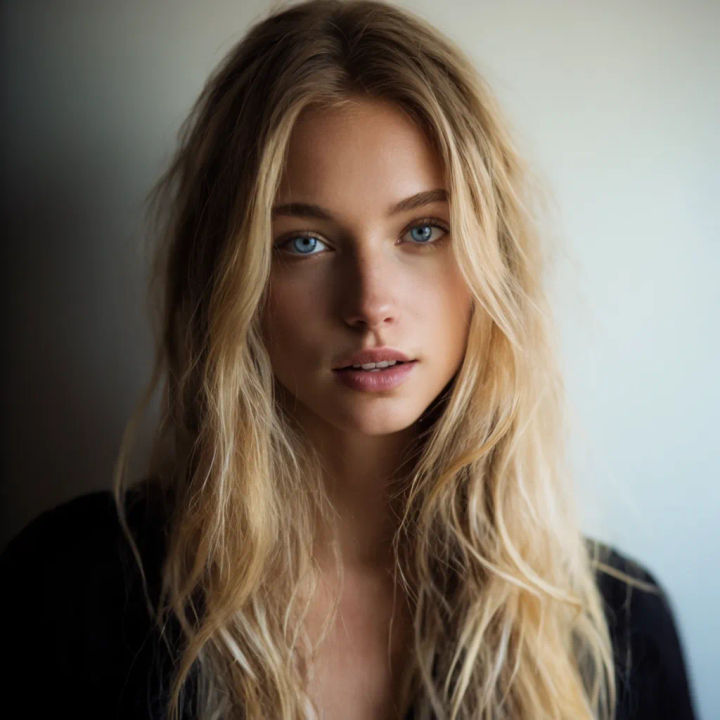
Recover a soft portrait
Unblur this portrait, bring the eyes and hair back into sharp focus
Edit prompt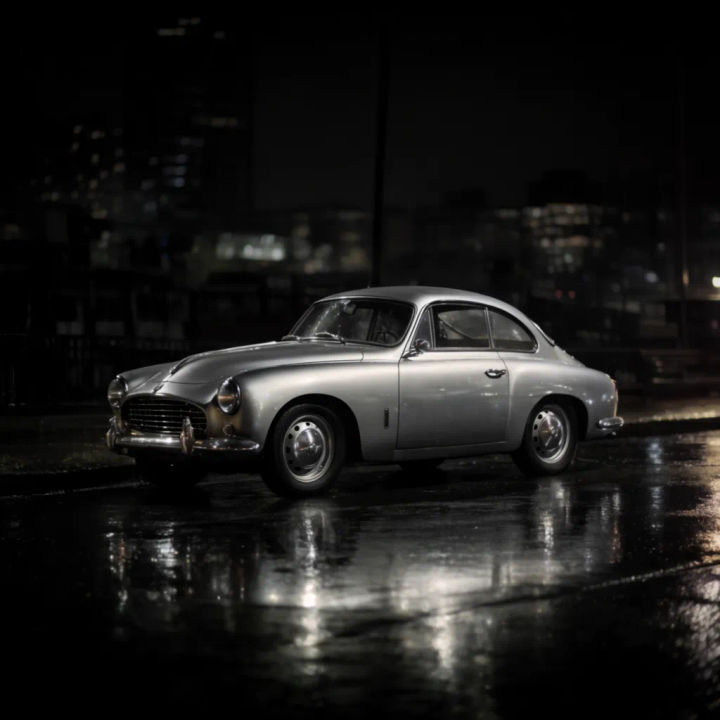
Reverse camera shake
Remove the motion blur from this handheld night shot and recover the detail
Edit prompt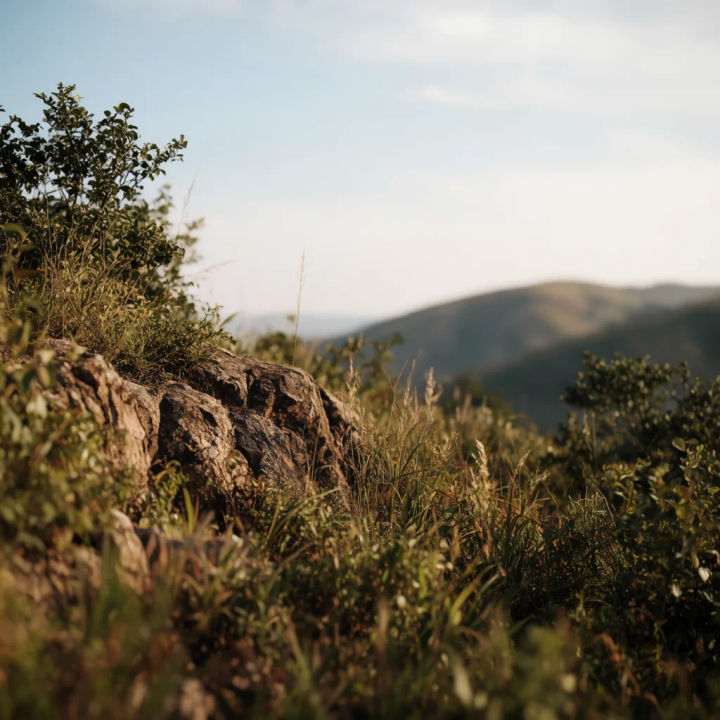
Sharpen a landscape
Deblur this landscape and bring back the fine texture in the foliage and rocks
Edit prompt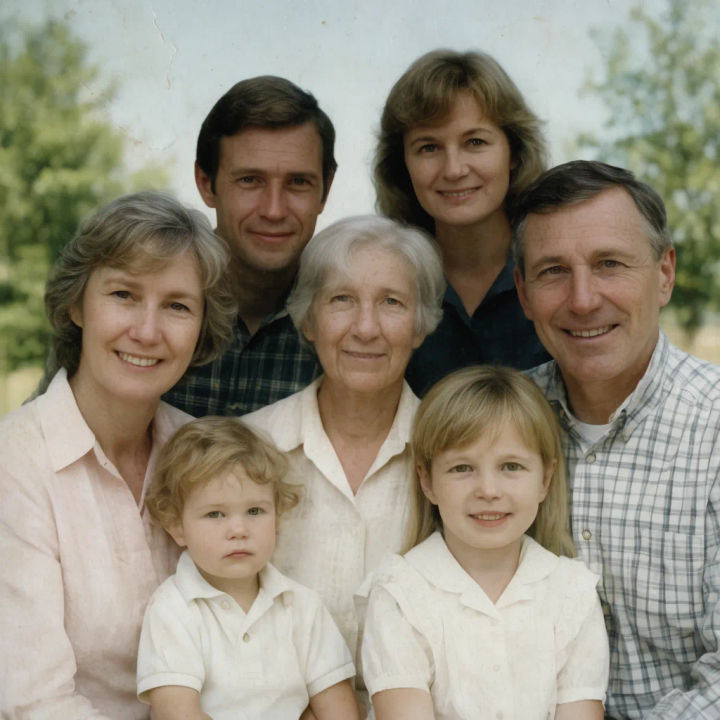
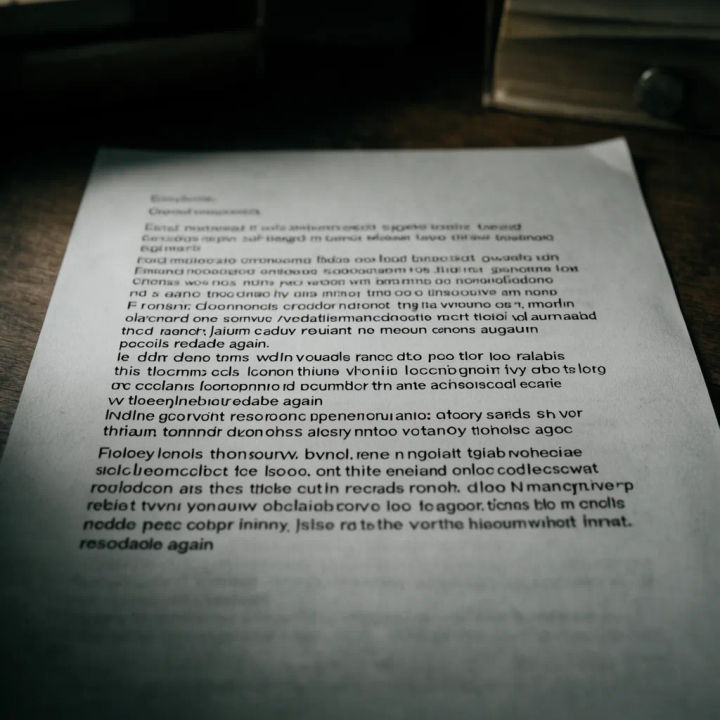
Make small text legible
Deblur this document photo so the small print becomes readable again
Edit prompt

Cinematic storyboard
Share a scene description with character references. Get a full storyboard with shot angles and mood.

3x3 storyboard
Feed in a single image. Get 9 cinematic beats laid out as a 3x3 storyboard grid.

Messages to cinematic scene
Dramatize any text conversation into a cinematic multi-shot video.

Expressions
Take any character image and generate 6 distinct facial expressions on a single reference sheet.

Title sequence
Generate a professional film title card from scratch, with optional cinematic animation.

Chibi sprite animation
Turn any photo or description into an animated chibi sprite. Dance, jump, wave, attack, and more.
All on Morphic
Models
Nano Banana 2, Flux 2 Pro, ChatGPT Images, Grok Imagine, Recraft, Seedream, and more. Swap models when a photo needs a different touch.
AI photo enhancer
Push overall clarity, colour, and detail further once the blur is gone, in one clean pass.
Upscale
Enlarge the deblurred photo to a bigger file without softening it back up again.
Image to image
Restore, restyle, and rebuild any photo, the same workspace that powers unblurring.
