Every image model
Widen the frame
Uncrop in three steps
- 01
Open Morphic
Sign up and start creating on a free-flowing, infinite visual canvas.
- 02
Upload and set the new edges
Drop in your photo and drag out the canvas on whichever sides need more room.
- 03
Generate and export
The model outpaints the new area to continue the scene. Rerun if needed, then export.
Use cases
Turn a portrait crop into a wide banner
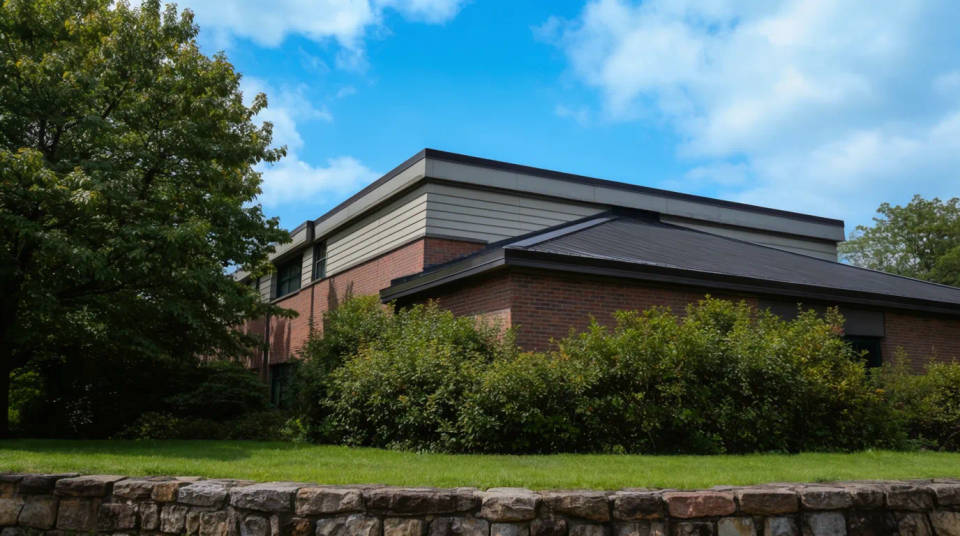
A photo shot tall rarely fits a wide header or hero slot. Extend it on both sides and the model continues the background, giving you a landscape frame from an upright shot. The subject stays put while the scene opens out around it.
Add headroom or foreground for text
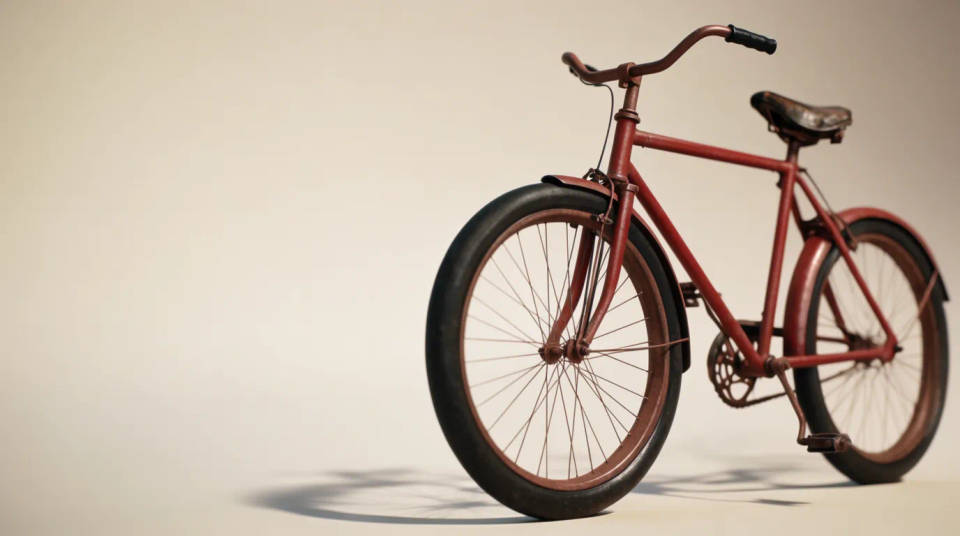
When a design needs a strip of clear space for a headline or logo, uncropping adds it without squashing the photo. Grow the top for a title or the bottom for a caption, and the model fills the new band to match. You get layout room that looks like it was always in the shot.
Fix a shot framed too tight
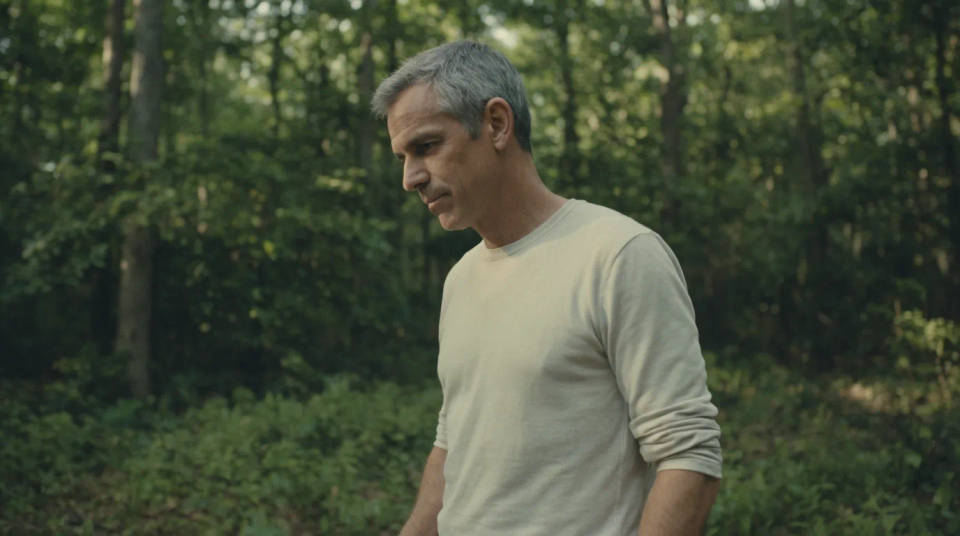
Sometimes the subject sits right on the edge and there was no room to step back. Extend the frame outward and the model rebuilds the surroundings that got cut off, giving the composition space to breathe. It rescues a good moment that was captured a little too close.
Adapt one image to many aspect ratios
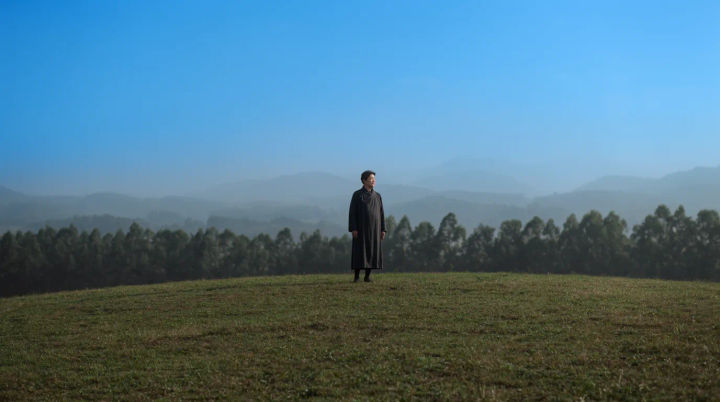
A single photo often has to run as a square post, a vertical story, and a wide thumbnail. Uncrop each side to reach the ratio you need instead of cropping detail away. From one source you get every format a channel asks for.

Prompt examples
Widen to landscape
Extend this portrait into a wide 16:9 frame and continue the background on both sides
Edit prompt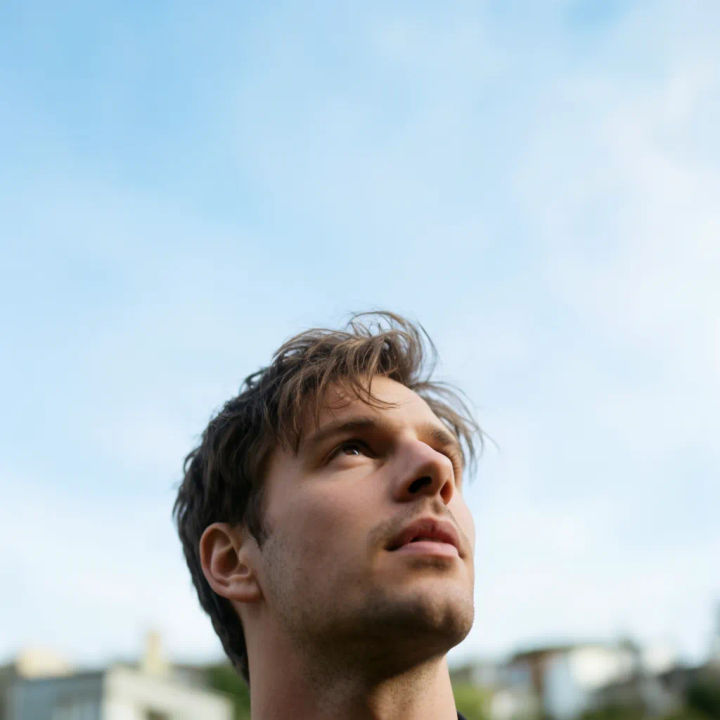
Add headroom
Add space above the subject and continue the sky and background upward for a title
Edit prompt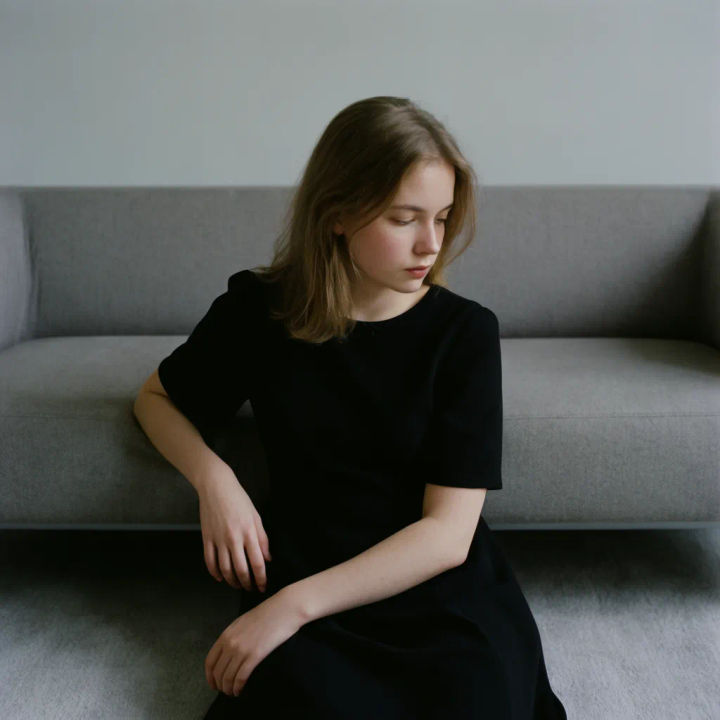
Extend the foreground
Grow the bottom of this photo and continue the floor and foreground toward the camera
Edit prompt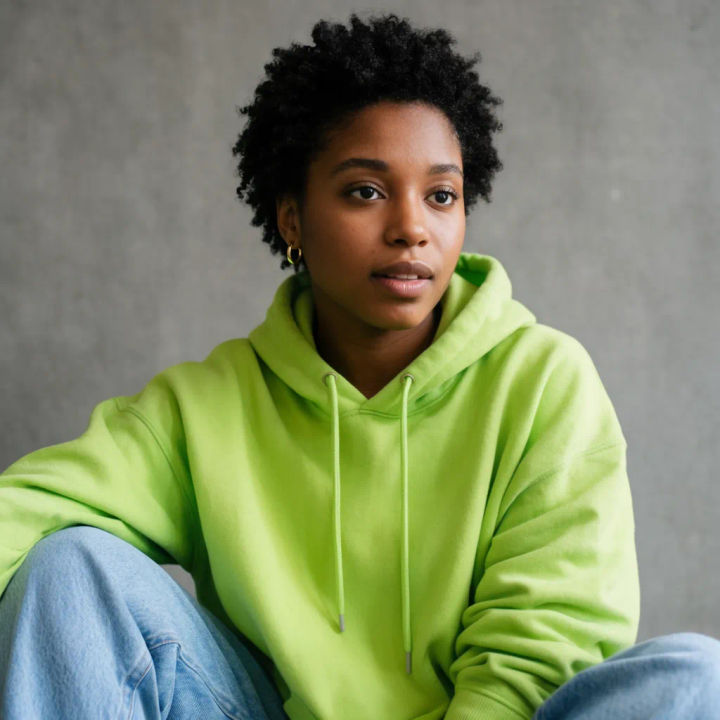
Open up a tight shot
Pull the frame back around this subject and rebuild the surroundings that were cropped out
Edit prompt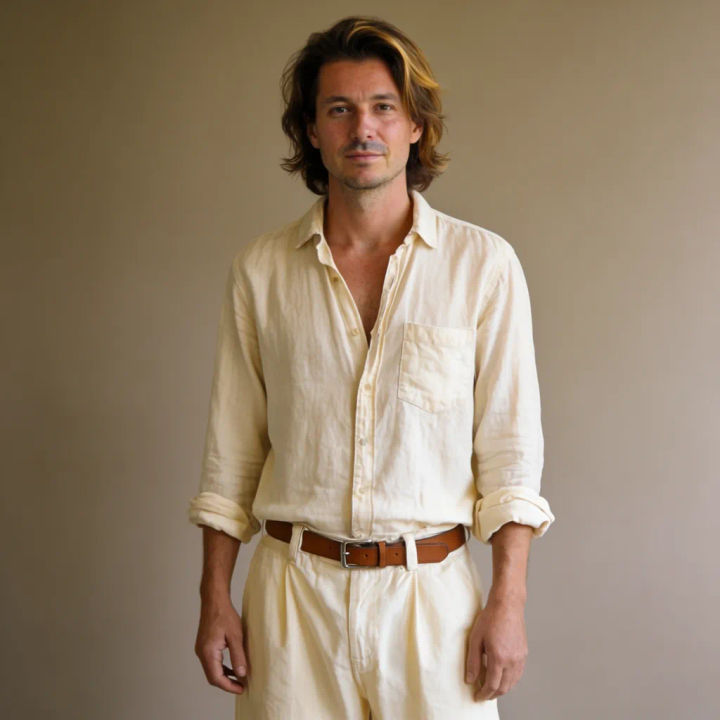
Continue a plain wall
Extend the plain wall behind the subject to the left and keep the lighting even
Edit prompt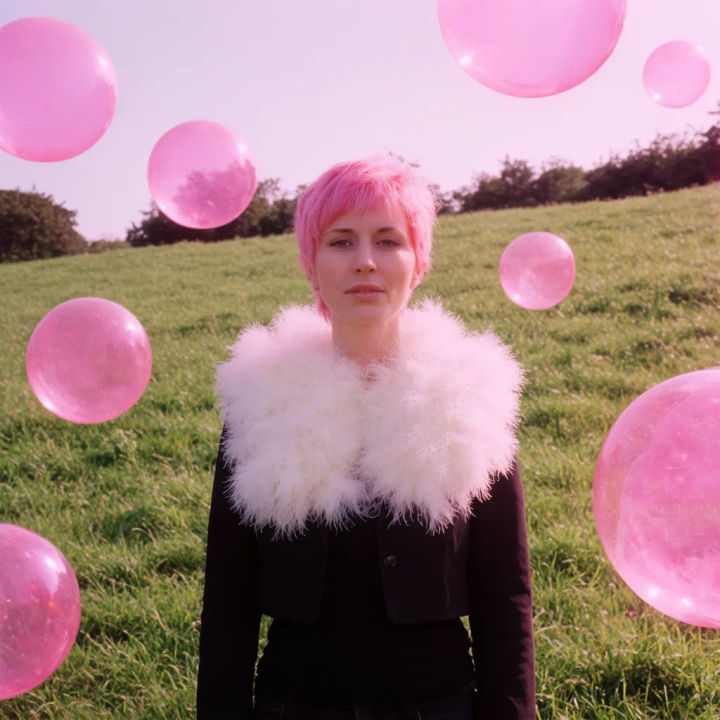
Make it square
Extend this wide photo top and bottom to make a square frame that matches the scene
Edit prompt
Cinematic storyboard
Share a scene description with character references. Get a full storyboard with shot angles and mood.

3x3 storyboard
Feed in a single image. Get 9 cinematic beats laid out as a 3x3 storyboard grid.

Messages to cinematic scene
Dramatize any text conversation into a cinematic multi-shot video.

Expressions
Take any character image and generate 6 distinct facial expressions on a single reference sheet.

Title sequence
Generate a professional film title card from scratch, with optional cinematic animation.

Chibi sprite animation
Turn any photo or description into an animated chibi sprite. Dance, jump, wave, attack, and more.
All on Morphic
Models
Nano Banana 2, Flux 2 Pro, ChatGPT Images, Grok Imagine, Recraft, Seedream, and more. Switch models when one extension blends more cleanly than another.
Outpainting
The same generate-beyond-the-frame method, when you want to keep building a scene outward step by step.
Generative fill
Paint new elements into a photo or into the space you just added around it.
Image to image
Rebuild or restyle any photo through the same engine that powers uncropping.
