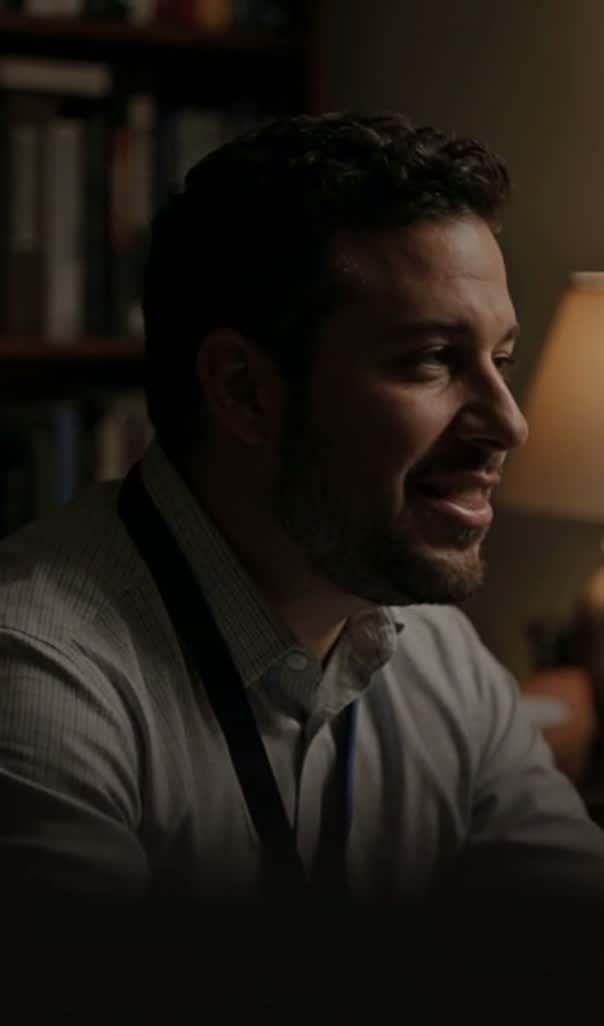
 Safe areaShorts interfaceHere is the part worth watching
Title, channel and actions sit across the bottom. Toggle the safe area and the captions to see what it costs.
A Shorts editor is mostly a way of getting a small video out of a large one. Bring the long recording in, find the section that survives on its own, cut it free and give it a vertical frame. It happens in your browser, on the same timeline the long version can stay on.
How to make a YouTube Short in three steps
- 01
Bring the long video in
Put the whole recording on the timeline, not a pre-cut section of it.
- 02
Cut the section free
Blade either side of the moment that makes sense without the rest around it.
- 03
Reframe and export
Switch the project to vertical, reposition, render MP4 up to 4K locally.
What the Shorts editor gives you
This is Compose V2, reaching workspaces one at a time.
One timeline, both lengths
The long cut and the Short are the same project, never two files in two tools. That is what makes a second Short from the same recording a five-minute job instead of a repeat of the first one.
Blade out the standalone bit
Frame-accurate cuts either side of a section lift it out without disturbing anything around it. Nothing is deleted from the source, so a section you cut and then reject is still there when you want a different one.
Reframe after you cut
Change the project to vertical and each clip keeps its own position and scale inside the new frame. A talking head shifts off centre to leave room for a caption; a wide shot scales until the subject fills the height.
Captions that stay editable
Transcribe the speech, place it as captions, then set the font, weight, colour and position. They remain timeline items, so correcting a word the transcriber misheard does not mean rendering again.
Clip it by asking
Copilot reads the timeline with your selection and the playhead as context, so make this section its own clip and bring it into the vertical frame is a complete instruction, applied as one action and one undo.
Export the marked span
Mark the Short and export only that, while the long timeline stays as it is. MP4 up to 4K, rendered on your machine with nothing queued.
A section lifted out of a longer video often opens badly, because its real opening is thirty seconds earlier. Generate a vertical establishing shot in the same project, from the whole model roster and against the reference sheets the channel already uses, and put it in front of the cut. Seedance 2.5 is one of the video models on that roster.
Make YouTube Shorts from a long video
The hard part is choosing, not cutting. A section works as a Short when it carries its own context, which rules out two things:
- An opening pronoun referring to something said five minutes earlier.
- An ending thought the long video finishes later.
You can ask before you cut. Copilot watches the clips in the chat and answers what is in them, so "where does she explain the pricing" replaces twenty minutes of scrubbing. It costs credits and reads several clips at a time.
Then watch the candidate from a cold start. If your first instinct is to explain something before it plays, the cut is in the wrong place or the section needs a line of text doing that job. Cutting several candidates and rejecting most is normal, and cheap, because the source stays intact on the timeline.
Video editor for YouTube, long form and short
Channels that publish both usually run two pipelines, and everything meant to stay consistent between them drifts: the grade, the titles, the music, the way a name is spelled.
One timeline holding the source removes most of that:
- A colour treatment set for the long version is what the Short inherits.
- A title style is reused instead of rebuilt.
- A correction to the long video can be re-cut into the Short instead of left carrying the error.
Practically, that argues for keeping the project and not only the exported file.
Captions, hooks and the first two seconds
Shorts are watched on a scroll, so the opening has a smaller job than people assume. It is not to explain the video, it is to stop the thumb: motion, a face mid-sentence, or a line of text posing the question the rest answers.
Captions carry one job specific to this format. A viewer arriving mid-scroll has no idea what they are watching, and a caption is often the only thing telling them inside the first second. Size it to be read at a glance, keep it clear of the interface across the bottom, and let it hold long enough to be finished. The subtitle generator handles the timing, so styling is the only decision left. A Short also going to Instagram needs a pass in the Instagram Reels editor, because the placement rules there are not the same.
Related video tools
Online video editor
The long-form side of the same timeline, without the vertical default.
Video trimmer
The blade work that lifts a section out of a long recording.
TikTok video editor
The same vertical cut for a feed where sound is on by default.
Resize video online
Turn a widescreen section into a vertical one, clip by clip.
AI subtitle generator
Timing from the audio so styling is all that is left to decide.
AI thumbnail generator
The still that has to earn the click on the long video it came from.
Add text to video
The line at the top that gives a cold viewer their bearings.
AI shorts generator
When the Short should be made from a prompt, not cut from footage.
