Every image model
Avatar looks you can create
Make an avatar in three steps
- 01
Open Morphic
Sign up and start creating on a free-flowing, infinite visual canvas.
- 02
Upload a selfie
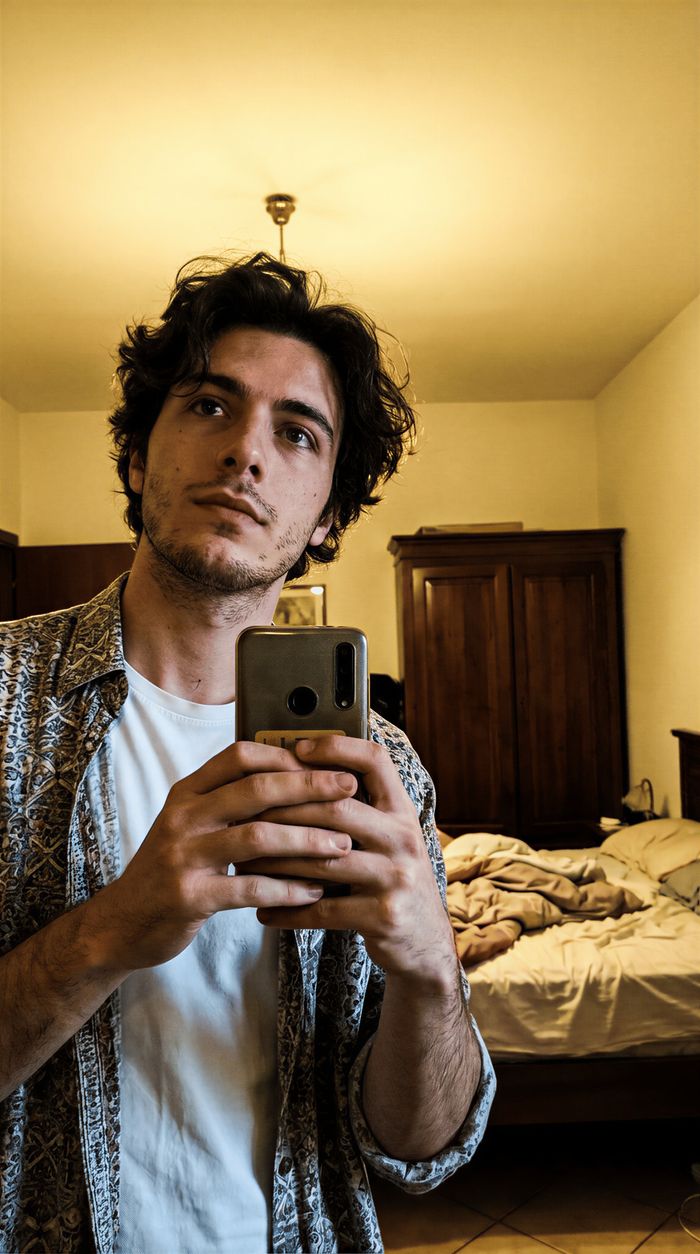
Drop in a clear photo of your face and describe the background, style, and mood you want.
- 03
Generate and export
Morphic reframes and balances the shot for the circle. Rerun until it reads clearly at small size, then export.
Use cases
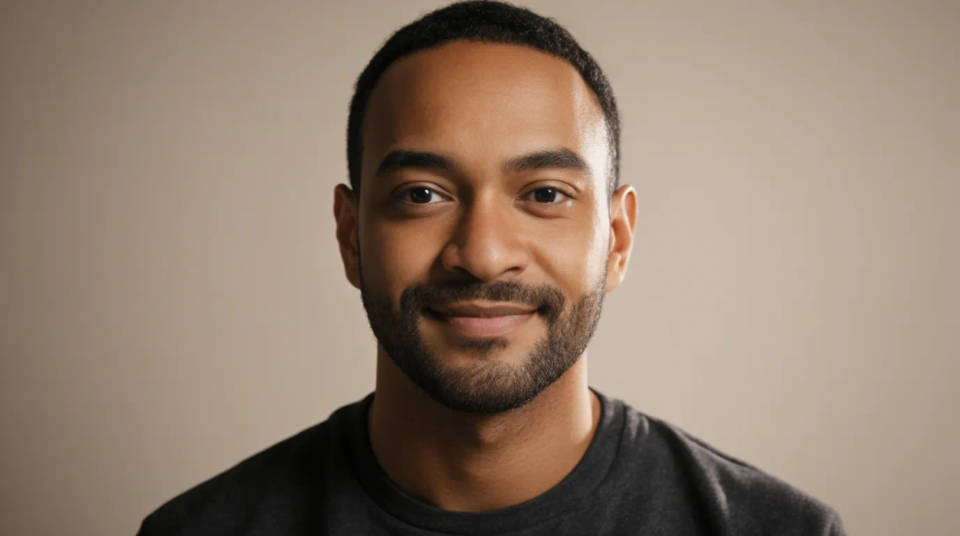
A clean channel avatar
Turn a selfie into a sharp, centered headshot that stays clear next to your videos and comments. The face sits large in the frame with room around it, so nothing important gets clipped by the circular crop. It is the fastest way to a profile picture that looks intentional rather than cropped from a group photo.
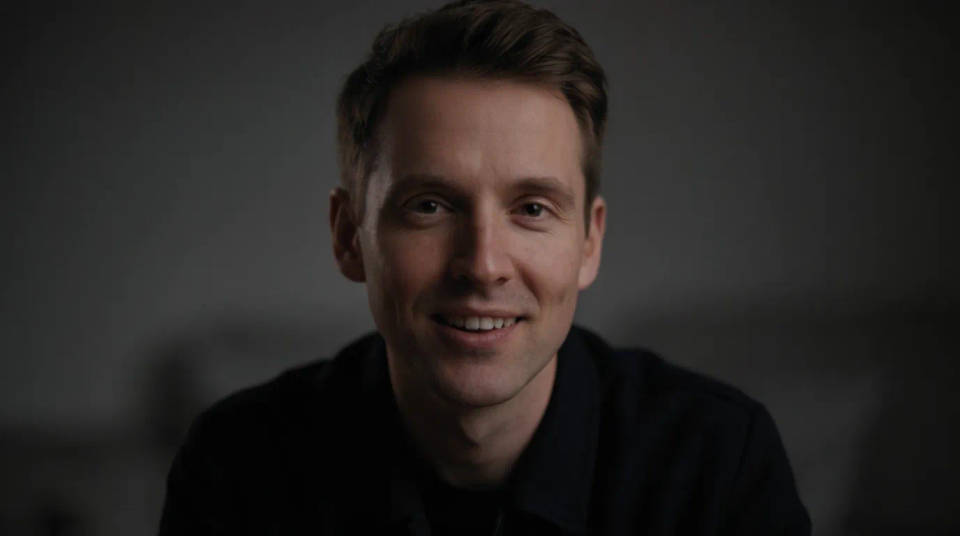
A consistent look across platforms
Use the same avatar on YouTube, and your other social profiles so people recognize you everywhere. Generate one strong centered image and reuse it, or spin variations on the same background for a matched set. A consistent avatar builds recall as your channel grows.
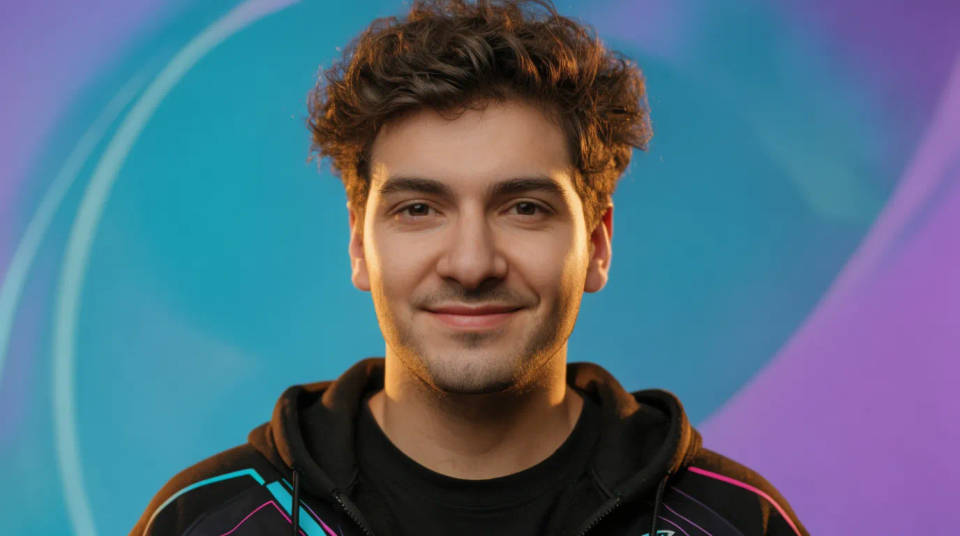
A styled creator or gaming look
Push the avatar past a plain headshot into a bold, stylized look that fits a gaming or creator channel. Add a vivid background, a graphic treatment, or an illustrated finish while keeping your face recognizable. It gives the channel a personality that reads even at icon size.
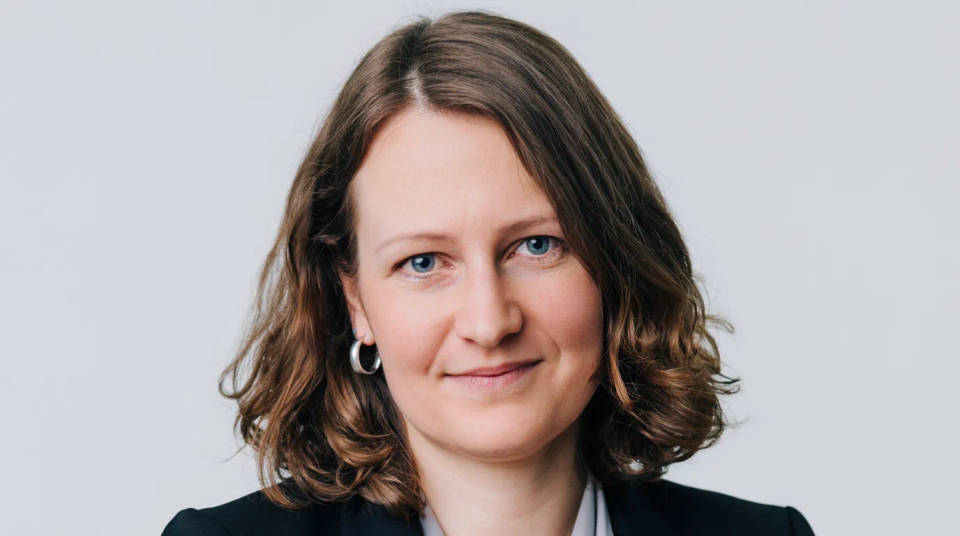
A professional headshot avatar
Clean up the light, tidy the background, and balance the framing for a polished, professional avatar. Good for a business channel, a personal brand, or a profile that needs to look credible. You get a considered headshot feel from a single casual photo.
Prompt examples
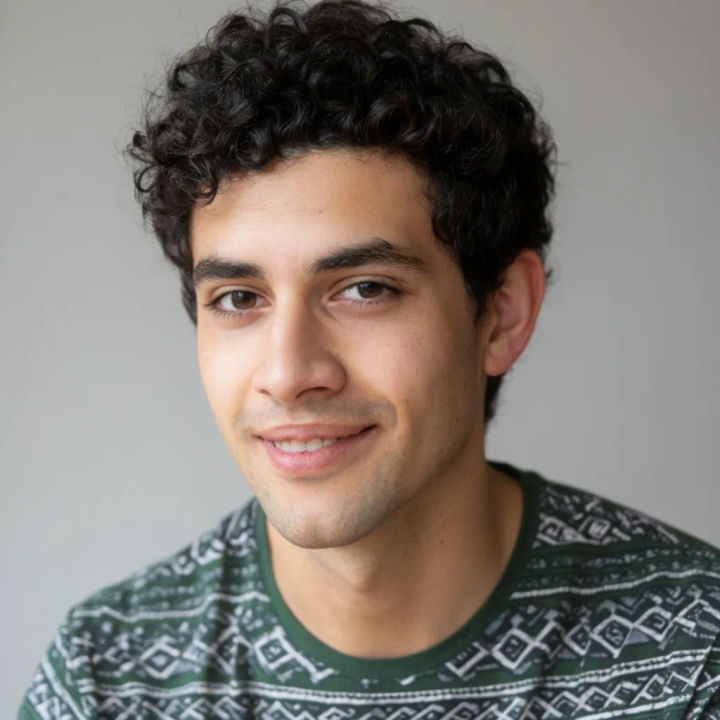
Clean headshot
Turn this selfie into a clean centered headshot on a soft grey background, even light, face large in the frame, room around it for a circle crop
Edit prompt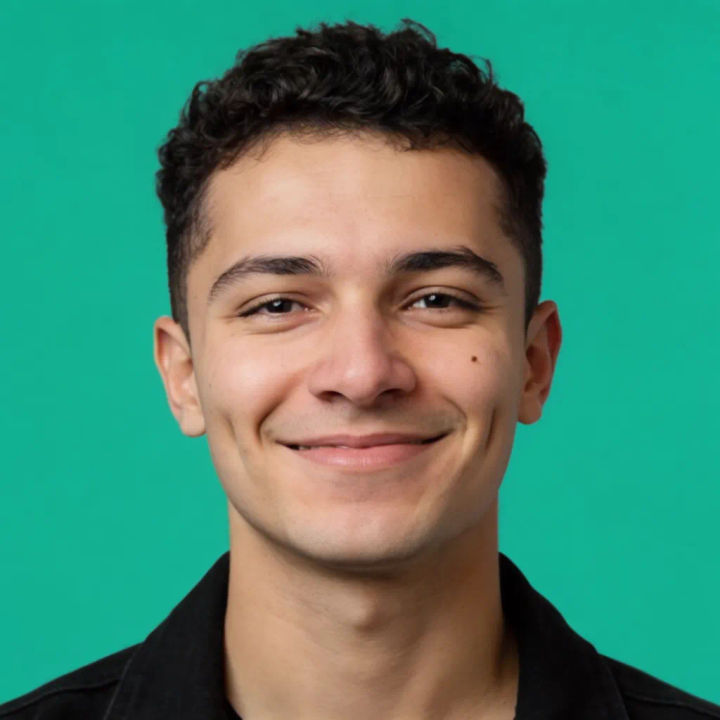
Bold color background
Make a channel avatar from this photo on a bold solid teal background, bright even light, centered face, high contrast
Edit prompt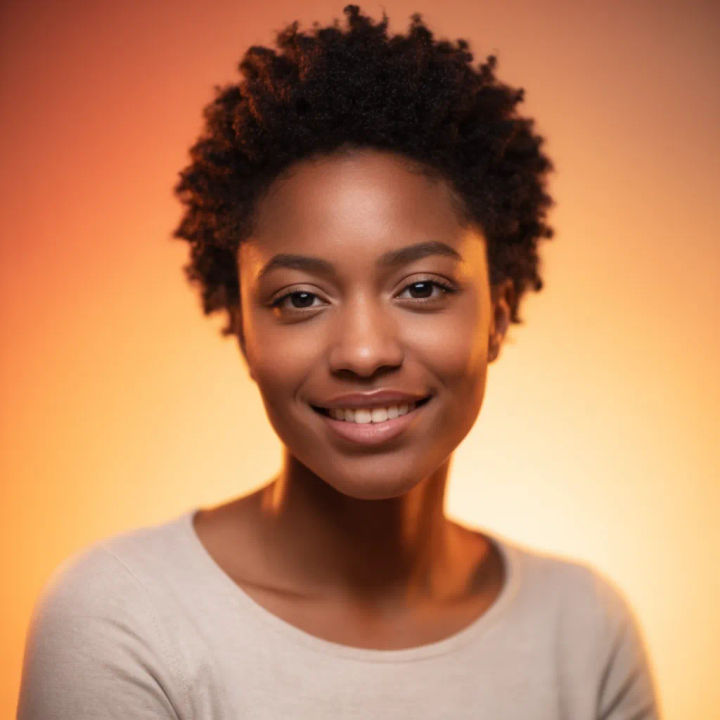
Soft studio look
Restyle this selfie into a soft studio portrait on a warm gradient, gentle key light, shallow depth of field, centered composition
Edit prompt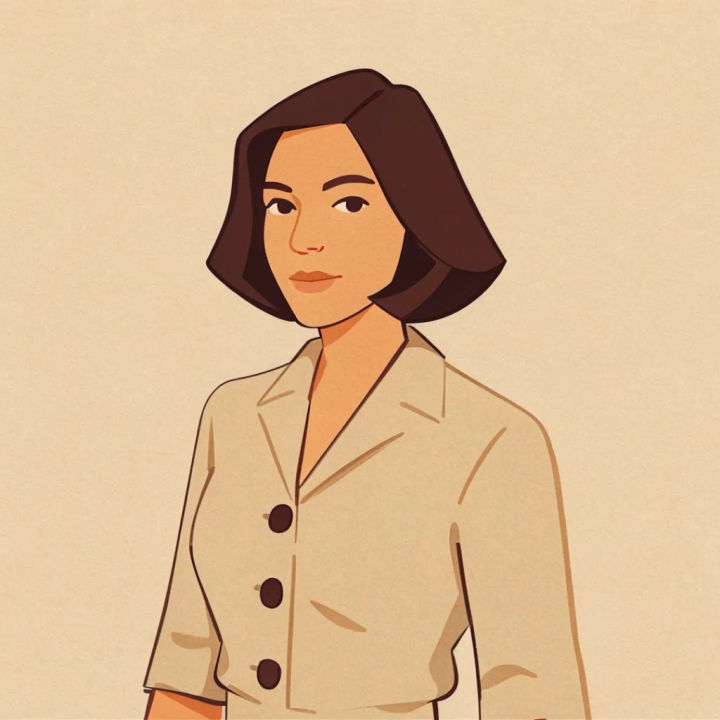
Illustrated avatar
Turn this photo into a clean flat-illustration avatar, bold outlines, simple background, keep the face recognizable, centered for a circle
Edit prompt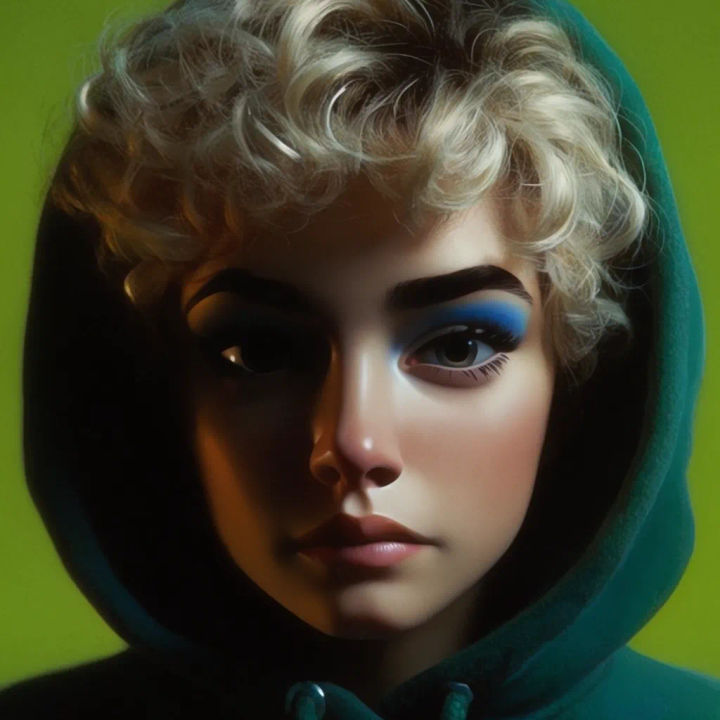
Gaming style
Make a bold gaming avatar from this photo, vivid neon background, dramatic rim light, stylized punchy look, centered face
Edit prompt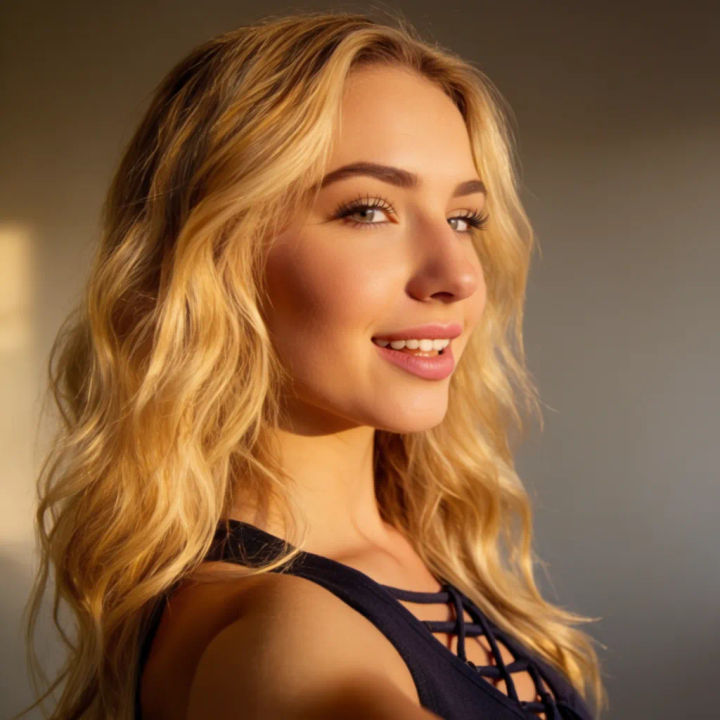
Professional headshot
Restyle this selfie into a polished professional headshot, clean neutral backdrop, soft flattering light, tidy framing, centered composition
Edit promptAI headshot studio
One selfie becomes a set of professional headshots. Studio-quality, multiple styles.

Female AI influencer
Generate a female AI influencer. Vertical output, ready for socials.

Character age progression
Upload a photo of a person or character and get a single grid image showing them at different life stages, from baby to elderly.
Thumbnail A/B factory
Scroll-stopping YouTube thumbnails with built-in A/B variations to test for maximum CTR.

Anime sticker pack
Turn any image into anime-style stickers in PNG. Ready for messaging apps or social media.

Image reverse engineer
Get a detailed prompt extracted from a reference image, and then a fresh recreation.
All on Morphic
Models
Nano Banana 2, Flux 2 Pro, ChatGPT Images, Grok Imagine, Recraft, Seedream, and more. Swap models when an avatar needs cleaner light or a different style.
AI image editor
Fine-tune the background, crop, and color of your avatar after generating it, so it lands exactly right in the circle.
AI photo enhancer
Sharpen and clean up your source selfie first, so the avatar starts from the crispest possible photo.
Image to image
Restyle and reframe any photo into an avatar by editing from the image you upload, the same method behind this maker.
