Rodin Gen-2.5
by Hyper3D
Hyper3D's photo to 3D model.
Props, products and figures as textured GLB files.
Rodin Gen-2.5 runs in Morphic for Blender and through Morphic MCP, on paid plans.
Key features
Technical specifications
1 to 5 images
JPEG, PNG or WebP of one object, plus an optional prompt
GLB
One textured model per generation, with PBR materials
Blender, MCP
Morphic for Blender's 3D tab and Morphic MCP
A few minutes
Per model, running in the background while you work
Use cases
Product models
Turn product photos of a bottle, shoe or chair into a 3D model for spins and 3D product views.
Props for a scene
Model a lamp, a vase or a crate from a picture and drop it into a Blender scene as set dressing.
Game and previs assets
Block out a level or a previs shot with real-looking props instead of grey boxes.
Concept art to 3D
Generate a concept image on Morphic first, then turn it into a model to check it from every side.
Figures and characters
Turn a character sheet or a photo of a sculpt into a 3D figure you can review from any angle.
Reference for video shots
Place the model in Blender, frame the camera, and use that view as the first frame of a generated shot.
Overview
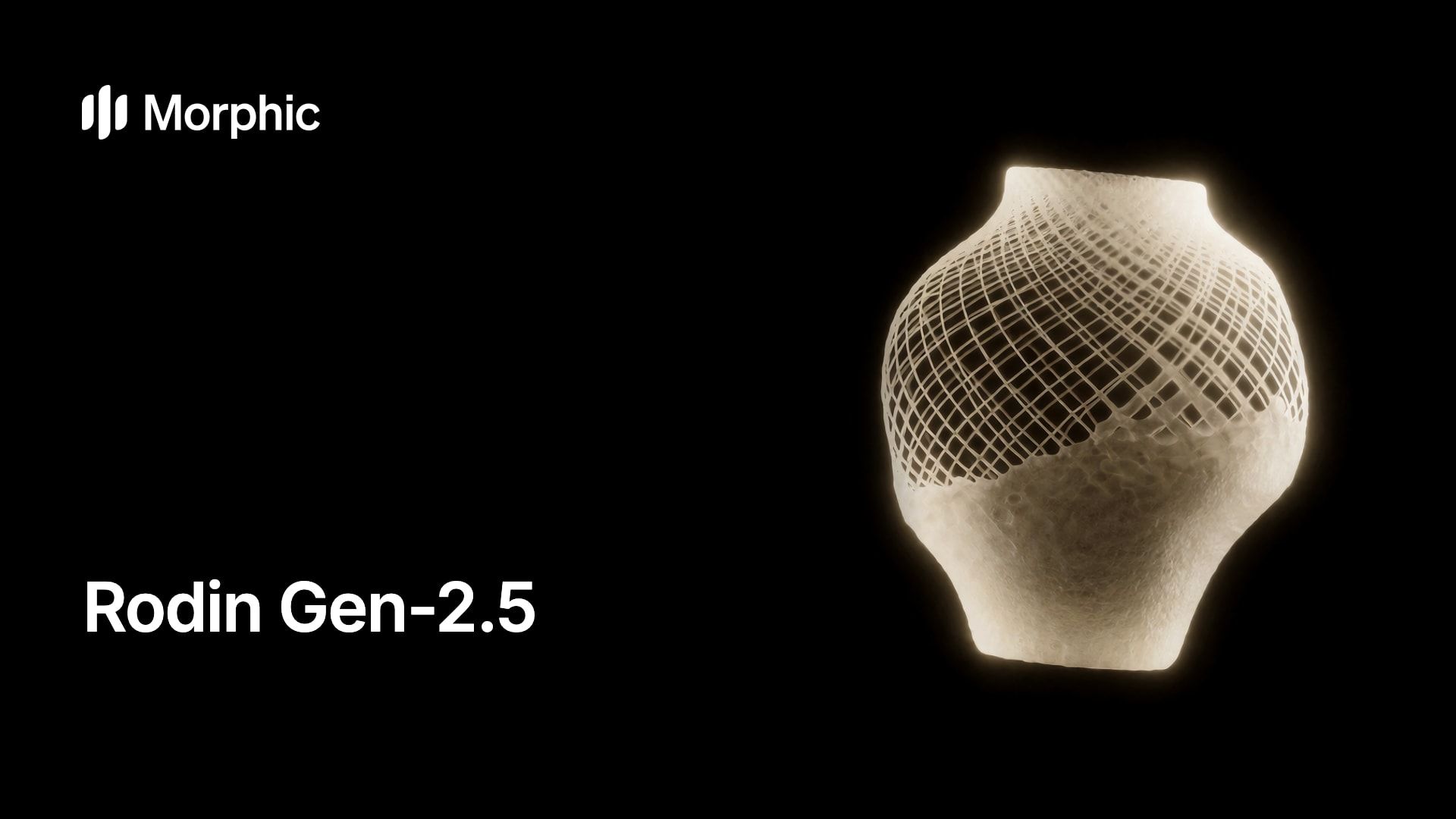
Rodin Gen-2.5 is the image to 3D model from Hyper3D, the 3D product line of Deemos, released in May 2026. On Morphic it takes one to five pictures of an object and returns a textured 3D model as a GLB file, with PBR materials so the surface reacts to light the way the real thing would.
What Rodin Gen-2.5 does on Morphic
Building a prop or product model by hand can take a modeller hours. Rodin Gen-2.5 makes a first version from pictures: a product photo, a concept image you generated, or a capture of your Blender viewport. Pictures of one object from several sides give the truest shape. If you only have an idea, generate an image of it first, then turn that image into 3D.
Rodin Gen-2.5 in Blender and through MCP
Rodin Gen-2.5 runs in two places on Morphic's paid plans. In Morphic for Blender, the 3D tab sends the selected image or a viewport capture and imports the finished model, materials included, at the 3D cursor. Through Morphic MCP, an AI assistant can model an object from images in your Morphic library and save the GLB to your project. To plan a shot around your models before generating video, see Morphic's 3D Scene and the 3D glossary.
Simple pricing
Get started for free today, with the option to upgrade or cancel anytime.
Basic
2400 monthly credits
1 user only
All models
Workflows
Standard
3625 monthly credits
1 user only
All models
Workflows
Pro
6350 shared monthly credits
1 user
All models
Workflows
Max
24650 shared monthly credits
1 user
All models
Workflows
Enterprise
For higher limits
Custom
pricing and billing terms

Free
For playing around
$0
forever free
FAQs
Seedream 5.5
ByteDance
ByteDance's Seedream image model, released November 2026. Clean multi-round edits, lifelike realism, and sharper text.
Gemini Omni Flash 1.2
Google DeepMind
Google's video model, now fifteen seconds long. Edit the whole take for 30% less a second.
ChatGPT Images 2.6
OpenAI
OpenAI's image model, released November 2026. Animated GIFs, SVG export, faster drafts.
SAM 3.1
Meta
Meta's Segment Anything model. Track any subject as a mask that follows it.