Every image model
3D characters you can design
Design a 3D character in three steps
- 01
Open Morphic
Sign up and start creating on a free-flowing, infinite visual canvas.
- 02
Describe and approve one still
Nail the design, style, and lighting in a single strong render you are happy with.
- 03
Reference it into new poses
Feed that still back as a reference to build a pose sheet that stays on model.
Use cases
Game character concepts
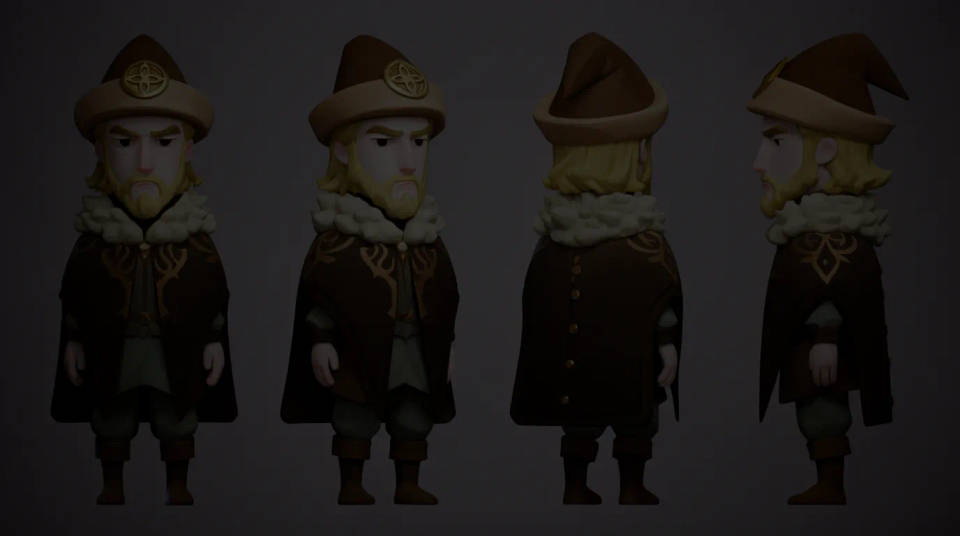
Explore hero, enemy, and NPC designs in a rendered 3D look before a modeler touches the software. Lock one design, then reference it into a turnaround and a few action poses so the team shares a clear target. It is concept and reference art, so a modeler builds the real asset from it.
3D-style brand mascots
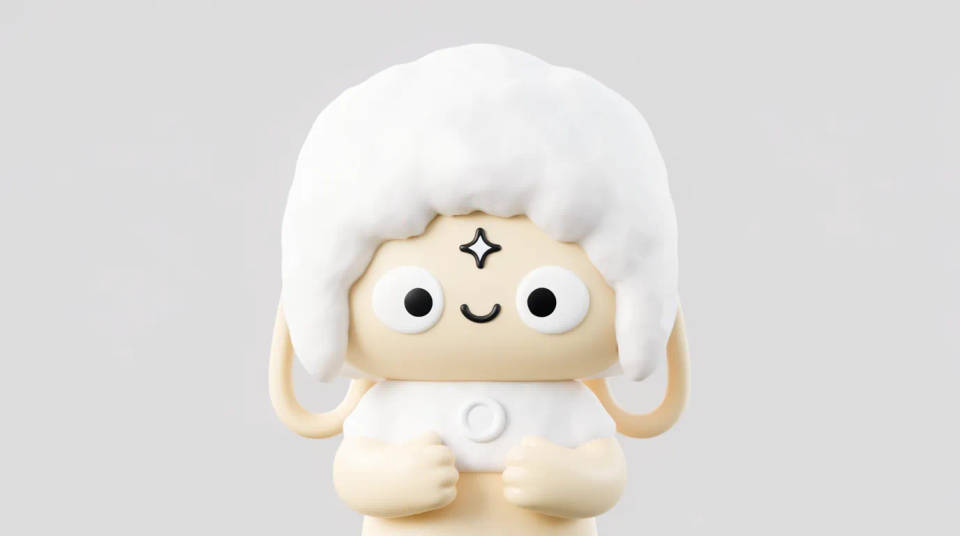
Give a brand a friendly, dimensional mascot that looks like a polished render. Approve one still, then generate the same mascot waving, pointing, and celebrating for use across a site, an app, and social. Referencing the original keeps the face and proportions steady across every pose.
Pose and expression sheets
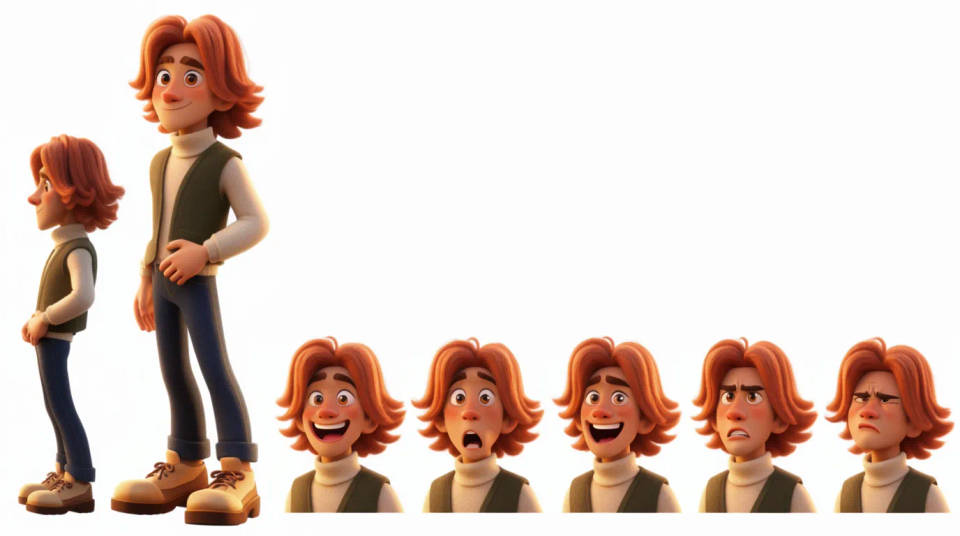
Turn a single approved design into a working sheet: front, side, and three-quarter views, plus a row of expressions. Because each render points back to the same reference, the character stays recognizable, which is exactly what an animator or illustrator needs to work from.
Collectible and toy design
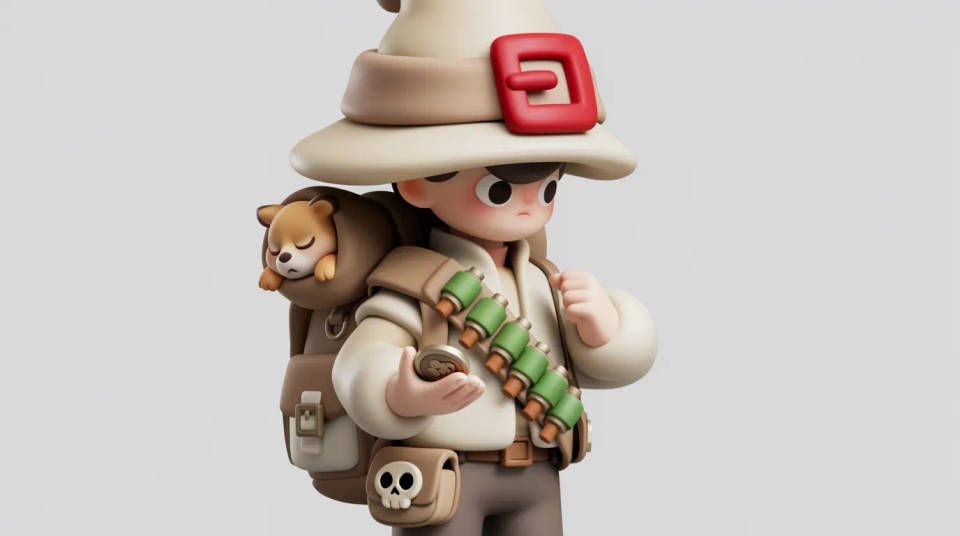
Prototype a toy-style or chibi figure and see how it reads in the round before you sculpt or print anything. Try proportions, finishes, and color runs quickly, then reference the winner into a small lineup so a whole collectible series feels like it belongs together.
Prompt examples
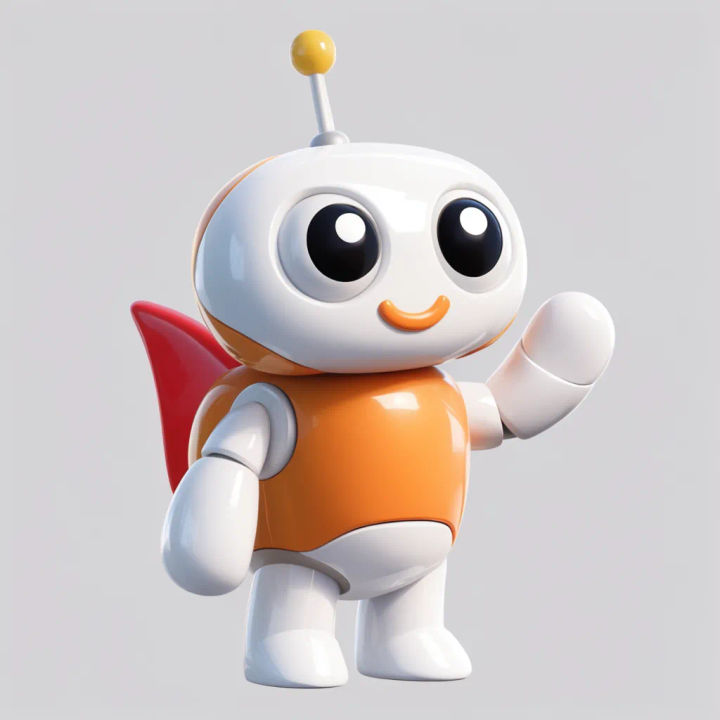
Robot mascot
Stylized 3D robot mascot, rounded friendly shapes, glossy white and orange plastic, soft studio light, front three-quarter view, plain background
Edit prompt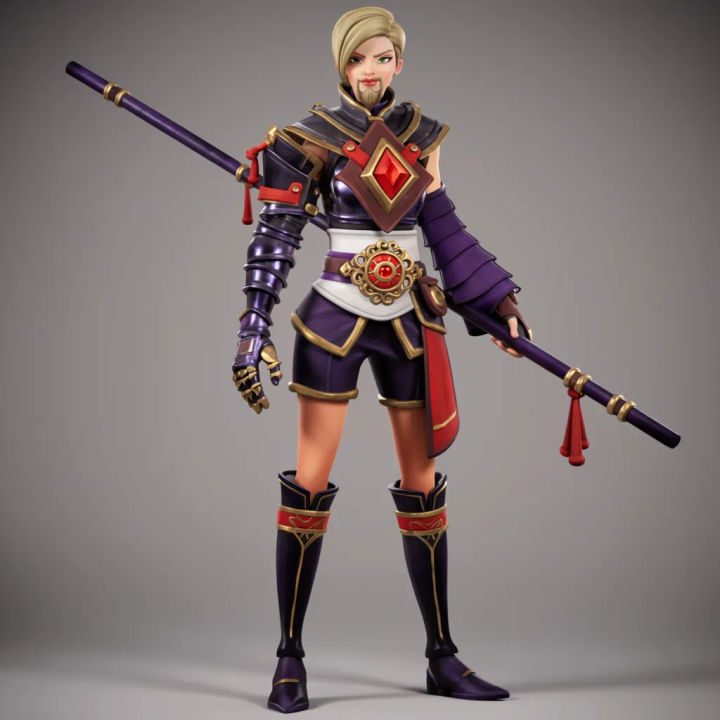
Fantasy hero
3D rendered fantasy warrior, ornate armor, stylized proportions, dramatic rim light, full body, neutral grey backdrop
Edit prompt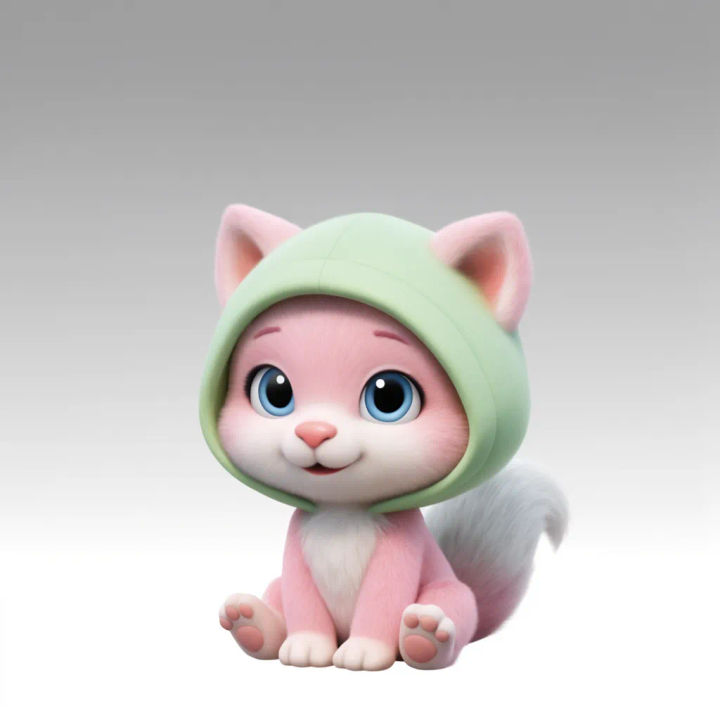
Cute creature
Adorable 3D creature with big eyes and soft fur, pastel palette, Pixar-style shading, sitting pose, clean studio background
Edit prompt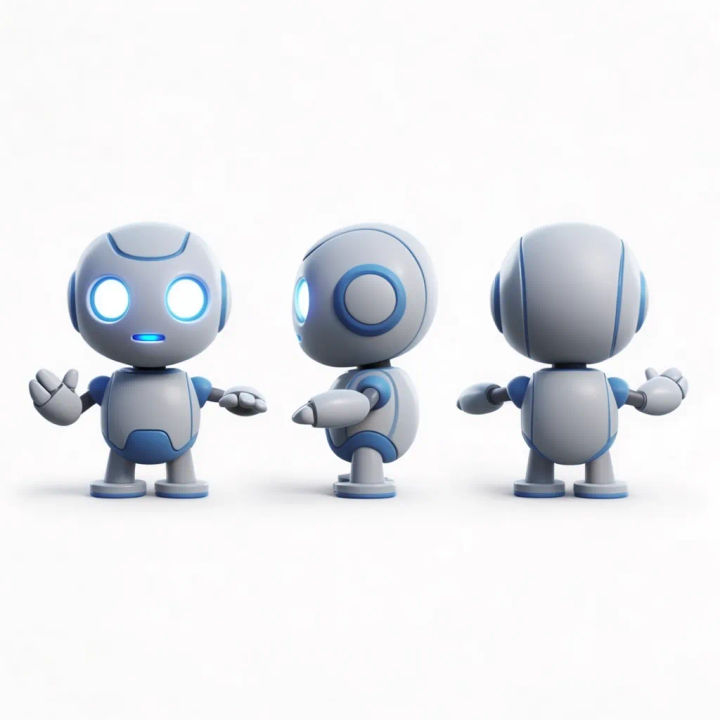
Turnaround view
Character turnaround of the same robot mascot, front, side, and back views in a row, consistent design, even lighting
Edit prompt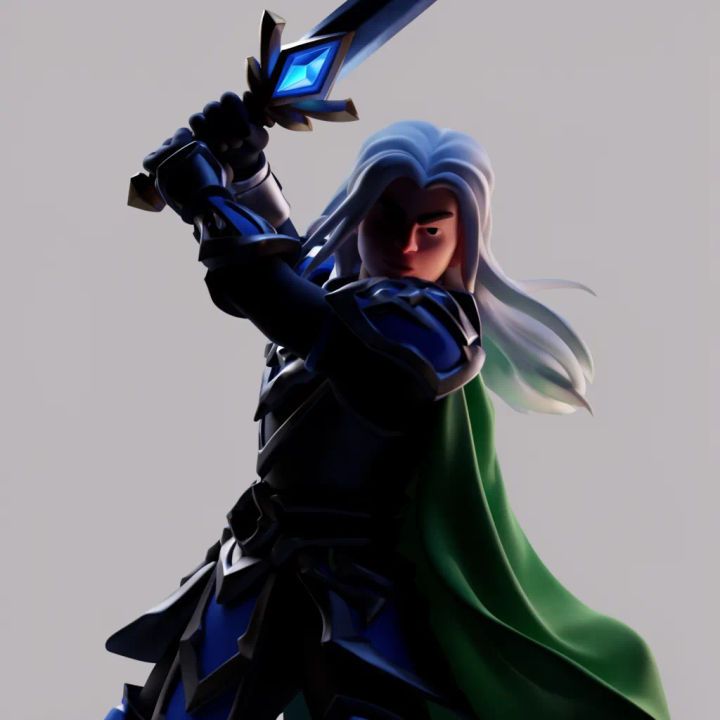
Action pose
The same fantasy warrior in a dynamic action pose, sword raised, dramatic lighting, keep the armor and face consistent
Edit prompt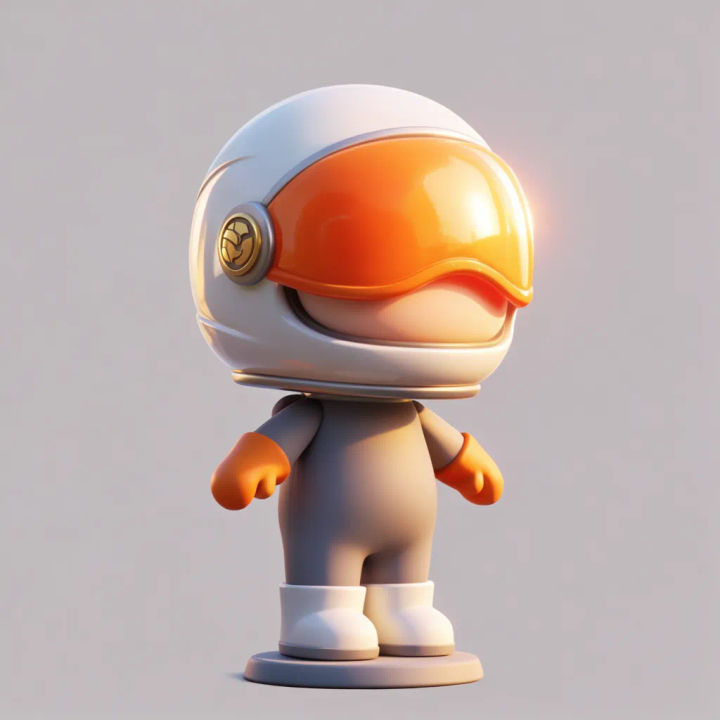
Chibi figure
Chibi 3D figure of a sci-fi explorer, oversized head, tiny body, glossy toy finish, standing on a small round base
Edit prompt
Cinematic storyboard
Share a scene description with character references. Get a full storyboard with shot angles and mood.

Chibi sprite animation
Turn any photo or description into an animated chibi sprite. Dance, jump, wave, attack, and more.

Expressions
Take any character image and generate 6 distinct facial expressions on a single reference sheet.

Anime sticker pack
Turn any image into anime-style stickers in PNG. Ready for messaging apps or social media.

Female AI influencer
Generate a female AI influencer. Vertical output, ready for socials.
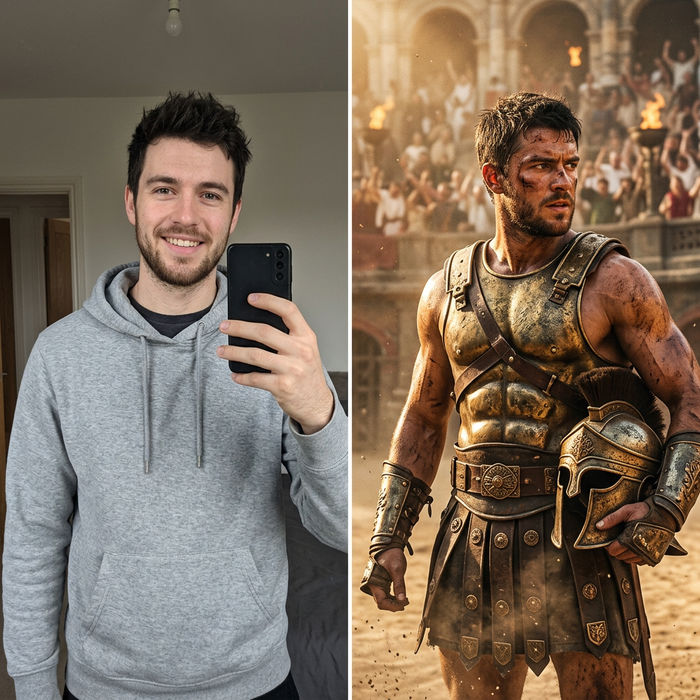
Character look book
Character photo plus costume descriptions. Multiple styled looks across angles and lighting.
All on Morphic
Models
Nano Banana 2, Flux 2 Pro, ChatGPT Images, Grok Imagine, Recraft, Seedream, and more. Swap models when one holds the character design more faithfully.
Character generator
Design characters in any style, from flat illustration to anime to painterly, when you do not need the 3D-rendered look.
Icon generator
Turn your character into a set of matching icons and avatars for a site, app, or profile.
Text to image
Describe any character, pose, or scene and render it from a prompt, the same tool behind your 3D designs and pose sheets.
