Every image model
One workspaceLight you can move
Relight a photo in three steps
- 01
Open Morphic
Sign up and start creating on a free-flowing, infinite visual canvas.
- 02
Upload and describe the light
Drop in your photo and say where the light comes from, how warm it is, and the mood.
- 03
Generate and export
The direction, warmth, and shadows re-render on the same subject. Rerun until it sits right, then export.
Use cases
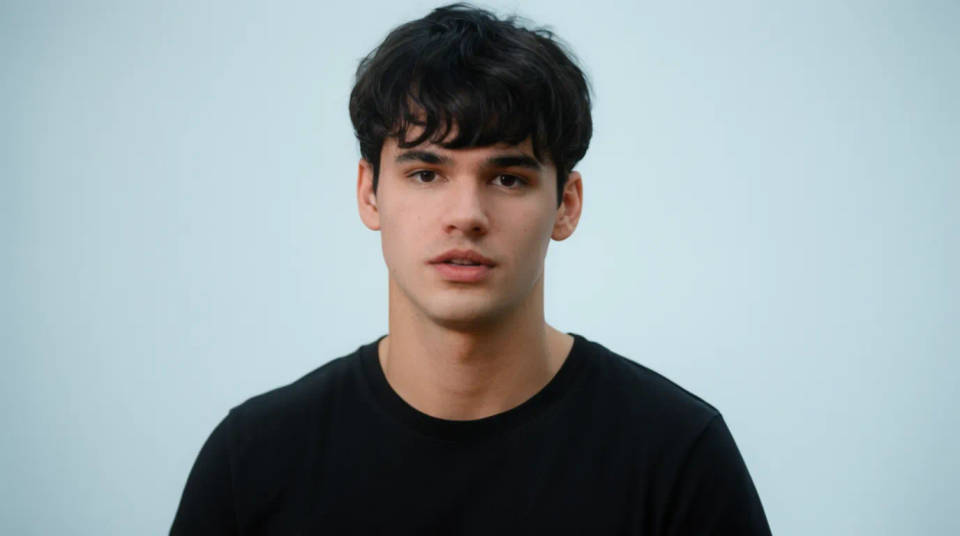
Fix flat midday portraits
A snapshot shot under harsh noon sun reads flat and unflattering. Relight it with a soft key from the side and a gentle fill, and the face gains shape and depth. You keep the person exactly as photographed and only change how the light falls on them.
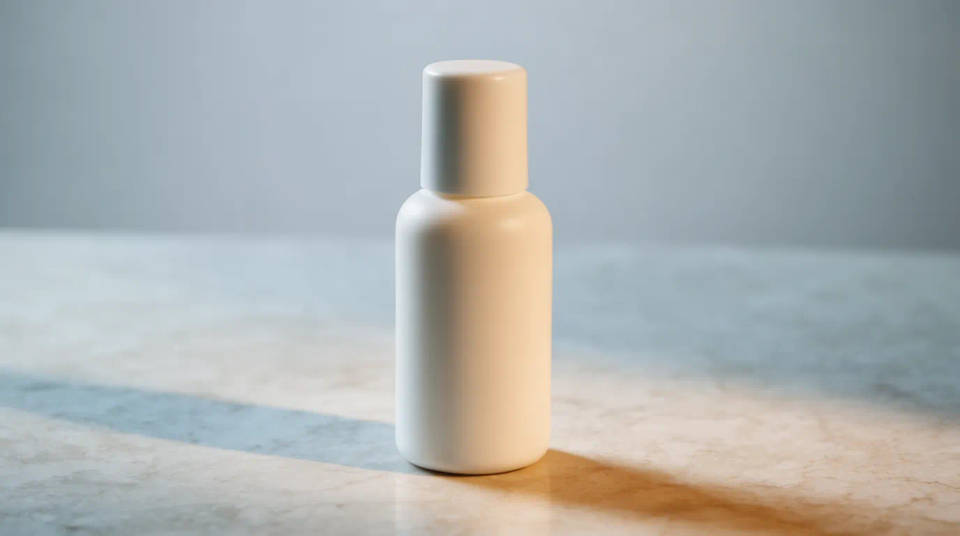
Match product shots to one look
When a set of product photos were lit differently, the listing looks inconsistent. Relight each one to the same warm key and soft shadow so the whole grid reads as one shoot. No reshoot, no lightbox, just a consistent lighting brief applied across the set.
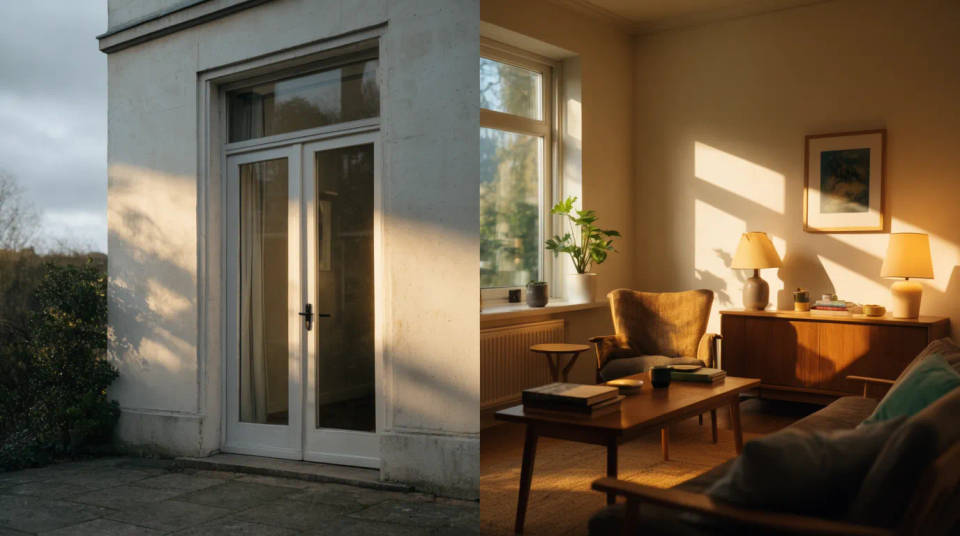
Change the time of day
Turn a flat overcast exterior into a warm golden-hour frame, or a bright daytime room into a cosy evening one. The building or the space stays the same, while the light warms up and the shadows lengthen to suggest a different hour.
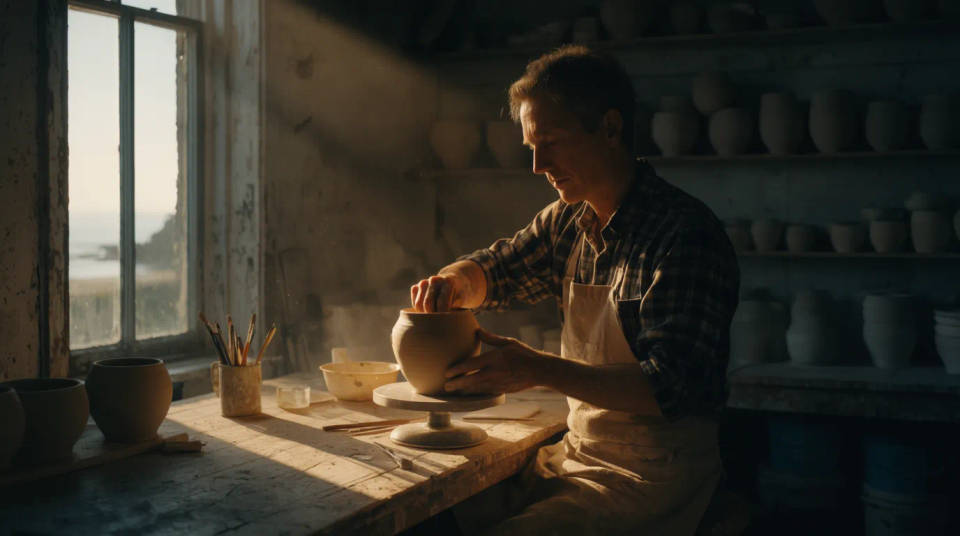
Add drama to a scene
Push a plainly lit frame into a moody low-key look with a single hard light and deep shadow, or add a rim light behind the subject to lift them off the background. It is a fast way to give an ordinary photo a cinematic edge without staging a new shoot.
Prompt examples
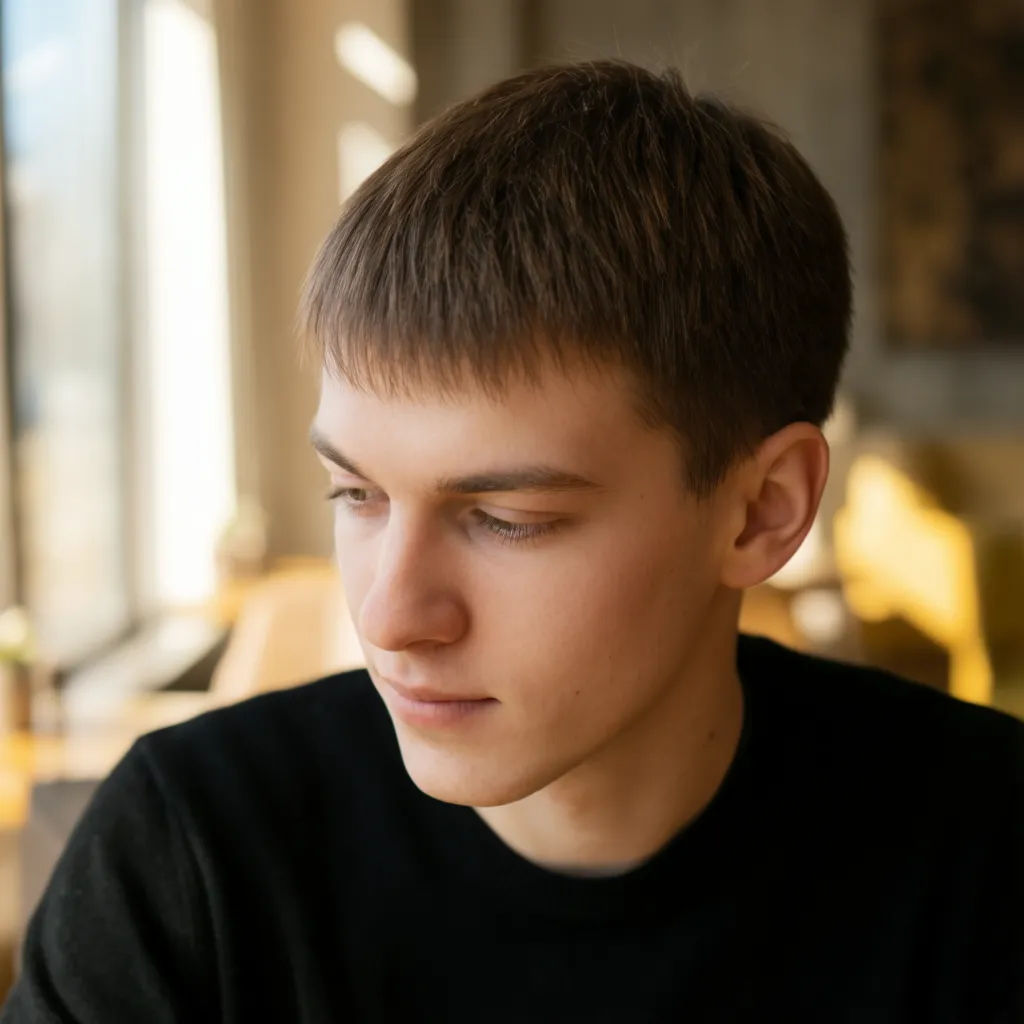
Warm window from the left
Relight this indoor portrait with warm afternoon window light coming from the left, soft shadow falling to the right of the face
Edit prompt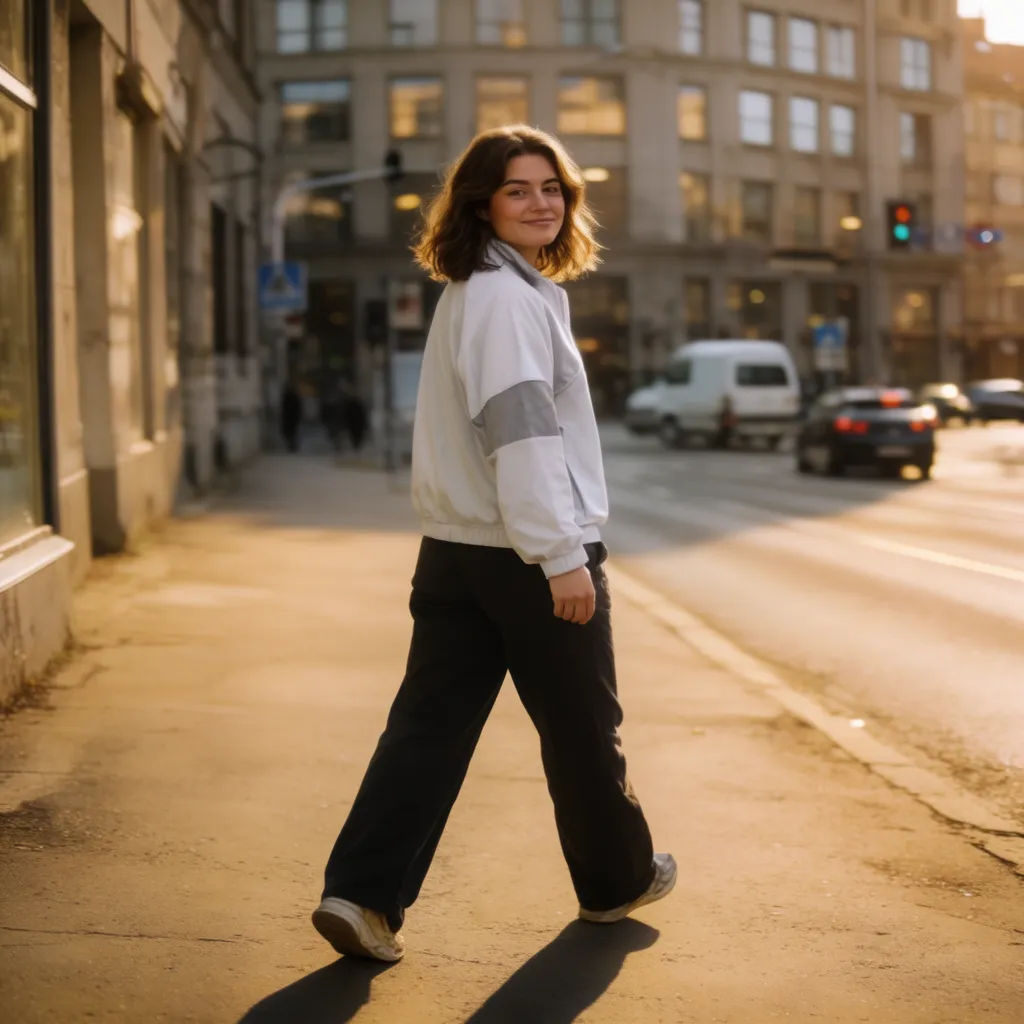
Golden hour outdoors
Relight this street photo as golden hour, low warm sun raking from behind the subject, long soft shadows on the pavement
Edit prompt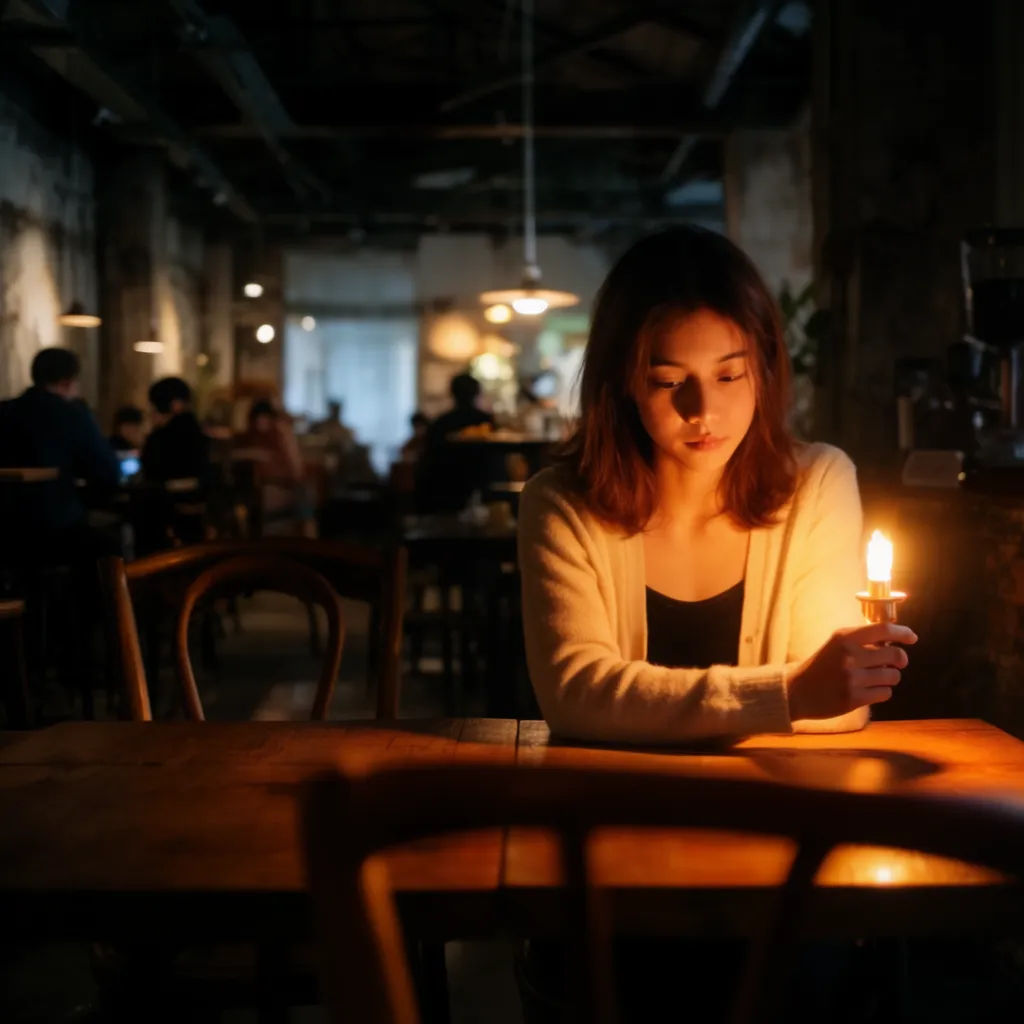
Cool blue evening
Relight this cafe interior as a cool blue evening, dim ambient light with a small warm lamp glow in the corner
Edit prompt
Soft studio key
Relight this product bottle with a soft key light from above and a gentle fill, clean gradient shadow beneath it
Edit prompt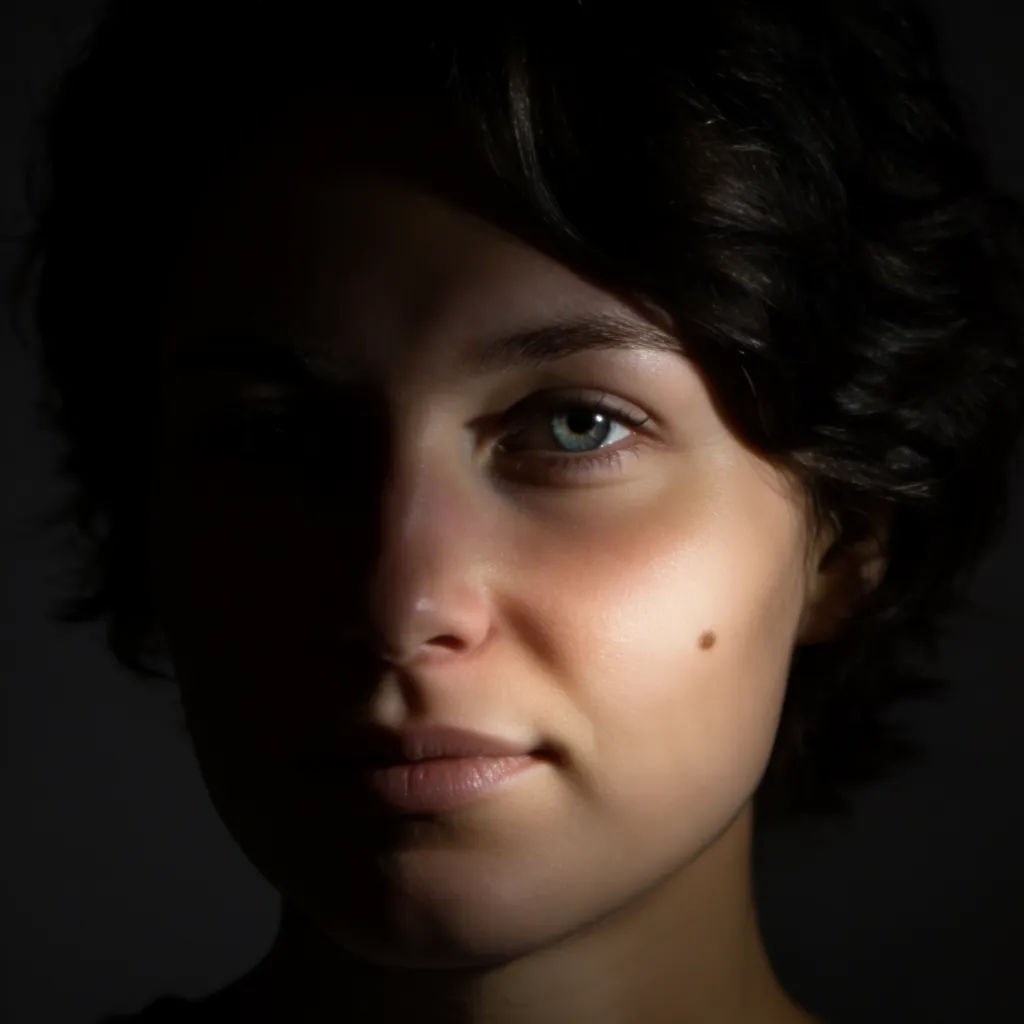
Dramatic low key
Relight this headshot as moody low key, single hard light from the right, deep black shadow on the far side of the face
Edit prompt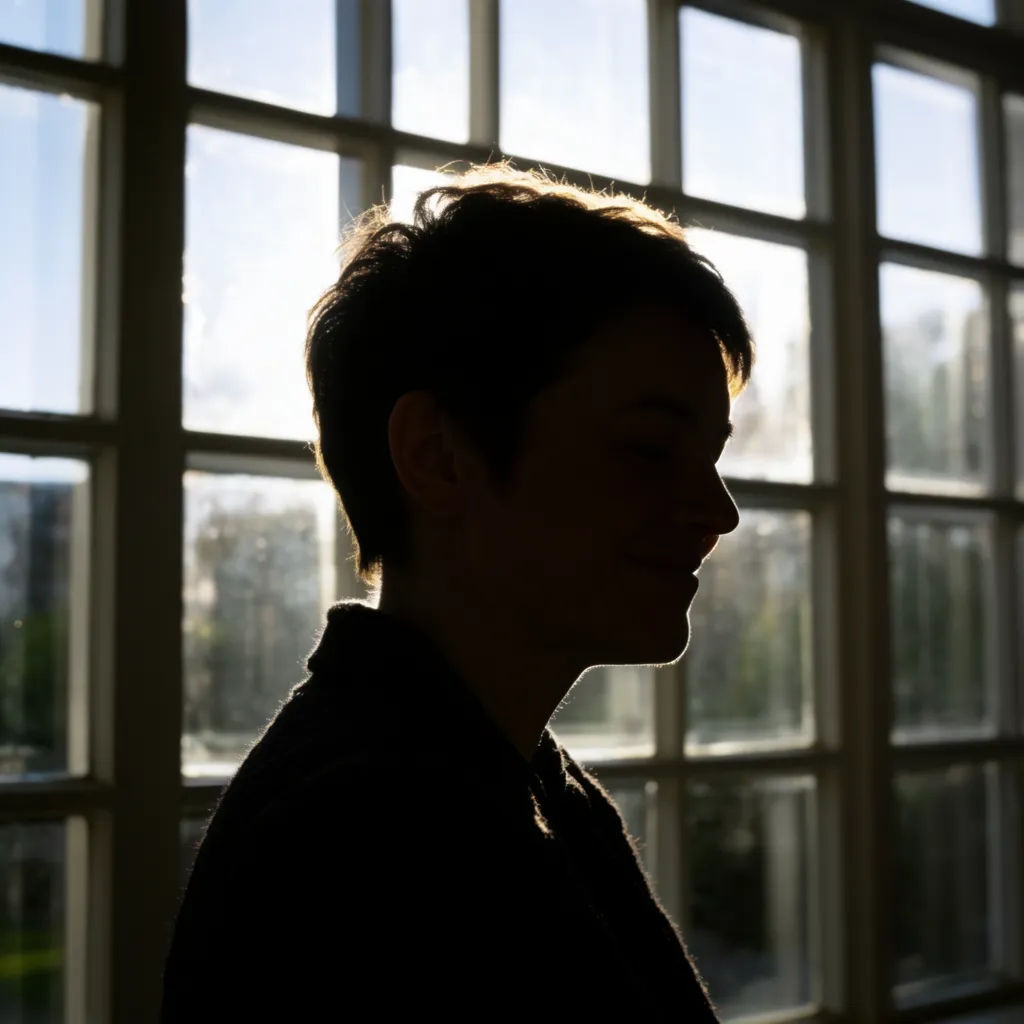
Backlit rim
Relight this figure against the window with a bright rim light behind them, subject slightly darker in front, glowing outline
Edit prompt
Cinematic storyboard
Share a scene description with character references. Get a full storyboard with shot angles and mood.

3x3 storyboard
Feed in a single image. Get 9 cinematic beats laid out as a 3x3 storyboard grid.

Messages to cinematic scene
Dramatize any text conversation into a cinematic multi-shot video.

Expressions
Take any character image and generate 6 distinct facial expressions on a single reference sheet.

Title sequence
Generate a professional film title card from scratch, with optional cinematic animation.

Chibi sprite animation
Turn any photo or description into an animated chibi sprite. Dance, jump, wave, attack, and more.
All on Morphic
Your complete lighting and photo stackModels
Nano Banana 2, Flux 2 Pro, ChatGPT Images, Grok Imagine, Recraft, Seedream, and more. Swap models when a relight needs a cleaner falloff.
AI photo enhancer
Sharpen, denoise, and lift detail after relighting, so the shot is both well lit and clean.
Edit any photo with AI
Change anything else in the frame by describing it, from wardrobe to background, on the same photo.
Image to image
Upload a photo and restyle or rebuild it, the same method that powers a natural relight.
