Every image model
One workspaceBook shots you can build
Build a book mockup in three steps
- 01
Open Morphic
Sign up and start creating on a free-flowing, infinite visual canvas.
- 02
Upload your cover
Drop in your finished cover artwork and describe the format, the angle, and the setting.
- 03
Generate and export
The book renders around your artwork with matching light and shadow. Rerun the angle, then export.
Use cases
Amazon and store listing shots
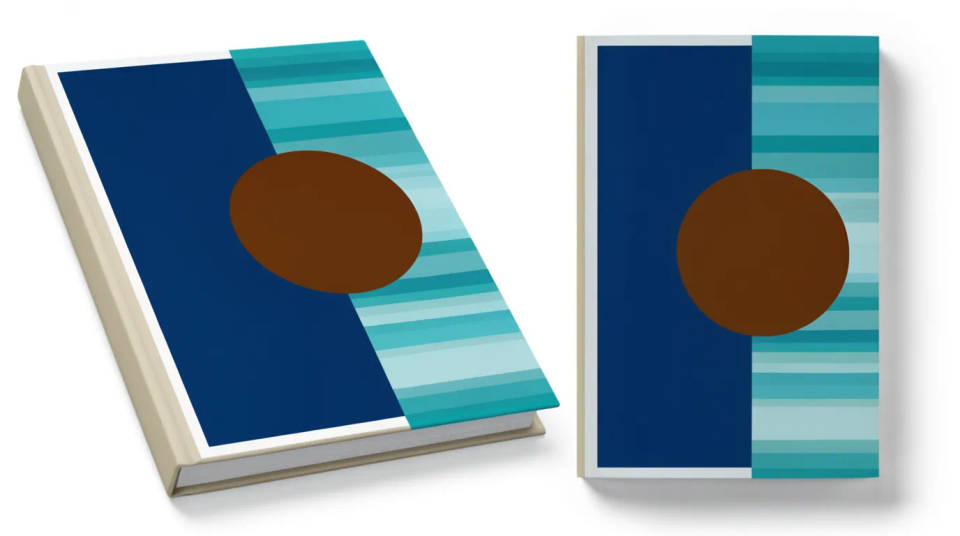
Turn a flat cover file into a listing image that shows a real book with weight and shadow. Generate a clean standing hardback and a paperback front on a plain background, sized for the retailer, so your title sits next to published books without looking like a template. Swap the artwork and rerun the moment you revise the cover.
Author website and launch banners
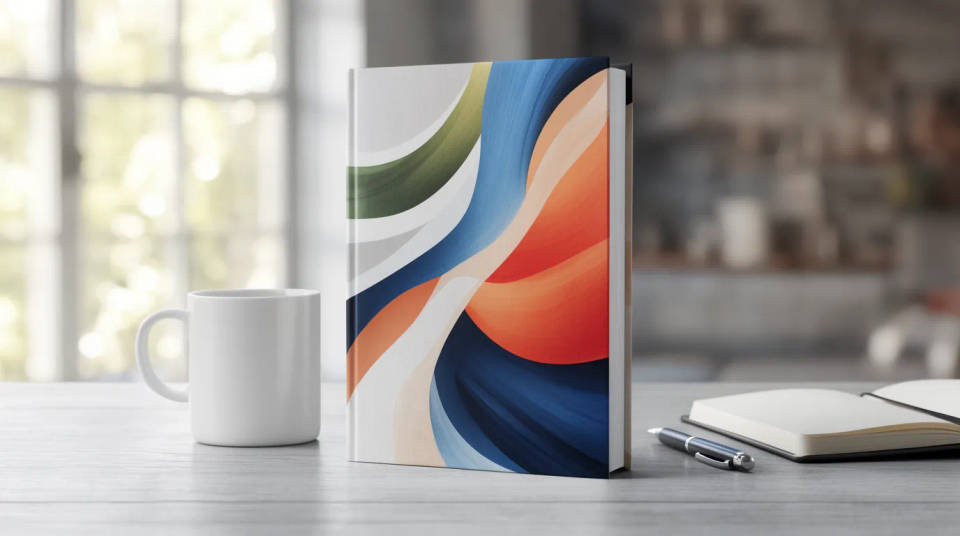
Give a book page a hero image that feels like a photograph rather than a scan. Ask for the book held at a window, open on a desk, or standing beside a coffee, and the cover stays crisp while the scene sets a mood. One upload gives you a header, a footer strip, and a pre-order banner in the same style.
Social posts and pre-order teasers
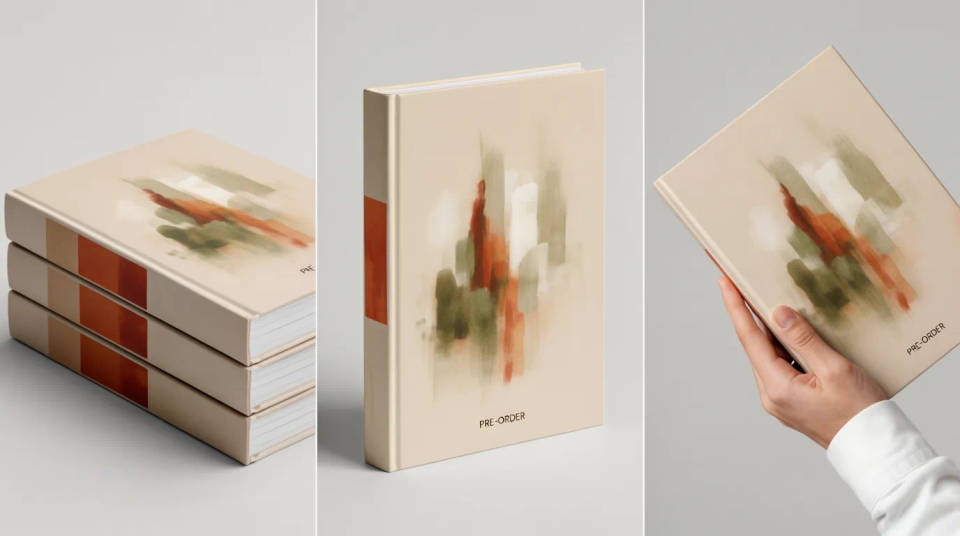
Spin variants for a launch feed without a photo shoot. Put the same cover into a stack of copies, a flat-lay with reading props, and a held-in-hand angle, then test which frame earns the most saves. Every render carries your exact artwork, so nothing about the cover is faked.
Press kits and pitch decks
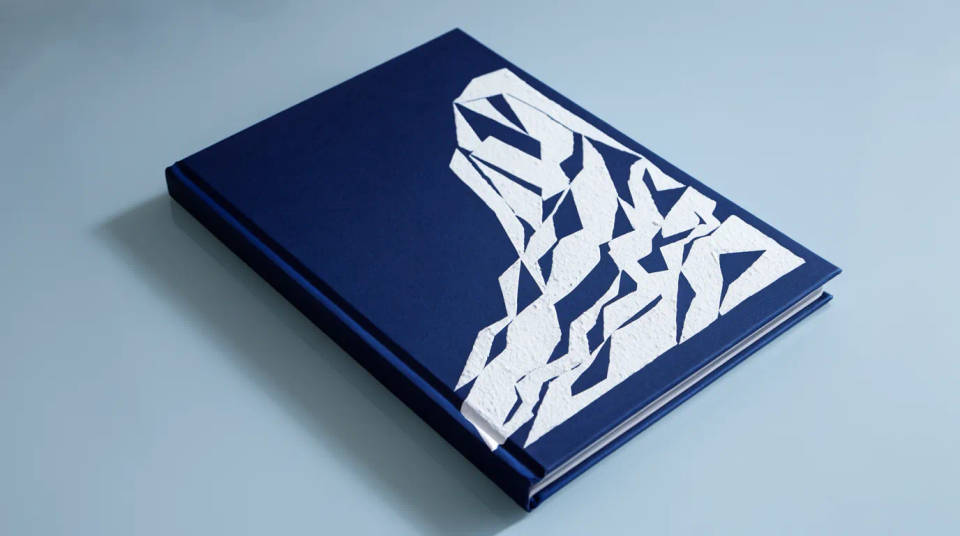
Show an agent, a reviewer, or a retailer the book as a finished object. Frame a hardback and paperback edition together, or drop a single copy into a clean studio angle for a media one-sheet. It reads as a real print run rather than a cover concept on a white page.
Prompt examples
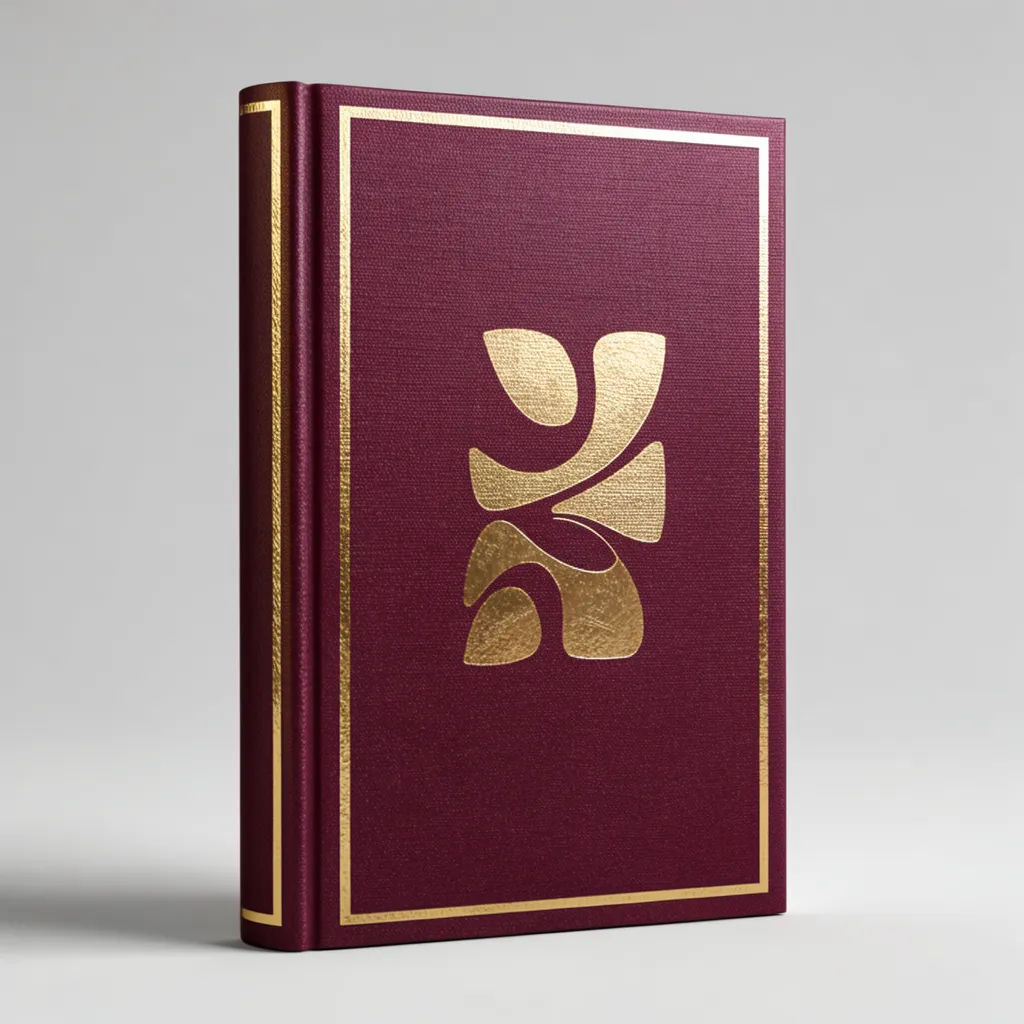
Standing hardback
Wrap my uploaded cover on a standing hardback with a dust jacket, soft studio light, plain background
Edit prompt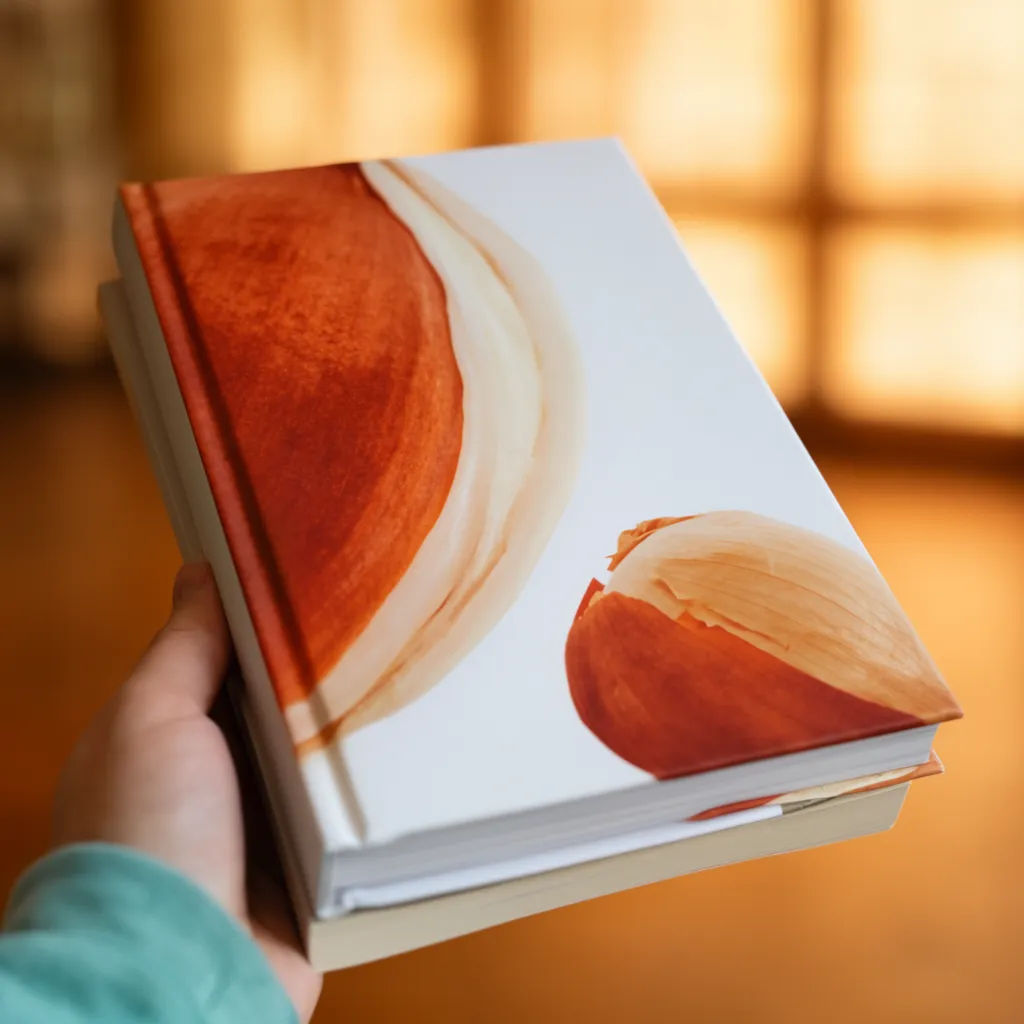
Held paperback
Put my cover on a paperback held in one hand, warm café blurred behind, shallow depth of field
Edit prompt
Open on a desk
Show my book lying open on a wood desk beside a coffee and reading glasses, top-down light
Edit prompt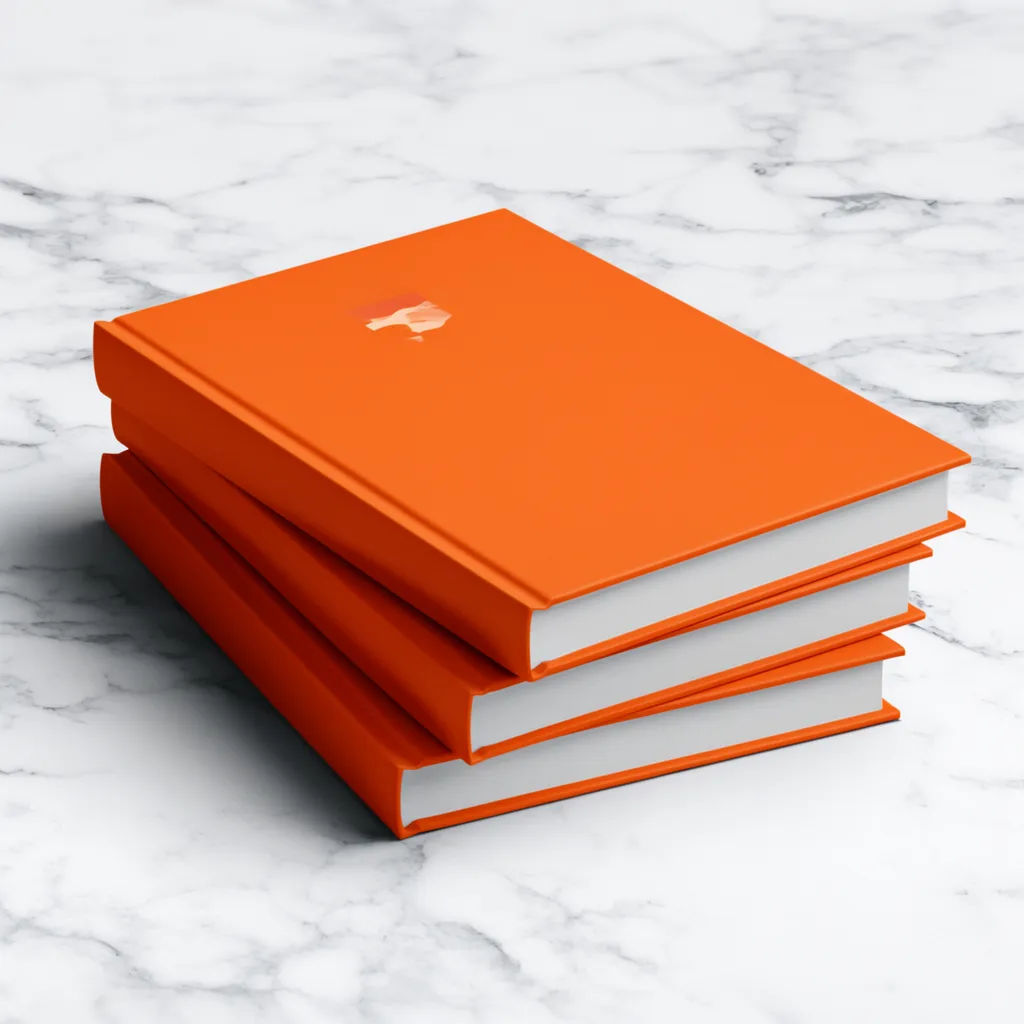
Stacked copies
Stack three copies of my hardback at a slight angle on a marble surface, clean gallery lighting
Edit prompt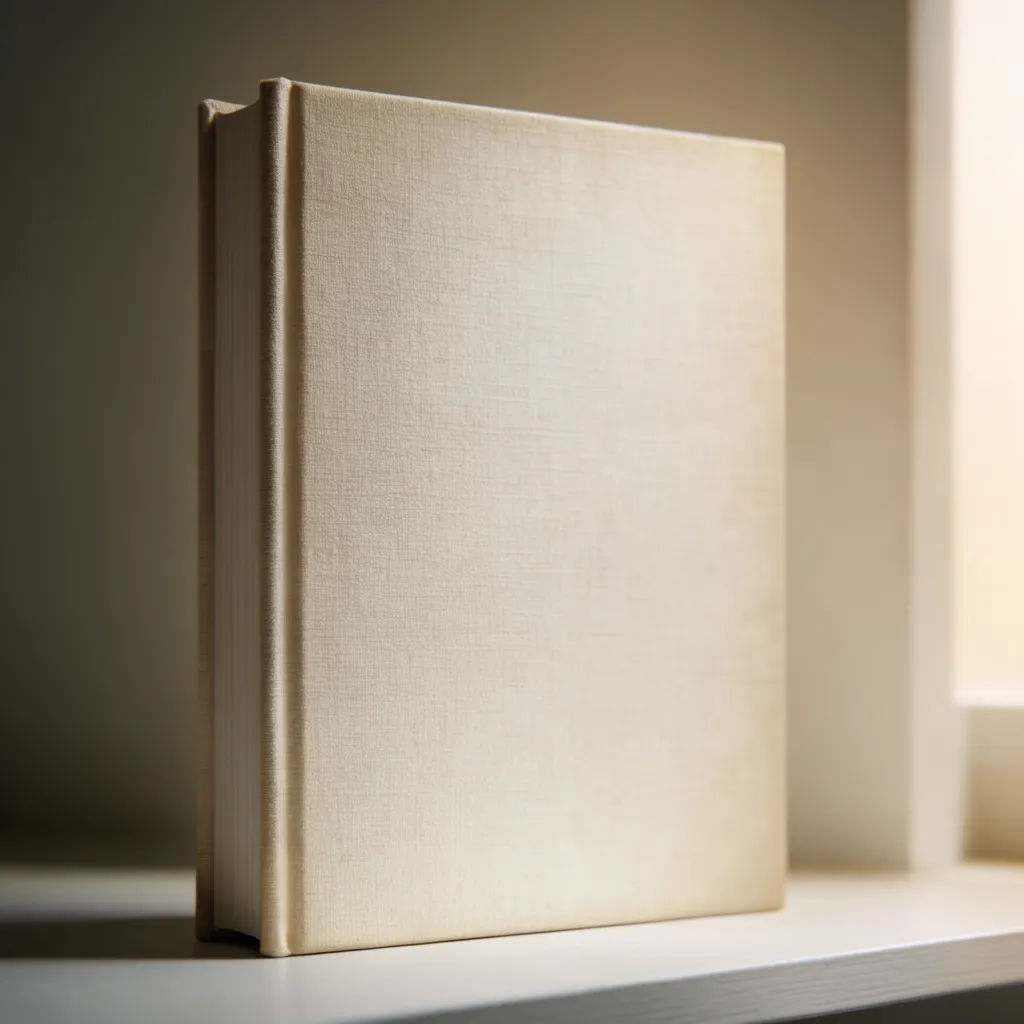
Spine turned
Render my book turned to show the spine and front cover together, standing on a shelf
Edit prompt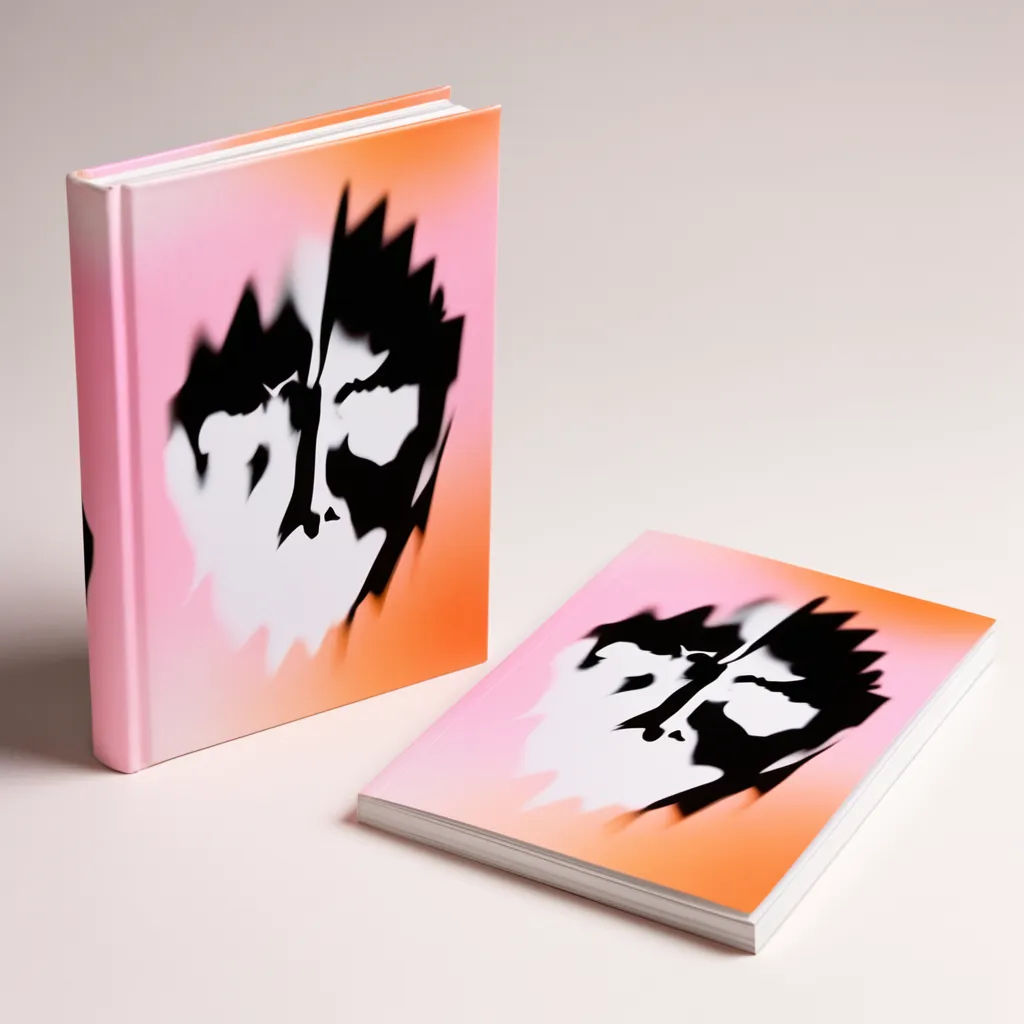
Two editions
Place a hardback and a paperback of my cover side by side on a pale studio backdrop
Edit prompt
Sketch to render
Turn any sketch or drawing into a finished render.

Music video
Pick a visual style, drop in your lyrics. Each verse gets its own scene visual, laid out as a full screenplay.

Expressions
Take any character image and generate 6 distinct facial expressions on a single reference sheet.
Movie poster
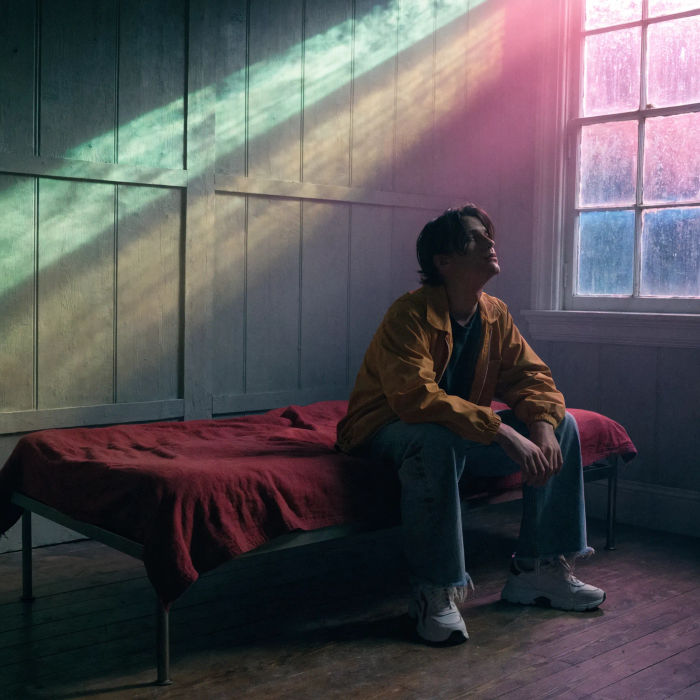
Cinematic poster compositions from your key art, in any genre tone.

Anime style transfer
Pick any anime illustration as your style guide. Apply its look to any image.

Image reverse engineer
Get a detailed prompt extracted from a reference image, and then a fresh recreation.
All on Morphic
Your complete book launch kitModels
Nano Banana 2, Flux 2 Pro, ChatGPT Images, Grok Imagine, Recraft, Seedream, and more. Swap models when a cover needs cleaner glass or sharper title text.
AI book cover generator
Design the cover artwork itself, then bring it here to wrap it on a photoreal book.
AI mockup generator
Wrap your artwork around any object, from packaging to apparel, not just books.
Image to image
Upload your cover and generate the book and scene around it, the method that powers every shot here.
