Every image model
Painting styles you can create
Turn a photo into a painting in three steps
- 01
Open Morphic
Sign up and start creating on a free-flowing, infinite visual canvas.
- 02
Upload your photo and name the medium
Add the reference image and describe the painting look, from thick oil to a loose watercolour wash.
- 03
Generate and compare styles
Morphic repaints the photo and holds the composition. Try a few mediums side by side, then export the best.
Use cases
Wall art from a favourite photo
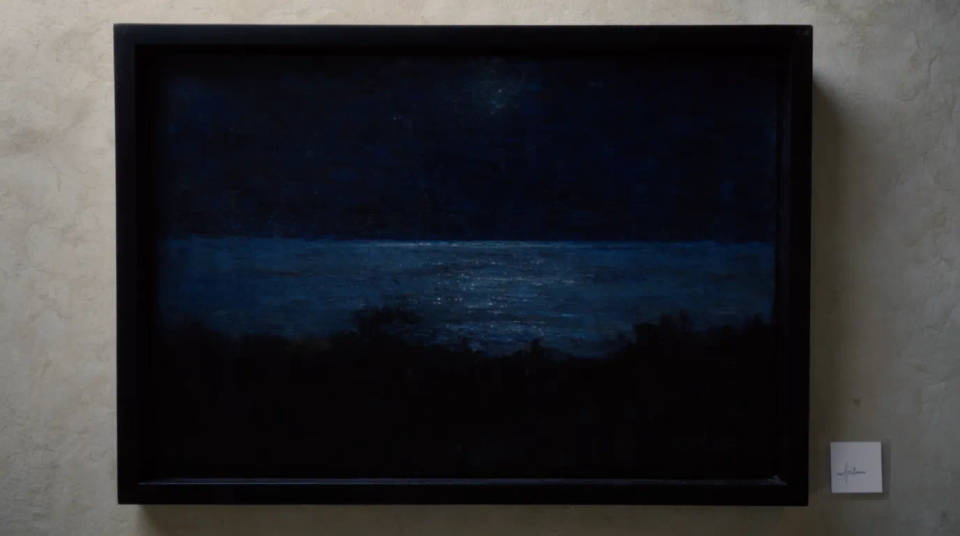
Repaint a holiday view, a pet, or a family shot into a painting you can print and frame. The composition you loved stays put while the medium gives it the feel of a hand-painted piece. Generate at the largest size for a canvas print and check the brushwork holds. It turns a phone photo into something worth hanging.
Painted portraits and gifts
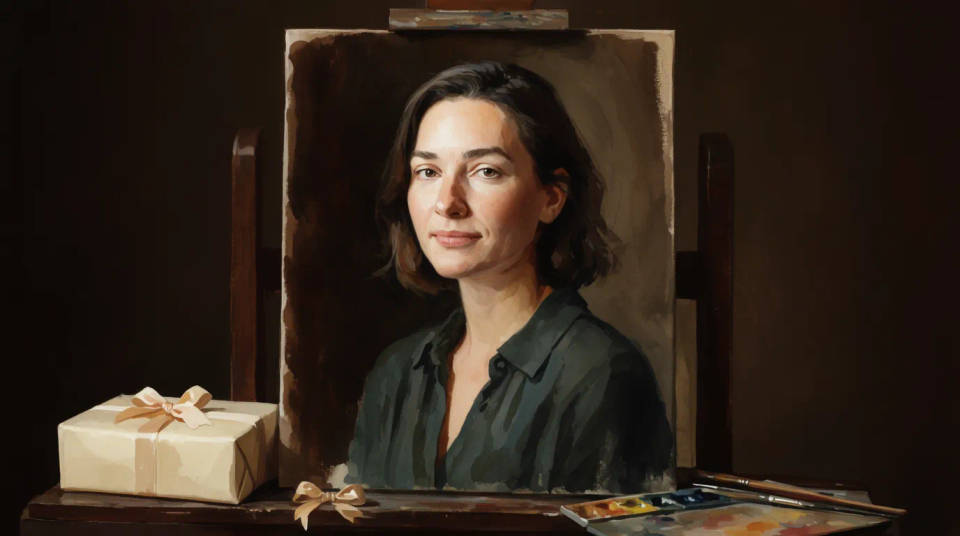
Make a painted portrait as a gift without commissioning an artist. Describe how much facial detail to keep so the likeness reads clearly under the brushwork. Oil and pastel suit a warm keepsake, while ink wash gives a quieter, graphic feel. Compare a couple of versions and pick the one that flatters the subject.
Illustrated covers and editorial art
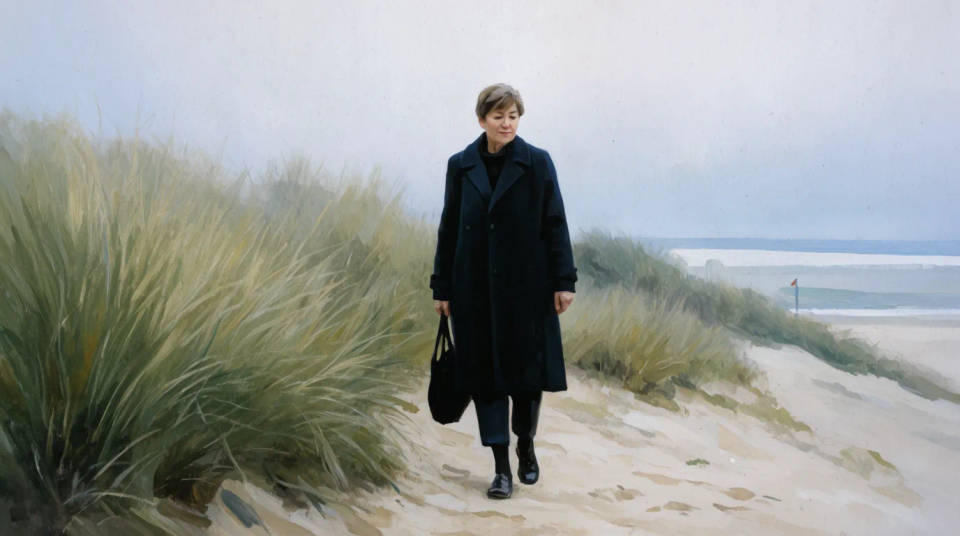
Turn a photo into a painterly image for a book cover, a blog header, or an editorial spread. A painted treatment lifts a stock-looking shot into something with a point of view. Match the palette to the piece and keep the layout so text still sits where you planned. Iterate on the Canvas until the mood is right.
Style studies and mood boards
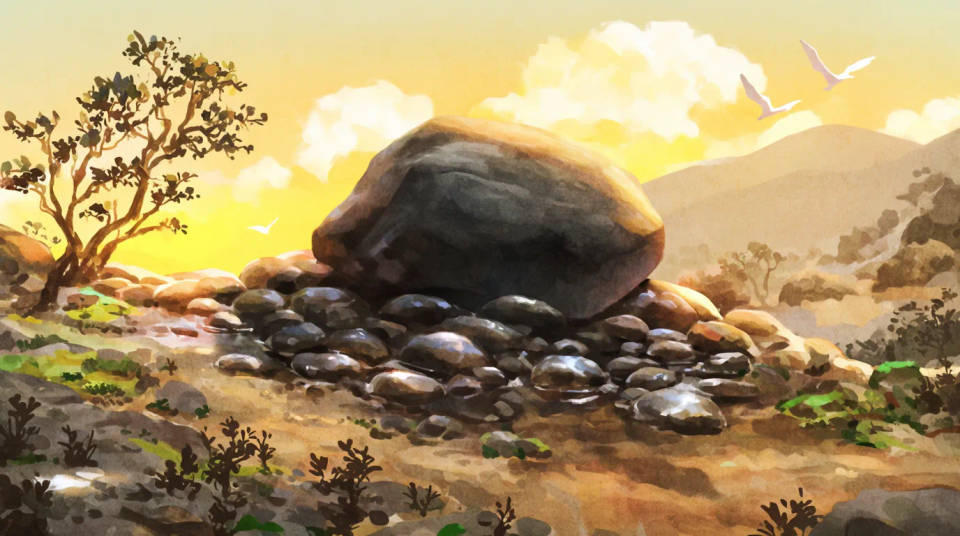
Explore how a scene would read across oil, watercolour, and gouache before you paint it for real. Because the composition is held, the studies are directly comparable. Artists use it to test a palette or a stroke direction, and designers use it to fill a mood board fast. Keep the versions you like and move on.
Prompt examples
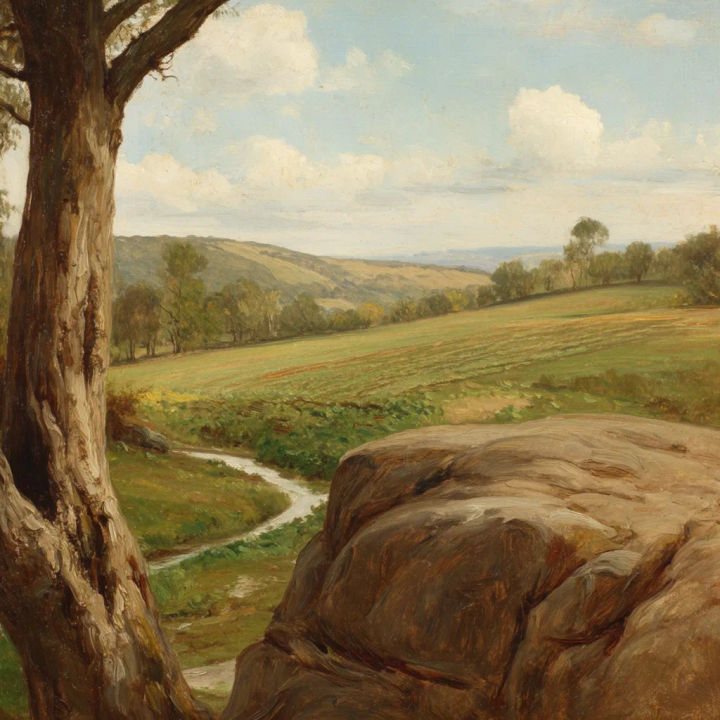
Oil landscape
Repaint this landscape as a classic oil painting, keep the composition, thick visible brushwork, warm palette
Edit prompt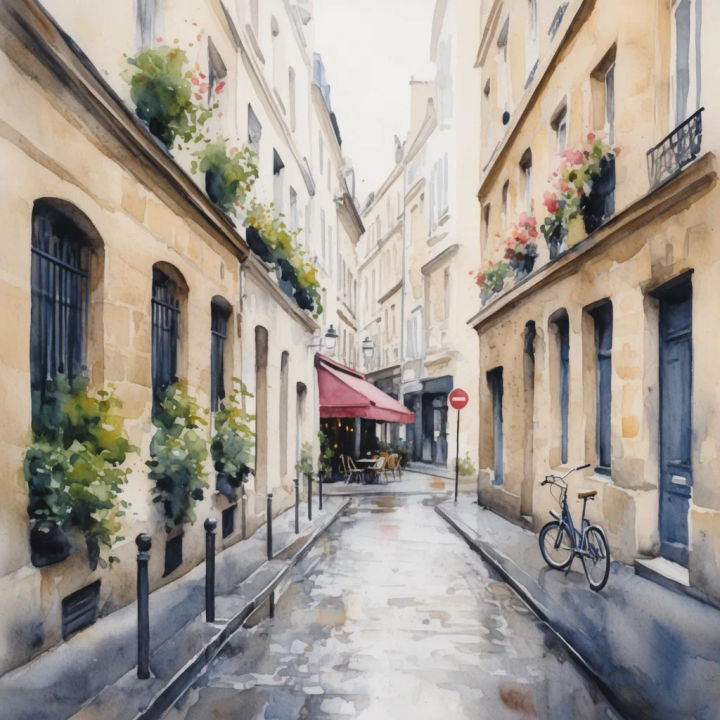
Watercolour city
Turn this street photo into a loose watercolour, soft washes and bleeding edges, hold the layout
Edit prompt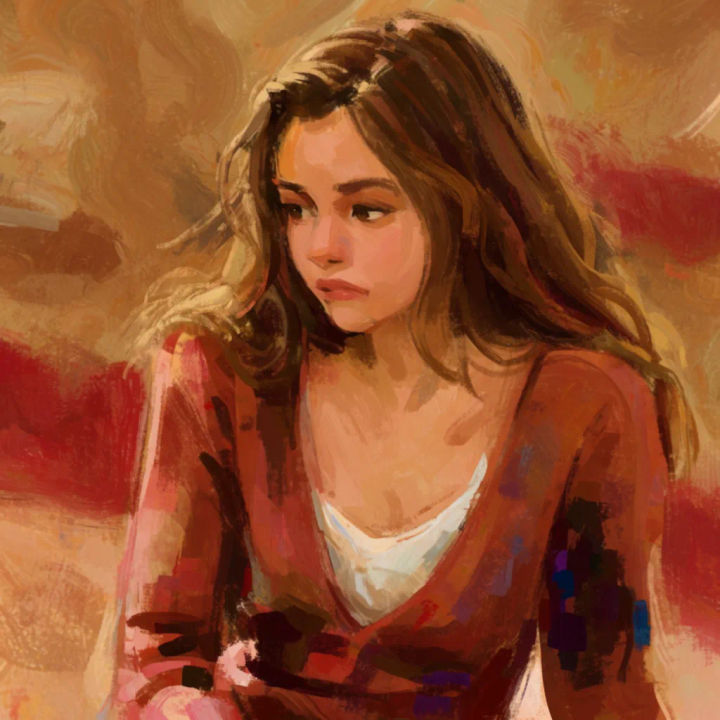
Acrylic portrait
Repaint this portrait in bold acrylic, confident strokes, keep the face detail and the pose
Edit prompt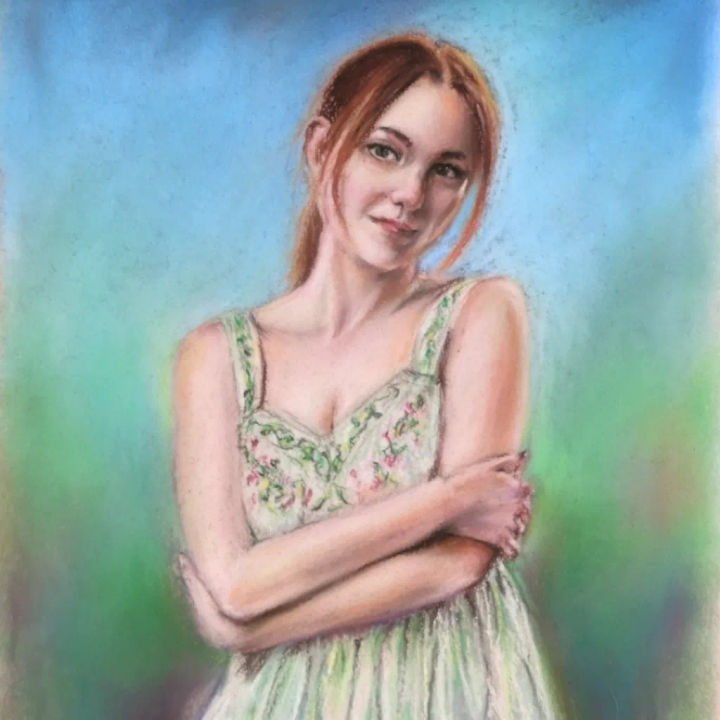
Soft pastel
Render this photo as a soft pastel drawing, chalky texture, muted colour, keep the composition
Edit prompt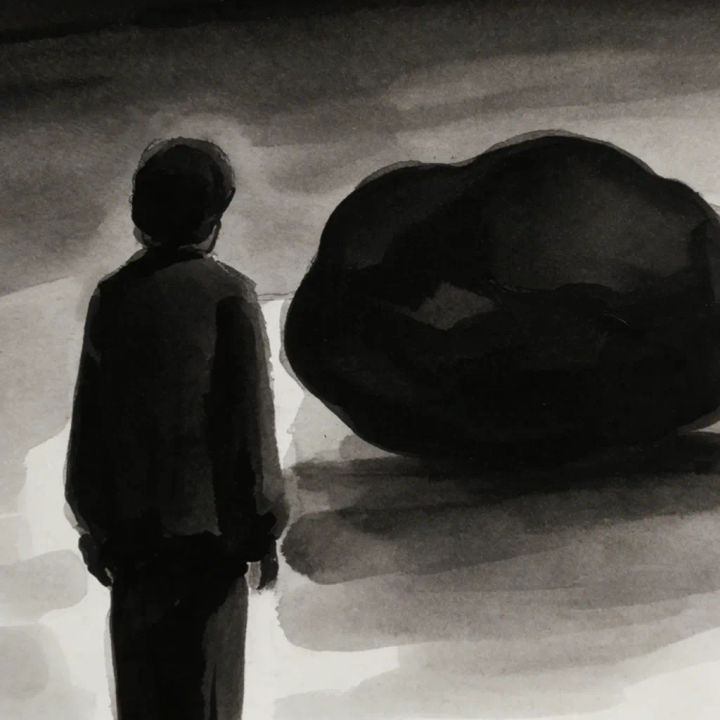
Ink wash
Convert to an ink wash painting, black and grey tones, minimal brush marks, hold the subject placement
Edit prompt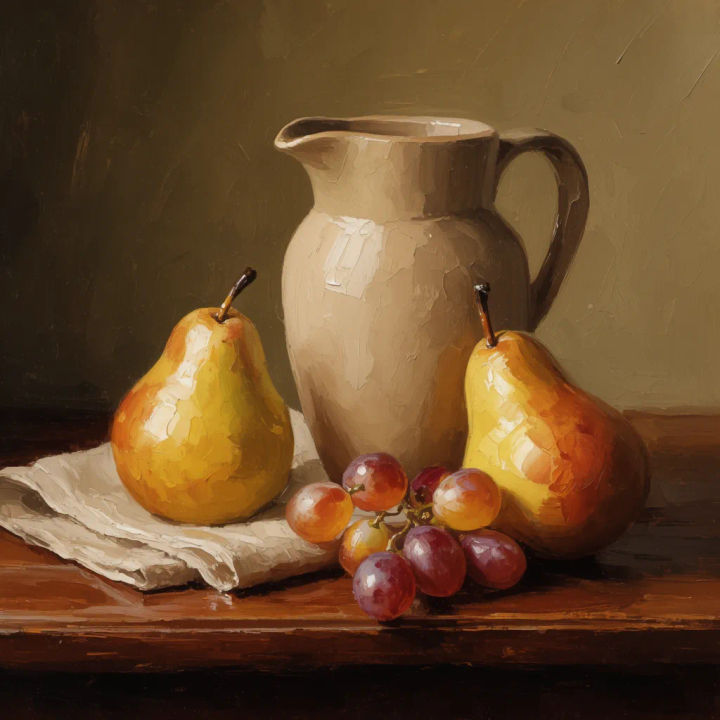
Palette knife
Repaint this still life with a palette knife, thick impasto texture, keep the arrangement and light
Edit prompt
Sketch to render
Turn any sketch or drawing into a finished render.
Art style transfer
Pick a reference image, apply its visual style to your own photo or artwork.

Chibi sprite animation
Turn any photo or description into an animated chibi sprite. Dance, jump, wave, attack, and more.

Anime style transfer
Pick any anime illustration as your style guide. Apply its look to any image.
Aspect ratio
Convert any image to a new aspect ratio. Smart crop or extend the edges to fit.

Expressions
Take any character image and generate 6 distinct facial expressions on a single reference sheet.
All on Morphic
Models
Nano Banana 2, Flux 2 Pro, ChatGPT Images, Grok Imagine, Recraft, Seedream, and more. Swap models to find the brush and canvas texture that fit the photo.
AI style transfer
Carry the look of any reference painting onto your photo, beyond a named medium preset.
Photo to cartoon
Want a graphic look instead of a painterly one? Restyle the same photo into a bold cartoon.
Image to image
Restyle any photo from a reference while holding its composition, the method behind photo to painting.
