Every image model
Anime looks you can create
Turn a photo into anime in three steps
- 01
Open Morphic
Sign up and start creating on a free-flowing, infinite visual canvas.
- 02
Upload your photo and pick a style
Add the reference image and describe the anime look you want, from clean TV anime to bold cel shading.
- 03
Generate, then animate if you want
Morphic restyles the photo while holding your likeness. Keep the still or take it into motion, then export.
Use cases
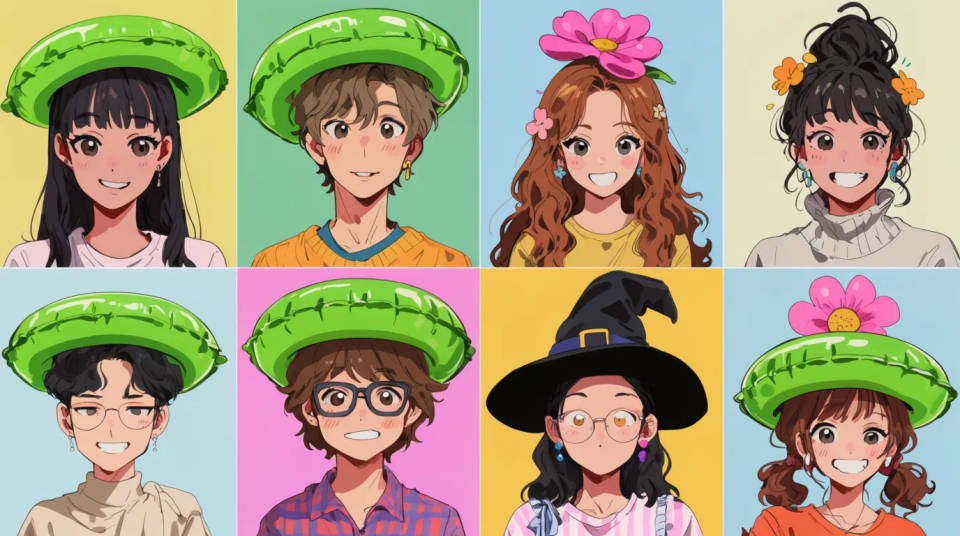
Profile pictures and avatars
Turn a favourite selfie into an anime avatar for social, gaming, or a chat profile. Because the render starts from your photo, the character still reads as you rather than a stock face. Try a few styles side by side and keep the one that fits the platform. Export at the size the profile needs.
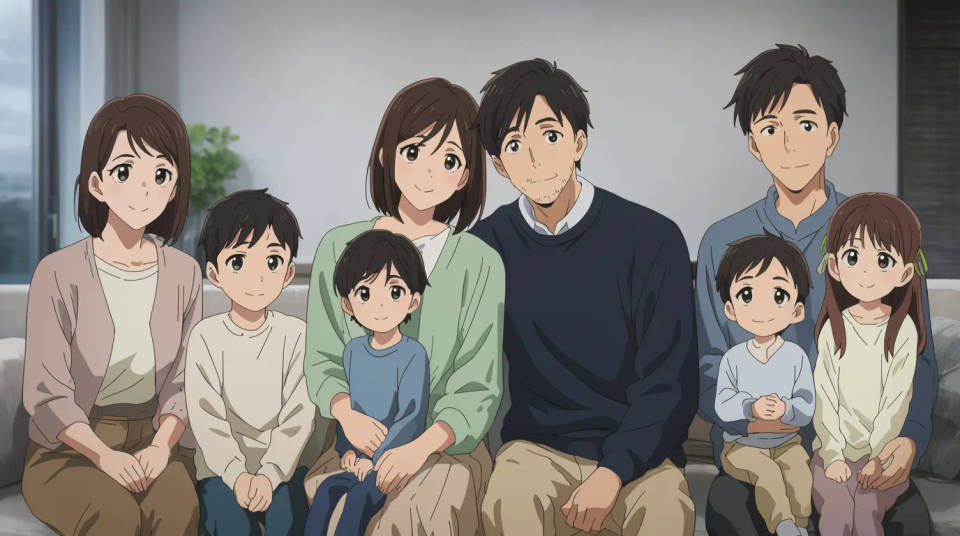
Couple and family portraits
Restyle a couple photo or a family shot into a single anime scene you can print or send. Everyone is redrawn in the same style in one pass, so the group holds together. It makes a warm, personal gift or a card that a plain photo would not. Crop to one person first if you want the tightest likeness.
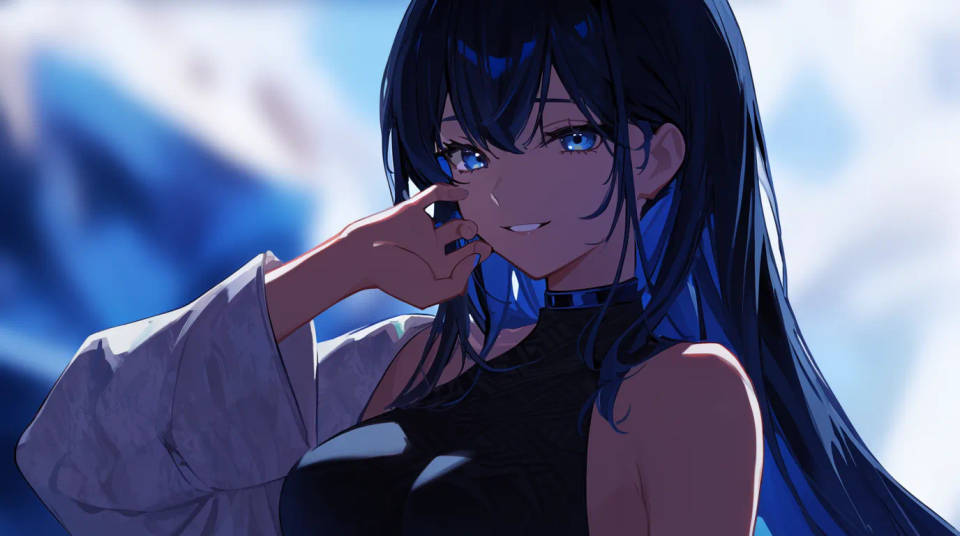
Stream and channel branding
Build a consistent anime version of yourself for a stream overlay, an intro card, or channel art. Lock one style and reuse it across banners, emotes, and thumbnails so the brand stays recognisable. Animate the portrait for a looping intro if you want movement. It gives a solo creator a designed look without a studio.
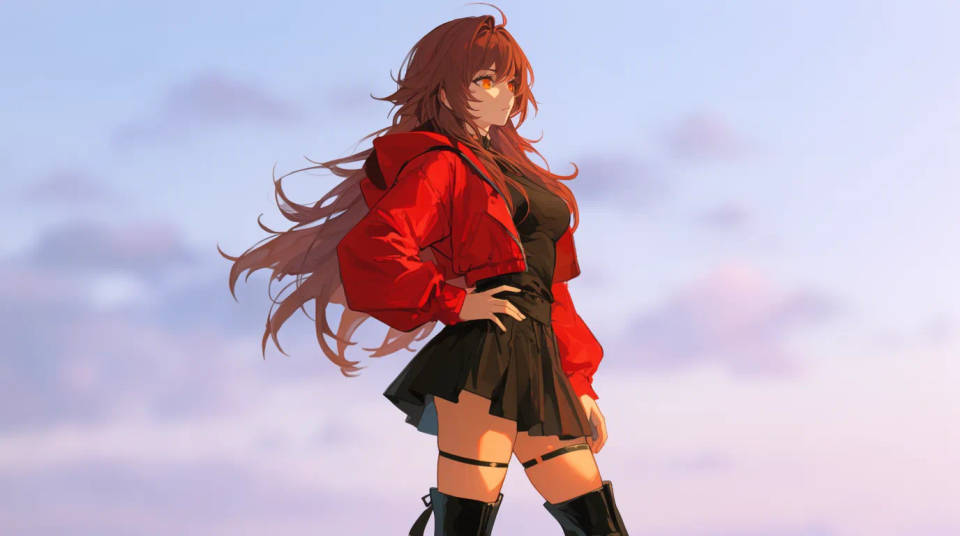
Character art from a real reference
Use your own photo as the base for an original character, then push the pose, outfit, or setting in the prompt. It keeps a familiar face at the centre of a fully drawn scene. Great for a comic, a tabletop token, or a story project. Iterate on the Canvas until the character reads the way you pictured.
Prompt examples
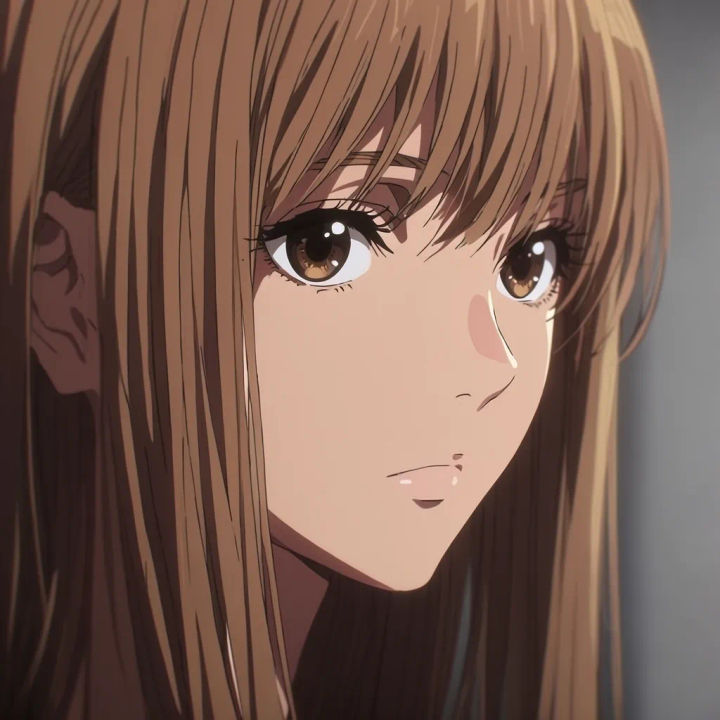
Clean modern anime
Redraw this portrait as soft modern TV anime, keep my face shape, eyes, and hair colour, gentle cel shading
Edit prompt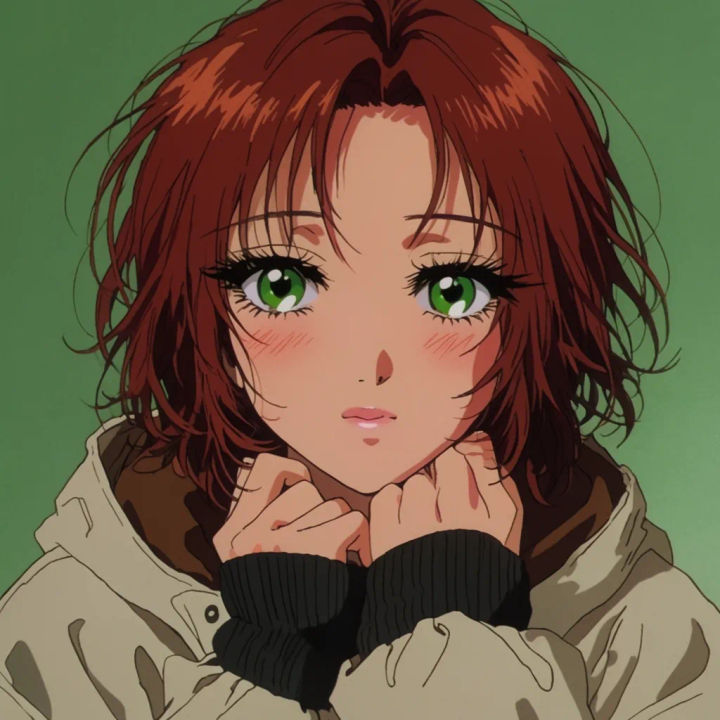
Retro 90s cel
Turn this photo into 90s cel anime with grainy film texture and warm colour, hold my expression
Edit prompt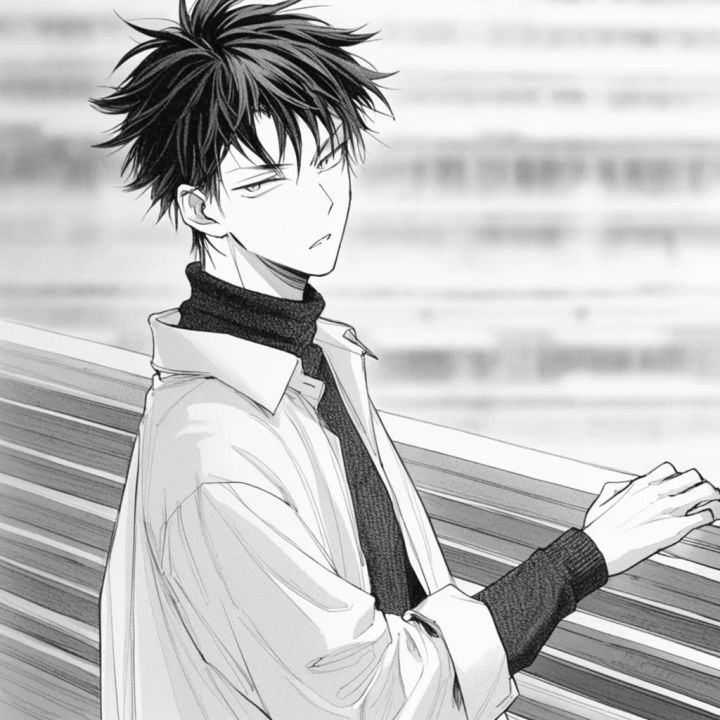
Manga ink line
Convert to black and white manga with clean ink line and screentone shading, keep the likeness
Edit prompt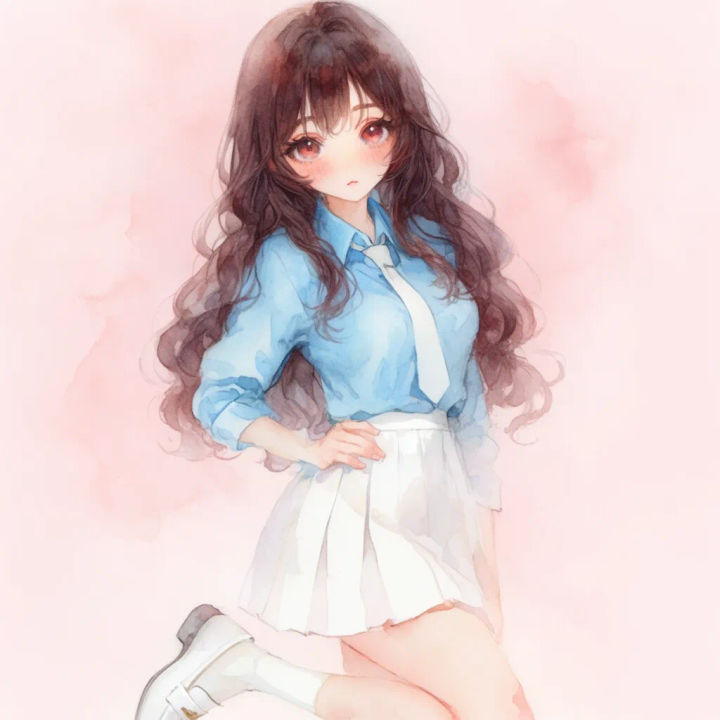
Watercolour anime
Restyle as soft watercolour anime, muted palette, hair and eyes recognisable, gentle bloom of light
Edit prompt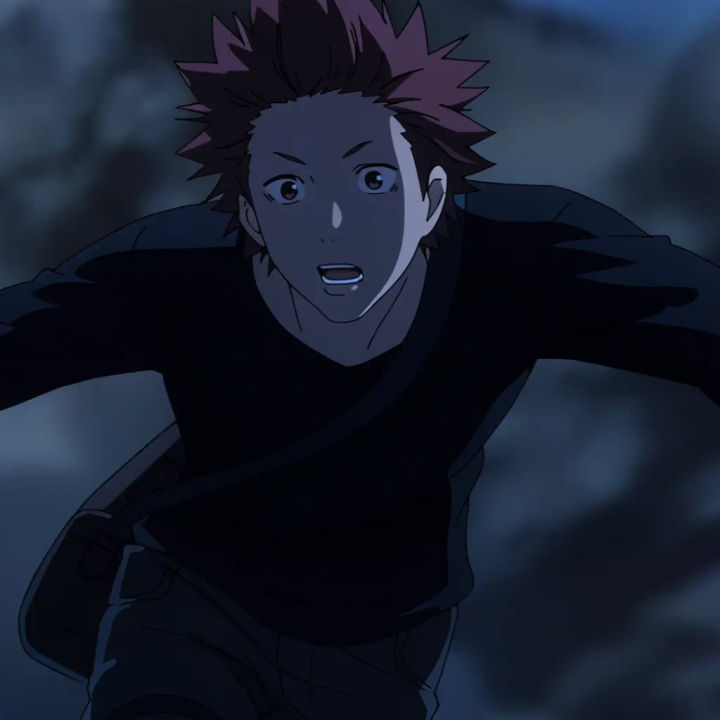
Action scene
Redraw me as a shonen action character mid-motion, dynamic pose, keep my face, add speed lines
Edit prompt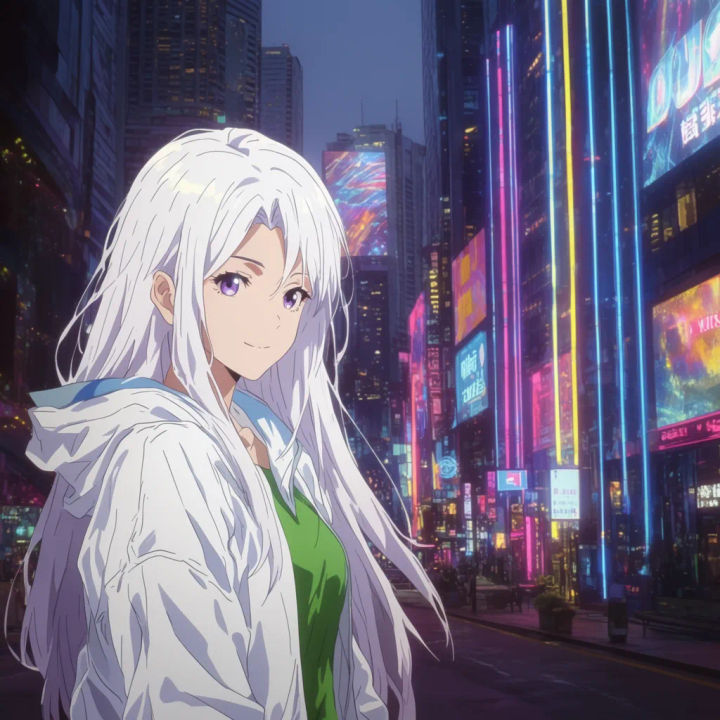
City at dusk
Place my anime portrait on a neon city street at dusk, keep the likeness, cinematic anime lighting
Edit prompt
Anime style transfer
Pick any anime illustration as your style guide. Apply its look to any image.

Sketch to render
Turn any sketch or drawing into a finished render.

Chibi sprite animation
Turn any photo or description into an animated chibi sprite. Dance, jump, wave, attack, and more.

Expressions
Take any character image and generate 6 distinct facial expressions on a single reference sheet.

Character lineup
All your characters on a single lineup image, side by side with height comparison.

Anime sticker pack
Turn any image into anime-style stickers in PNG. Ready for messaging apps or social media.
All on Morphic
Models
Nano Banana 2, Flux 2 Pro, ChatGPT Images, Grok Imagine, Recraft, Seedream, and more. Swap models to find the anime line and colour that suit the photo.
Photo to cartoon
Prefer a Western cartoon or comic look? Restyle the same photo into a bold cartoon instead of anime.
AI style transfer
Carry the look of any reference art onto your photo, beyond a single anime preset.
Image to image
Restyle and edit any photo from a reference, the method behind a clean photo-to-anime render.
