Modo de foco em vídeo
O modo de foco em vídeo no Morphic permite fazer edições em qualquer vídeo baseadas em prompt usando IA. Descreva a mudança que você quer e o Morphic a aplica de forma consistente em todos os quadros.
Aqui está um tutorial rápido de como usar o modo de foco em vídeo no Morphic:
- Envie ou gere um vídeo na Canvas
- Selecione o vídeo que você quer modificar
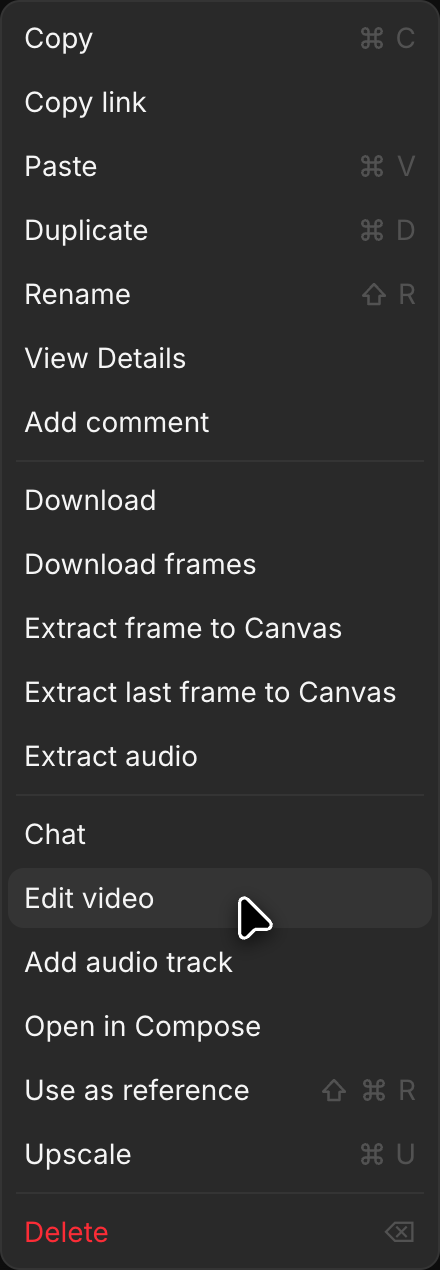
- Clique em 'Editar vídeo', em 'Detalhes' > 'Ferramentas' na barra lateral direita ou no menu do botão direito do vídeo. O vídeo entra em 'Referências' acima da barra de prompt
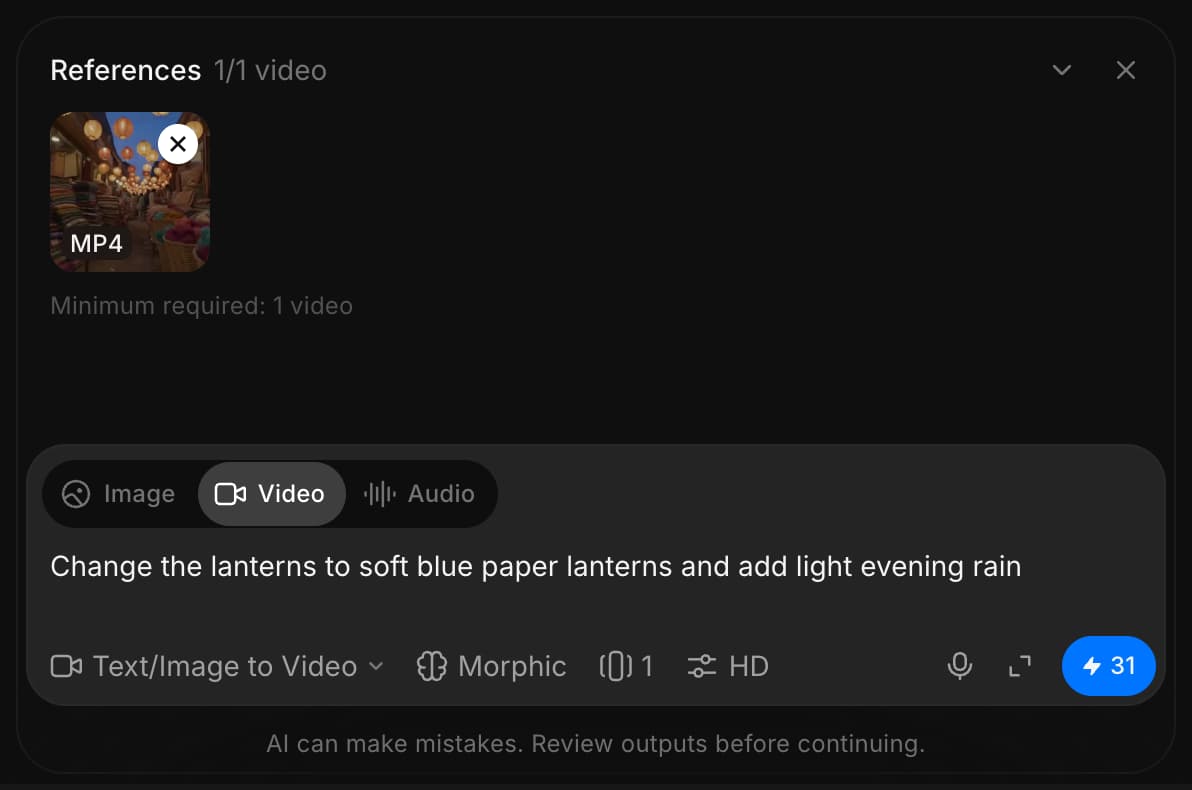
- Clique no seletor de modo no canto inferior esquerdo da barra de prompt e escolha 'Texto/imagem para vídeo'
- Clique no seletor de modelo, que pode abrir com outro modelo escolhido, e escolha um modelo que edite vídeo. Um modelo com várias versões abre uma lista curta quando você passa o ponteiro sobre ele. Passe o ponteiro sobre 'Morphic' e escolha 'Morphic Edit' para edições rápidas no próprio clipe que mantêm a duração dele. Passe o ponteiro sobre 'Kling' e escolha 'Kling 4.0' para editar clipes de até 30 segundos mantendo seus cortes e movimentos
- Escreva um prompt descrevendo a alteração que você quer fazer (por exemplo, "mude a cor do cavalo para branco" ou "mude o fundo para uma cena de inverno nevado")
- Clique no botão azul na barra de prompt
O Morphic transforma o vídeo com base no seu prompt e aplica a alteração de forma consistente em todos os quadros.
É assim que você usa o modo de foco em vídeo no Morphic. É uma maneira rápida de fazer edições com IA, como substituir personagens, alterar ambientes, ajustar a iluminação ou remover elementos indesejados.
Se você tiver algum problema ou alguma dúvida, entre em contato. Teremos prazer em ajudar. Escreva para nós em support@morphic.com.