Every image model
One workspaceSoften the background
Blur the background in three steps
- 01
Open Morphic
Sign up and start creating on a free-flowing, infinite visual canvas.
- 02
Upload and point at the subject
Drop in your photo and say what should stay sharp, the face, the product, the pet.
- 03
Generate and export
Morphic separates the subject and builds a graduated falloff behind it. Adjust the strength, then export.
Use cases
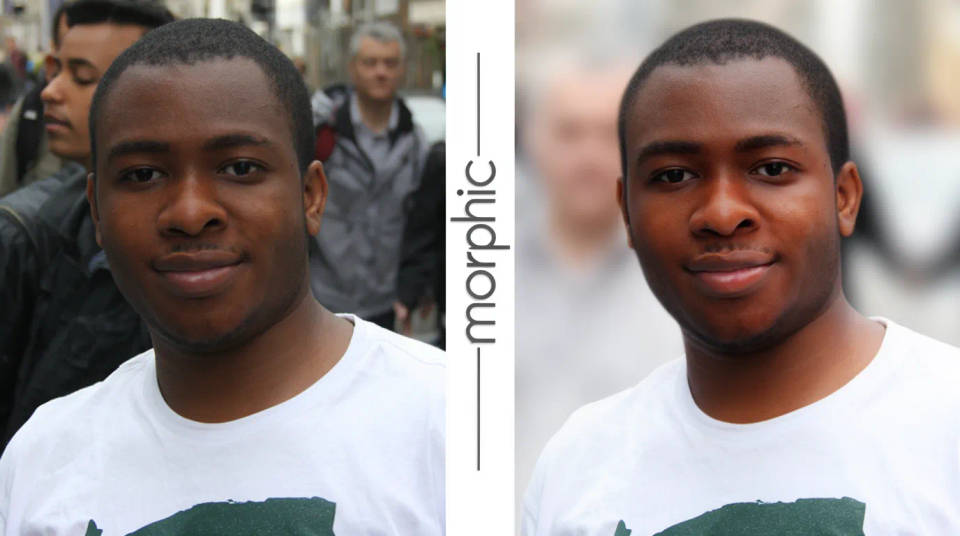
Lift a portrait off a busy street
A phone photo puts the face and the crowd behind it in equal focus. Morphic separates the subject and softens everything past the shoulders, so the eye lands on the person straight away. The falloff builds gradually, the way a fast lens would render the distance.
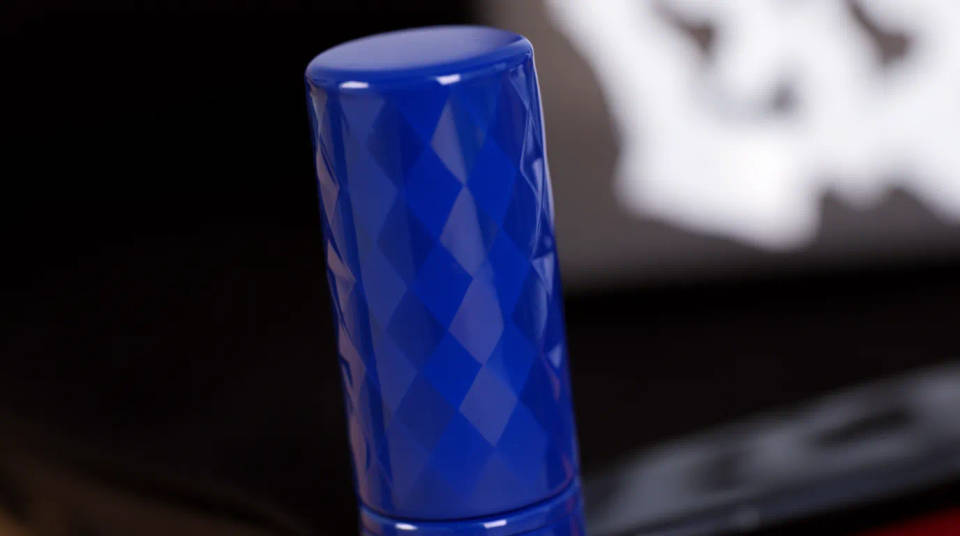
Make a product jump off the shelf
Shoot a product where it sits, then blur the clutter around it so the item reads clearly. The sharp zone stays on the label and the edges, while the shelving and neighbouring boxes drop back into a soft wash. It turns an ordinary catalogue snap into something that looks styled.
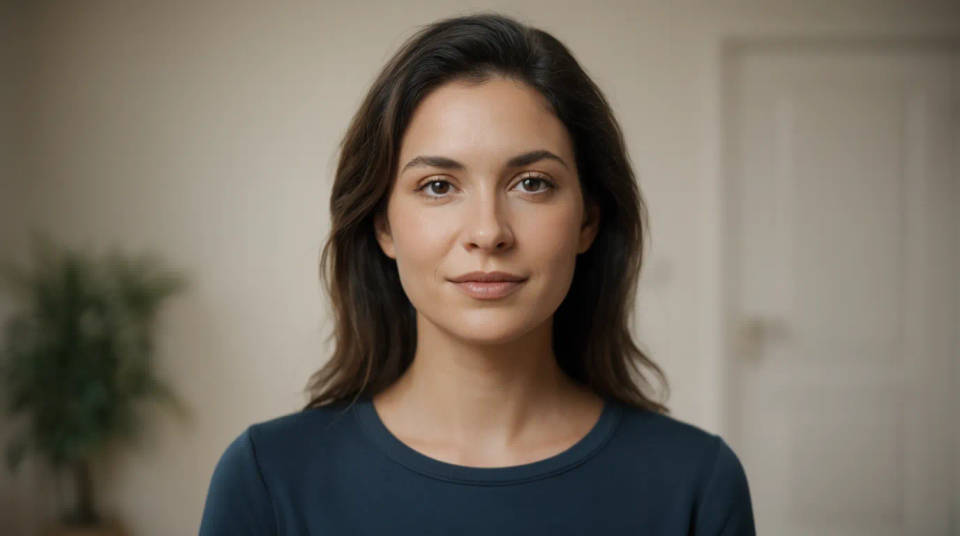
Give a headshot a studio look
A plain room behind a headshot flattens the shot. Ask for a shallow depth of field and the wall, the door, and the plant melt into a smooth background while the face stays crisp. It is the fastest way to make a self-shot profile picture feel like it came from a photographer.
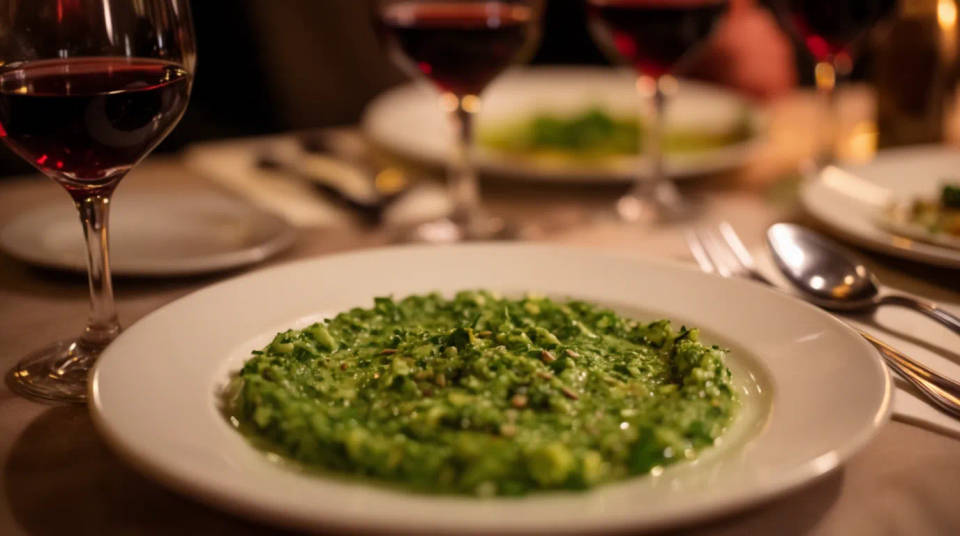
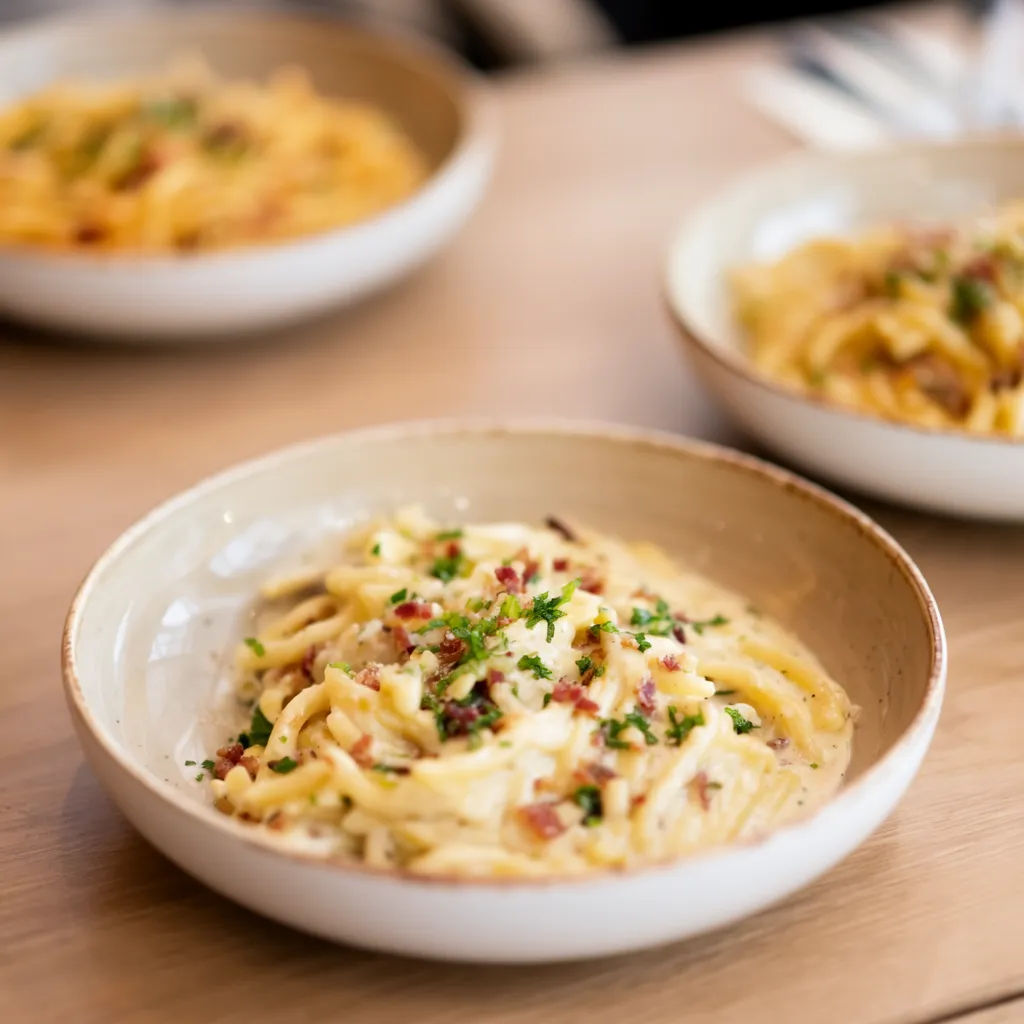
Focus attention on food
A dish on a busy table competes with cutlery, glasses, and the next plate over. Blur the surroundings and the food becomes the clear subject, with the table dropping into a warm, out-of-focus base. Dial the strength up for a dreamy look or down to keep a hint of the setting.
Prompt examples
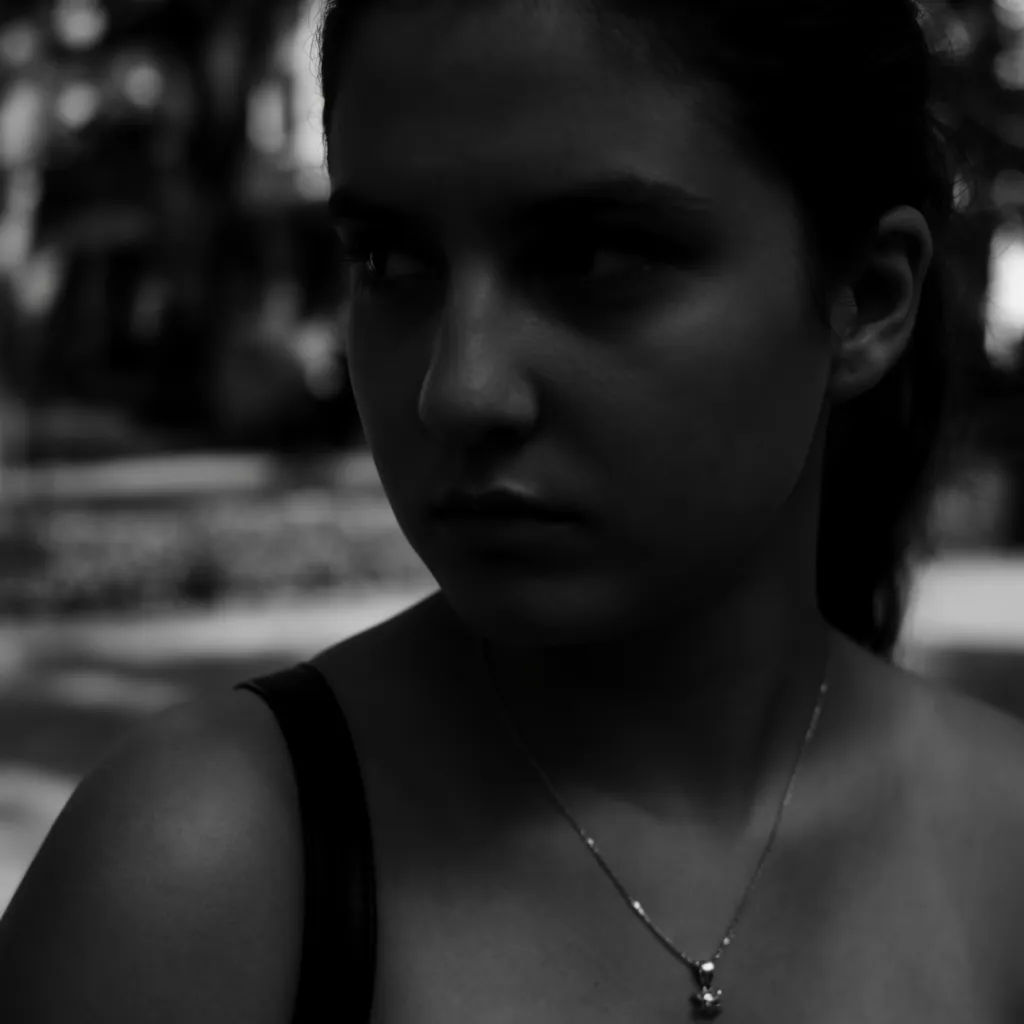
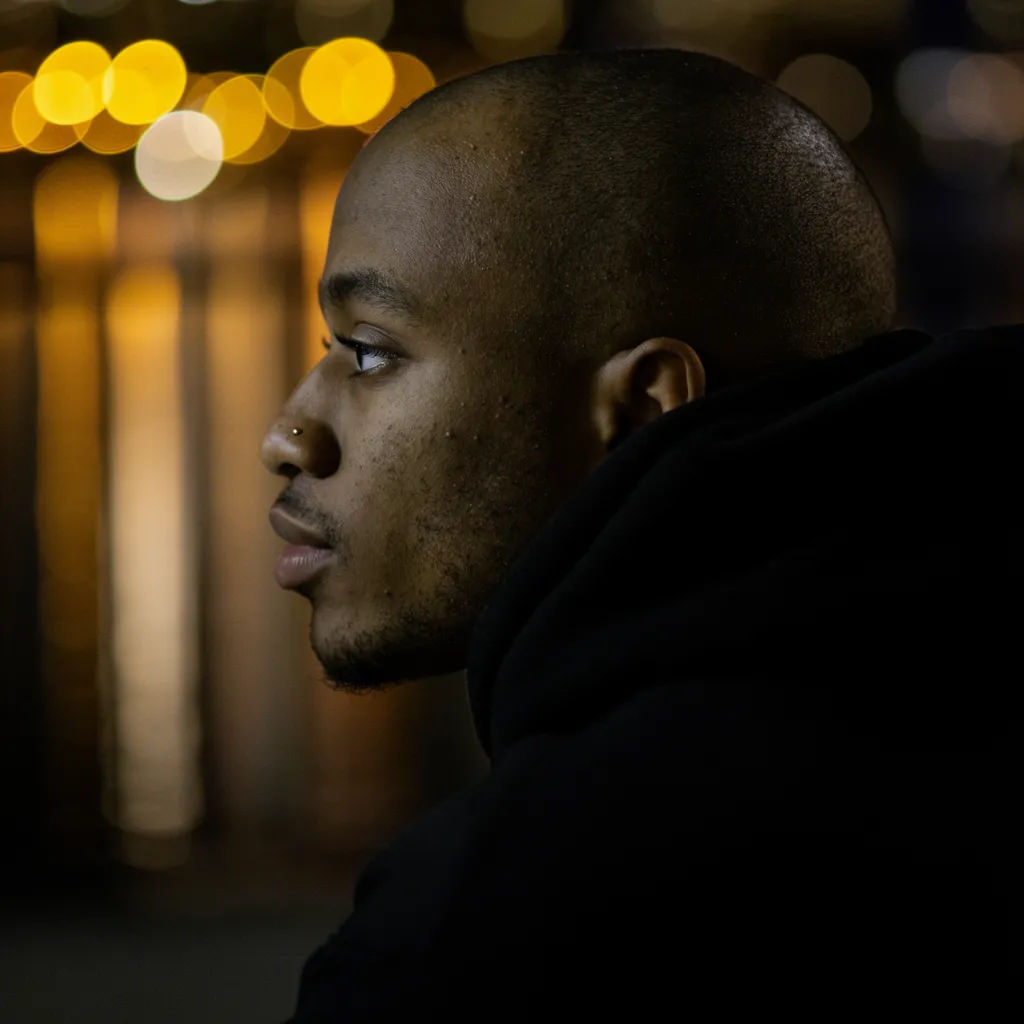
Creamy bokeh
Apply a strong shallow depth of field so the city lights become soft round bokeh
Edit prompt

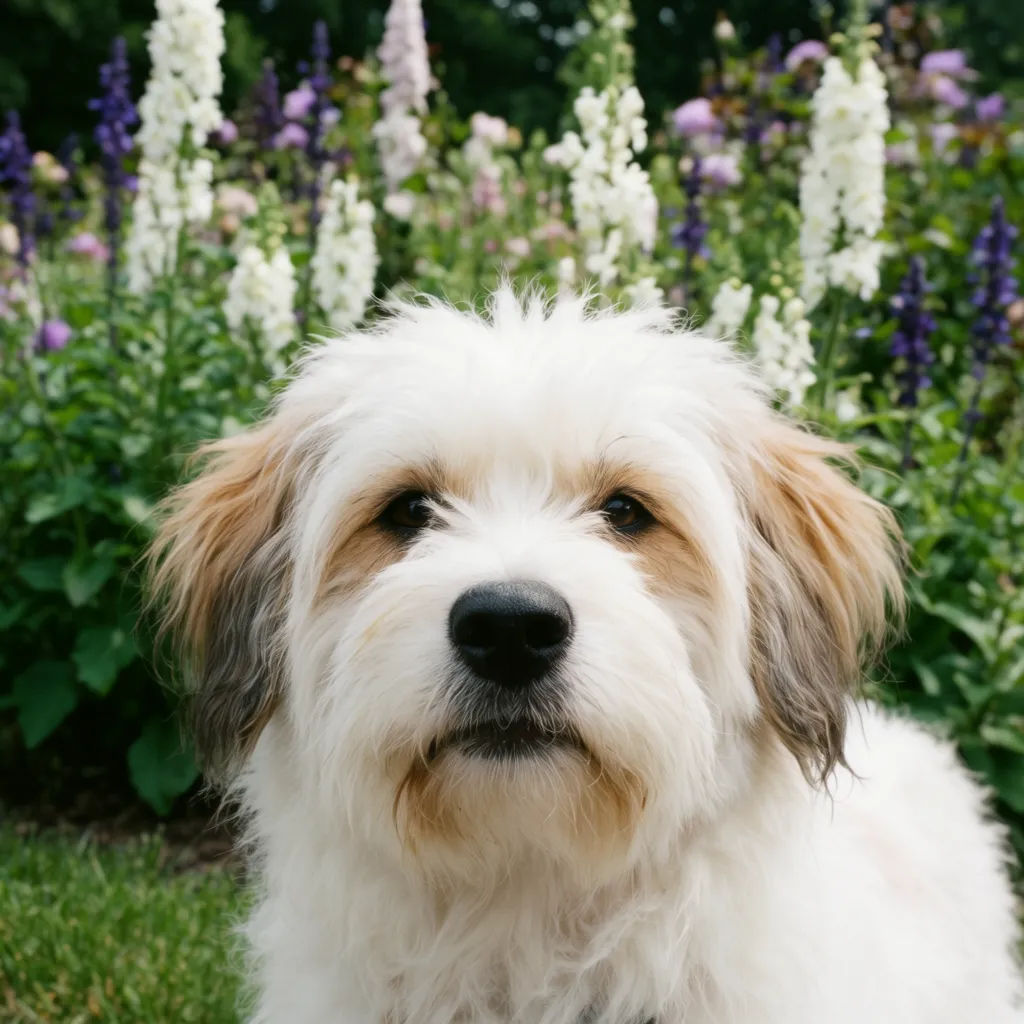

Cinematic storyboard
Share a scene description with character references. Get a full storyboard with shot angles and mood.

Messages to cinematic scene
Dramatize any text conversation into a cinematic multi-shot video.

Title sequence
Generate a professional film title card from scratch, with optional cinematic animation.

3x3 storyboard
Feed in a single image. Get 9 cinematic beats laid out as a 3x3 storyboard grid.

Chibi sprite animation
Turn any photo or description into an animated chibi sprite. Dance, jump, wave, attack, and more.

Anime style transfer
Pick any anime illustration as your style guide. Apply its look to any image.
All on Morphic
Your portrait and product finishing kitModels
Nano Banana 2, Flux 2 Pro, ChatGPT Images, Grok Imagine, Recraft, Seedream, and more. Switch models when a separation needs cleaner edges.
Background remover
When you want the background gone rather than blurred, cut the subject out to a clean transparent or solid backdrop.
Background generator
Swap the blurred backdrop for a whole new scene, a studio sweep, a sunset, or a branded set.
Image to image
Restyle or rebuild any photo through the same edit workspace that powers the background blur.
