Every image model
One workspaceText you can clear
Remove text in three steps
- 01
Open Morphic
Sign up and start creating on a free-flowing, infinite visual canvas.
- 02
Mark the text
Upload an image and mark the words, caption, or signage you want gone.
- 03
Generate and export
The surface behind the letters is rebuilt by inpainting. Rerun if needed, then export.
Use cases
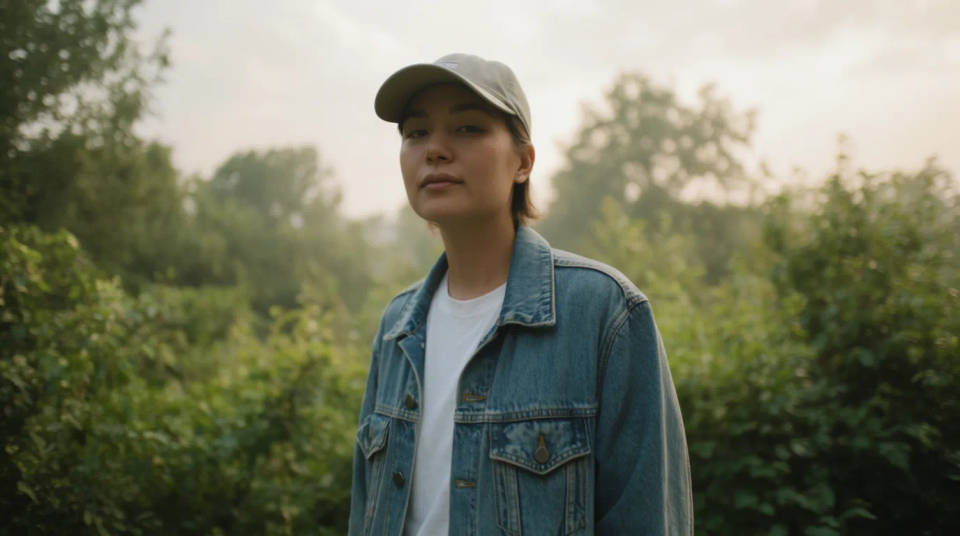
Clear a caption or subtitle from a still
Grab a frame from a video and it often carries a burned-in caption, a subtitle, or a lower-third title. Mark the text band and the model rebuilds the scene it was sitting over, so you get a clean still to reuse in a thumbnail, a deck, or a print without the words across it.
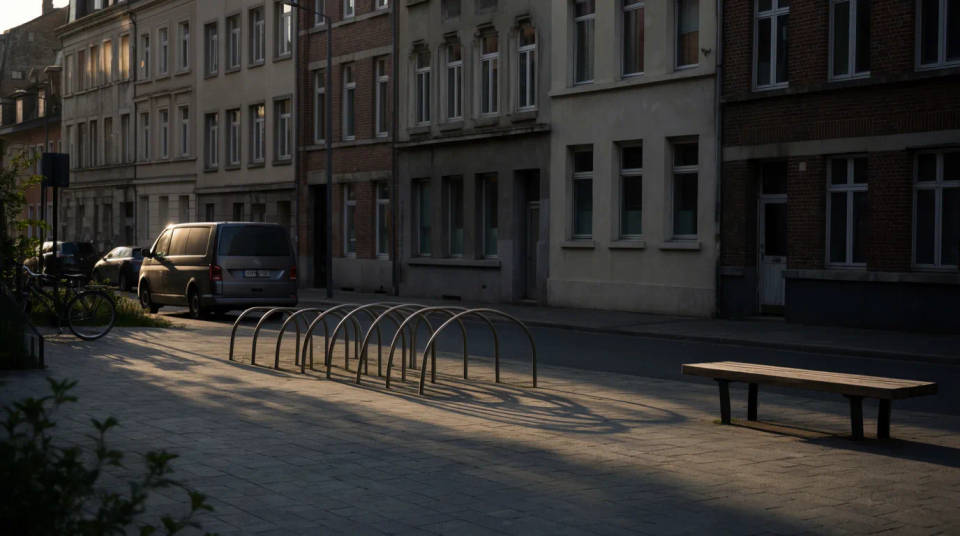
Blank a sign, poster, or label
A shop sign, a billboard, or a product label with wording can date a photo or clash with your own message. Mark the text and the model keeps the sign or label but rebuilds a clean face, ready for you to leave blank or add your own copy over the top later.
Take watermark text off an image you own
A line of watermark text across a photo you have the rights to comes off cleanly. The model rebuilds the detail the letters were covering rather than blurring the strip, so the image reads as unmarked. Use it only on images you are entitled to edit.
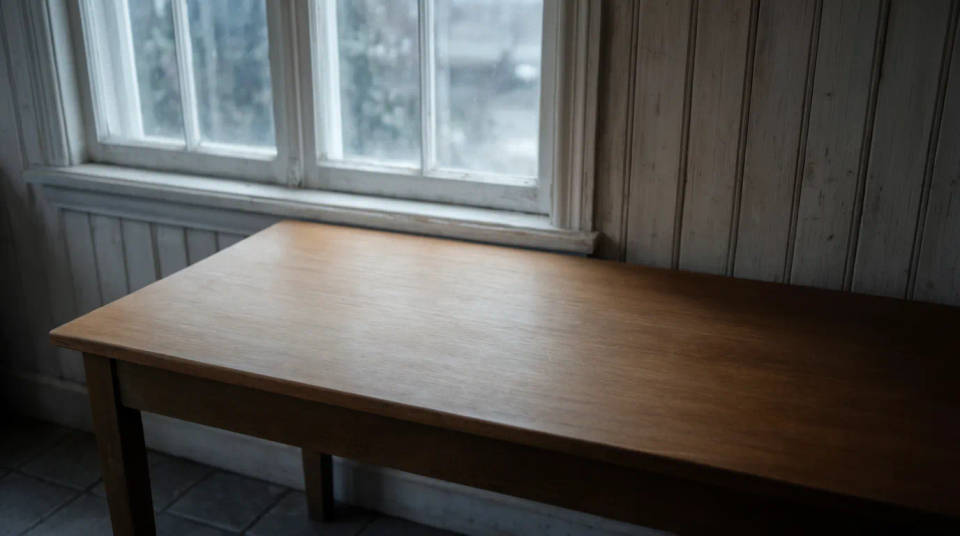
Remove personal details from a photo
A licence plate, a phone number on a van, a name badge, or a house number can be details you would rather not publish. Mark the text and the surface behind it rebuilds, so you can share the photo without the identifying words while keeping the rest of the scene intact.
Prompt examples
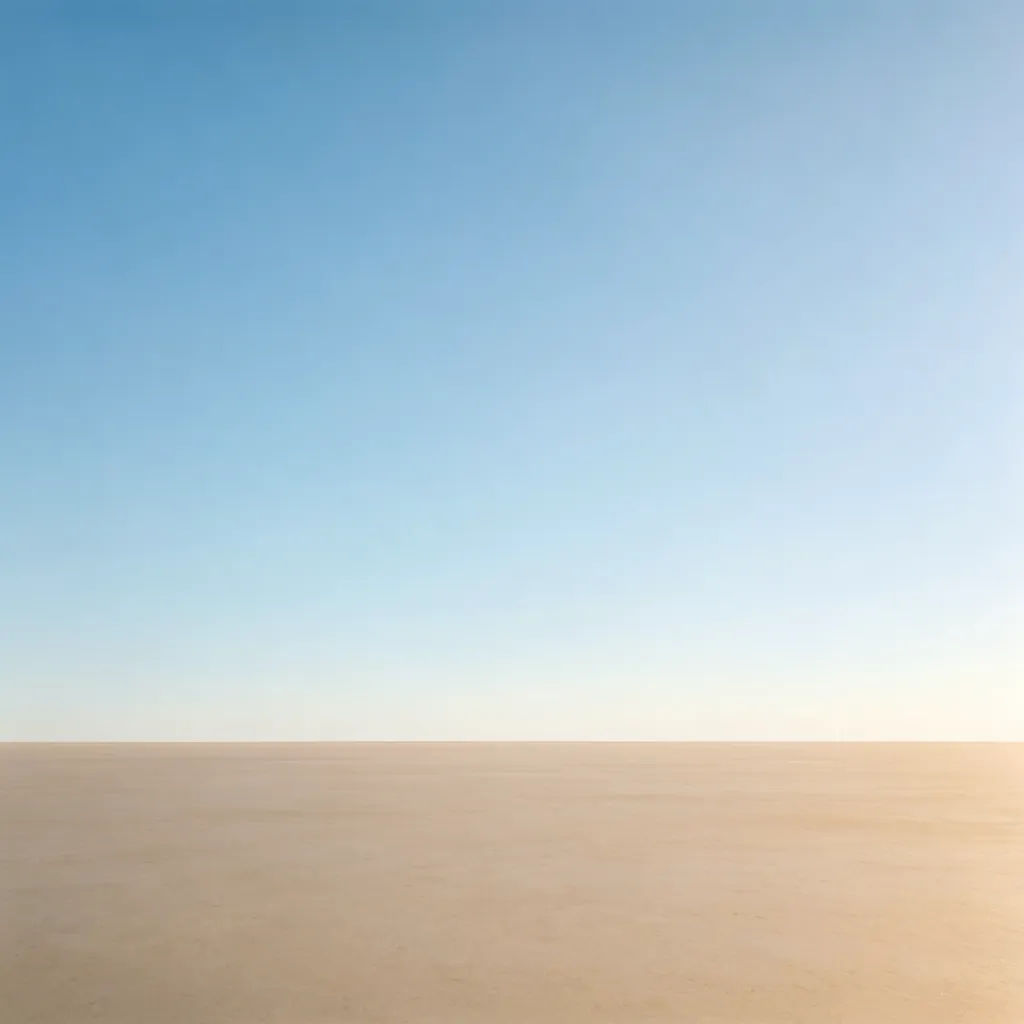
Clear the caption
Remove the caption text along the bottom of the frame and rebuild the background
Edit prompt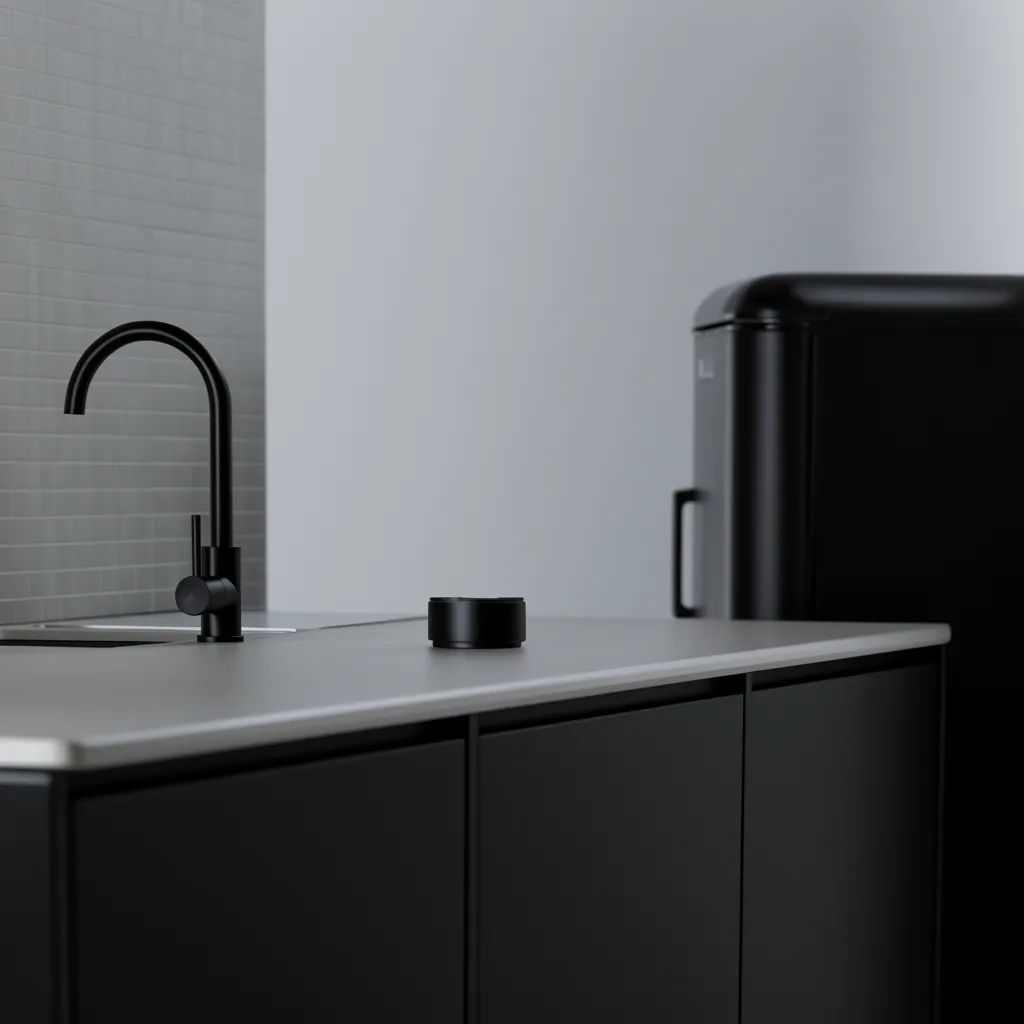
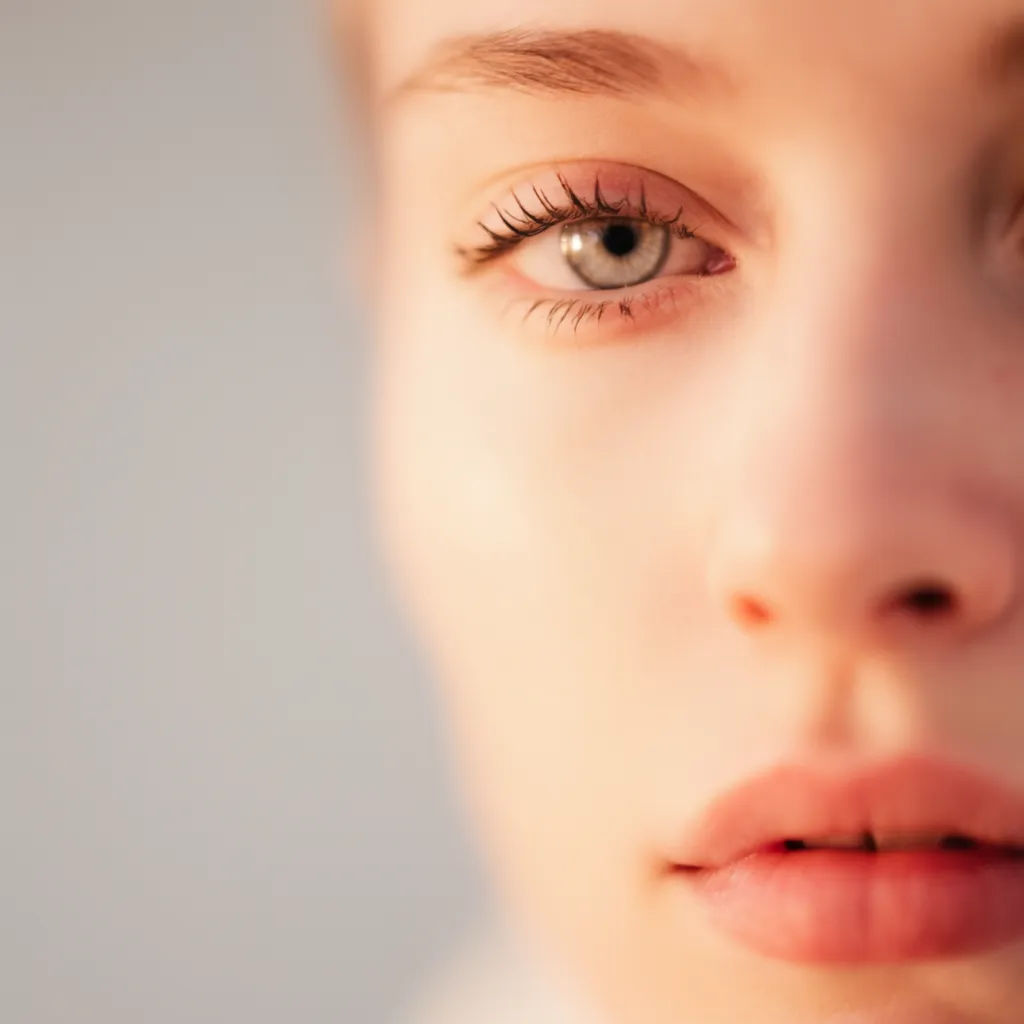
Remove the watermark text
Clear the watermark text across the middle of the photo and restore the detail
Edit prompt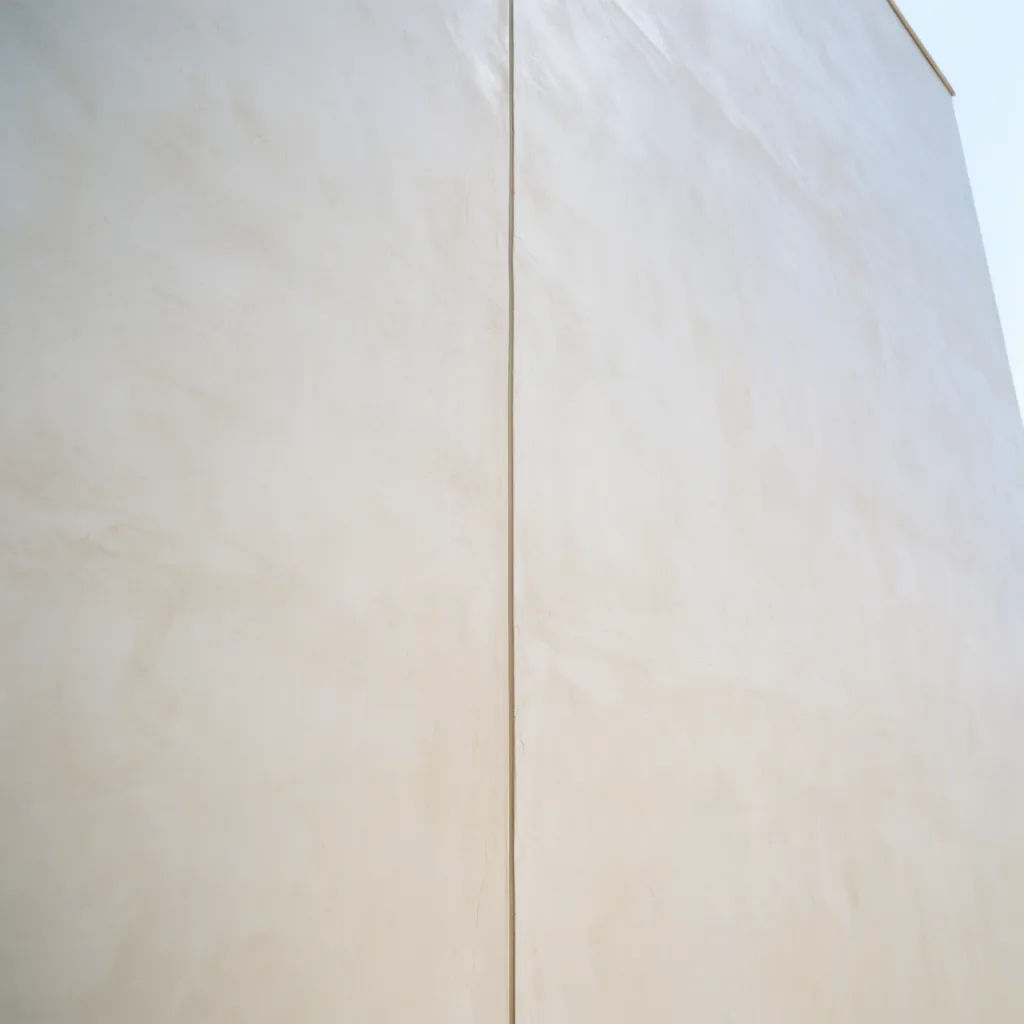
Take off the date stamp
Remove the burned-in date in the corner and rebuild the surface behind it
Edit prompt

Messages to cinematic scene
Dramatize any text conversation into a cinematic multi-shot video.

Title sequence
Generate a professional film title card from scratch, with optional cinematic animation.

Expressions
Take any character image and generate 6 distinct facial expressions on a single reference sheet.

Cinematic storyboard
Share a scene description with character references. Get a full storyboard with shot angles and mood.

3x3 storyboard
Feed in a single image. Get 9 cinematic beats laid out as a 3x3 storyboard grid.

Chibi sprite animation
Turn any photo or description into an animated chibi sprite. Dance, jump, wave, attack, and more.
All on Morphic
Your photo text and cleanup toolsModels
Nano Banana 2, Flux 2 Pro, ChatGPT Images, Grok Imagine, Recraft, Seedream, and more. Switch models when a surface needs a cleaner rebuild.
Object remover
Clear whole objects, people, and clutter from the frame, not just the lettering on them.
AI photo editor
Once the text is gone, recolour, retouch, or add your own copy back over a clean surface.
Image to image
Rework any photo through inpainting, the same method that rebuilds the surface behind text.
