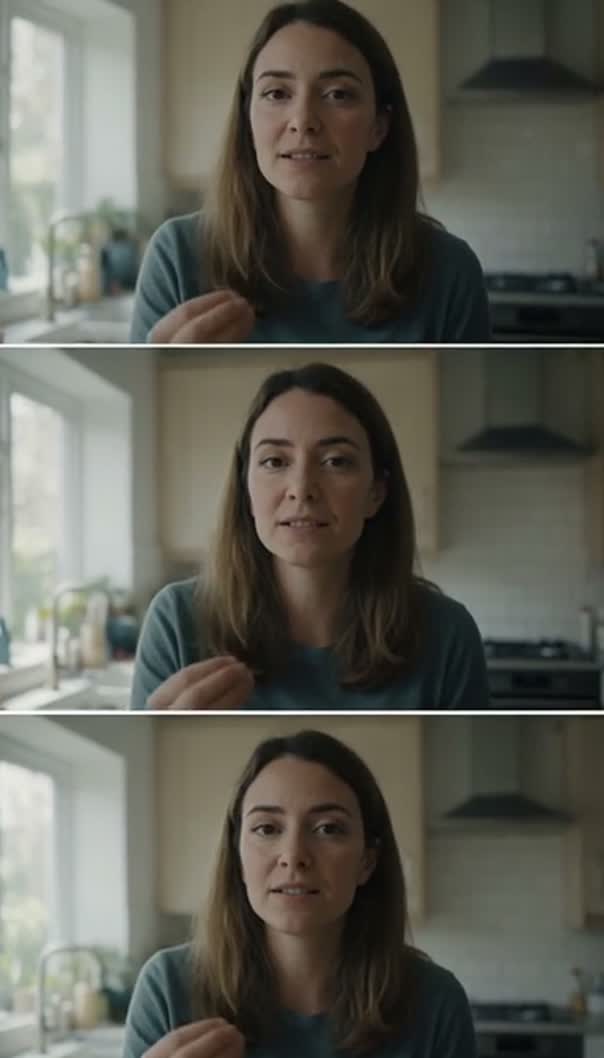
 Safe areaTikTok interfaceWait for the bit at the end
Interface covers the lower third and the right edge. Toggle the safe area and the captions to see what it costs.
Edit TikTok video on a timeline set to the frame it will be watched in, so the crop is a decision you make once at the start instead of a surprise at the end. Cuts, captions, music and effects all live in the same project. It runs in your browser, and the export is a clean MP4 with nobody else's branding on it.
How to edit a TikTok video in three steps
- 01
Set the frame to vertical
Give the project a nine by sixteen frame before a single clip goes in.
- 02
Cut for the first second
Blade away everything before the moment that earns the rest of the video.
- 03
Export clean and upload
Render MP4 up to 4K on your own machine, unmarked on every plan.
What the TikTok editor gives you
This is Compose V2, switched on one workspace at a time.
A vertical project, not a crop
The frame is set on the project, so everything placed renders into nine by sixteen from the start. You see what the viewer sees while you cut, so the crop is never a discovery after the edit is locked.
Captions from the audio
Speech transcribes into captions with word-level timing available, then takes a font, a weight, a colour, a position and a shadow. They stay timeline items and never become pixels, so a typo is a text edit and not a re-render.
Sound on its own layers
Music, voiceover and effects each get a track and a level. A feed that plays loud rewards a real mix, and separate layers are what make a mix possible.
Cut fast, then cut again
Blade, ripple delete and frame-accurate trims mean the pacing is something you keep tightening. Short-form lives or dies on how quickly it gets to the point, and that is rarely right on the first pass.
Ask for the tedious part
Put a cut on every beat, bring the music under the voice, caption the whole thing: instructions Copilot carries out across the timeline, atomically, undone in one keystroke if the result is wrong.
Export ready to upload
A vertical MP4 up to 4K, rendered on your own machine with no queue. Mark a shorter span and export that alone when the same edit has to be two lengths.
The hook is the shot you almost never have. When the first second needs something the footage cannot supply, generate it vertical in the same project, from the whole model roster, against the reference sheets that keep every post looking like the same account. Seedance 2.5 is one of the video models on that roster.
Edit TikTok video in the frame it publishes in
Editing widescreen and cropping at the end is the most common way a vertical video goes wrong: every framing decision was made about a picture the audience never sees, and by the time the crop happens the cut is locked.
Setting the project vertical first inverts that. Wide footage still goes in, but you place it inside the tall frame while you are choosing shots, so a clip that cannot survive the crop is rejected early instead of rescued late.
The other half of it is the safe area. Platform interface sits over the bottom and the right of the frame, so anything important down there is partly covered in the only place it will be seen. If the footage is already cut widescreen, resizing the project is the salvage route, and footage that came off the camera sideways wants you to rotate video online first.
Captions and sound for a feed that plays loud
TikTok is unusual in that sound is on by default and is often the reason a video works at all. A voice competing with a music bed at the same level loses, and a viewer scrolls.
Captions cover the rest: the part of the audience watching silent, and the part who need the words to keep up with a fast cut. Transcribing gets timing and text in one pass, so styling is the real work:
- Large enough to read at arm's length.
- Clear of the interface across the bottom and right.
- Held long enough to be finished, not matched exactly to speech.
Word-level timing is there when the one-word-at-a-time style is right, and it is not always. For the sharp single hits that punctuate a cut, the sound effects library is the other half of the soundtrack.
TikTok video maker, from footage to post
Most of what gets called making a TikTok is assembly: choosing from what you filmed, ordering it, cutting it tight, putting words and sound on it. A tool that hands you a finished video from a prompt is answering a different question.
The two mix well, though. A generated shot can open a cut made of real footage, a still can carry a title card, and music written for the section can sit under the whole thing, all on one timeline. If the video is meant to be generated rather than filmed, the TikTok video generator is the page for that, and its output comes back here to be cut. The same cut usually owes the other two vertical feeds: make YouTube Shorts from it, and edit Reels for the placement Instagram wants.
Related video tools
Online video editor
The same timeline without the vertical assumption baked in.
Instagram Reels editor
The same cut for a platform that also wants it as a feed post.
YouTube Shorts editor
Vertical again, usually cut down from something much longer.
Resize video online
Bring widescreen footage into a vertical frame without losing the subject.
AI subtitle generator
Captions timed to the delivery, not typed against a stopwatch.
Add music to video
A bed under the voice at a level you set, not one you accept.
Sound effects library
The hits that mark a cut in a feed where sound is on by default.
TikTok video generator
When the video should be made, not filmed and then cut.
