Every image model
Faces you can recover
Enhance a face in three steps
- 01
Open Morphic
Sign up and start creating on a free-flowing, infinite visual canvas.
- 02
Upload the photo
Add the image with the soft or low-resolution face you want to recover.
- 03
Enhance and export
Morphic denoises, sharpens, and restores detail on the subject while the rest stays as shot. Rerun if needed, then export.
Use cases
Rescue a soft or blurry portrait
Sharpen a shot where the focus missed or a small motion blur crept in. The model recovers detail in the eyes, skin, and hair so the face reads clearly again. The background and framing stay as they were, so only the person is lifted. It is the quickest way to salvage a frame you cannot retake.

Revive old and scanned photos
Bring detail and light back to a soft face in a scanned print or an old family photo. The enhancer restores the subject while you keep the rest of the frame intact. For prints with tears or heavy spots, follow with a restoration pass so the whole image is repaired. It makes a keepsake worth printing again.
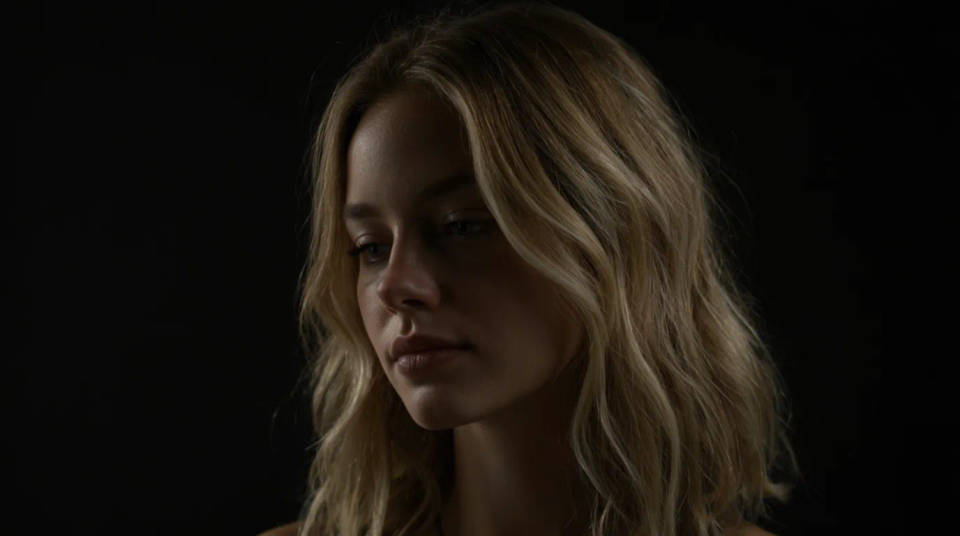
Lift a low-resolution face for print
Recover a small or compressed face so it holds up at a larger size. The model rebuilds the fine structure the source lost, then you check the likeness against the original. Useful when the only photo you have is a thumbnail or a screenshot. Rerun until the detail is convincing before you commit to print.

Even out faces across a set
Clean up soft frames in a batch so a team page, a cast card, or an album reads consistently. Enhance each face while leaving the composition alone, and the set lines up. It saves rebooking a shoot when only a few frames came out soft. Compare them on the Canvas to keep the sharpness uniform.

Prompt examples

Recover a soft face
Restore detail on the soft face, sharpen the eyes and skin naturally, keep the identity and the background
Edit prompt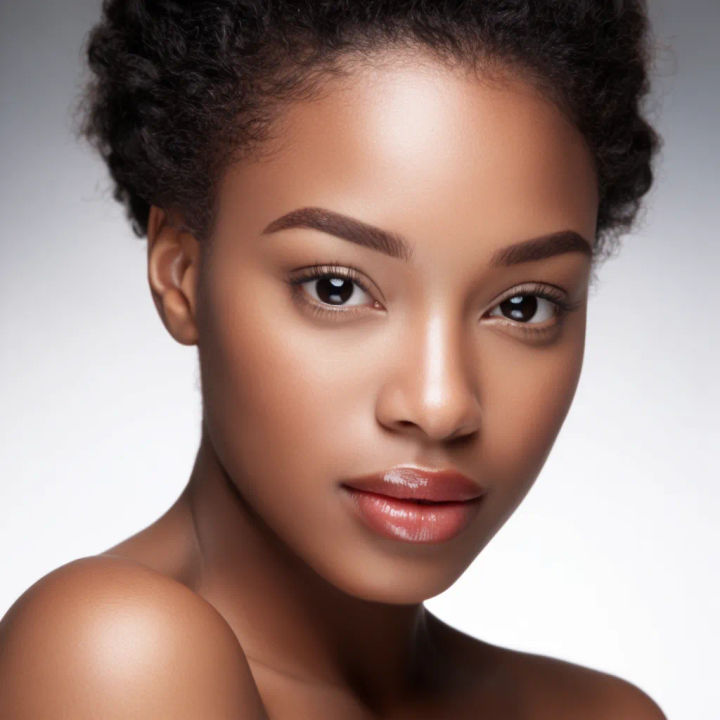
Unblur a snapshot
Reduce the motion blur on the face, rebuild the eye and lip detail, leave the rest of the shot as is
Edit prompt
Revive a scan
Restore detail and light on the face in this old scan, keep it natural, do not smooth away the texture
Edit prompt
Lift a low-res face
Rebuild the fine detail on this low-resolution face so it holds at a larger size, keep the likeness
Edit prompt
Clear the noise
Denoise the face shot in low light, recover clean skin and eye detail, keep the mood of the scene
Edit prompt
Even the light
Recover detail and even the light on the face, lift the shadow gently, leave the background as shot
Edit promptSkin enhancer
Fix plastic-looking AI skin. Adds natural texture, pores, and imperfections for realism.

Character age progression
Upload a photo of a person or character and get a single grid image showing them at different life stages, from baby to elderly.
Photo restore
Bring back any damaged, blurry, or low-res image. Get a sharp, detailed 4K version with natural clarity restored.
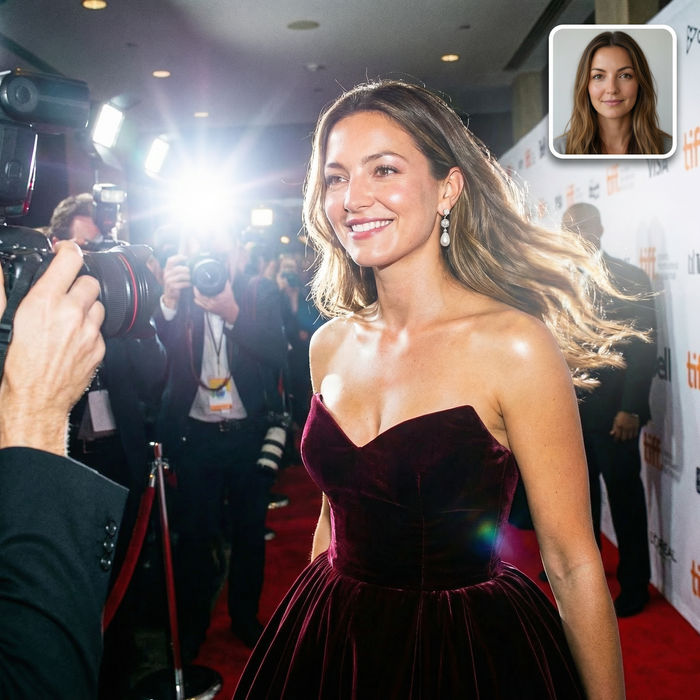
Paparazzi scene
Put anyone on a red carpet with paparazzi flashes, animated into a celebrity entrance video.

Female AI influencer
Generate a female AI influencer. Vertical output, ready for socials.

Anime style transfer
Pick any anime illustration as your style guide. Apply its look to any image.
All on Morphic
Models
Nano Banana 2, Flux 2 Pro, ChatGPT Images, Grok Imagine, Recraft, Seedream, and more. Swap models when a face needs a cleaner recovery.
AI photo enhancer
Lift the whole image, not just the face, with a general detail and clarity pass.
AI photo restoration
Repair tears, spots, and fading on an old print, beyond recovering a soft face.
Image to image
Enhance, restore, and edit any photo in one workspace, the home of the face enhancer.
