Every image model
Collage layouts you can build
Make a collage in three steps
- 01
Open Morphic
Sign up and start creating on a free-flowing, infinite visual canvas.
- 02
Upload your photos and describe the layout
Drop in the shots you want to include and say what kind of collage you are after.
- 03
Generate and export
Morphic lays out the frames, spacing, and colour balance into one image. Rerun for another arrangement, then export.
Use cases
A recap of a trip or an event
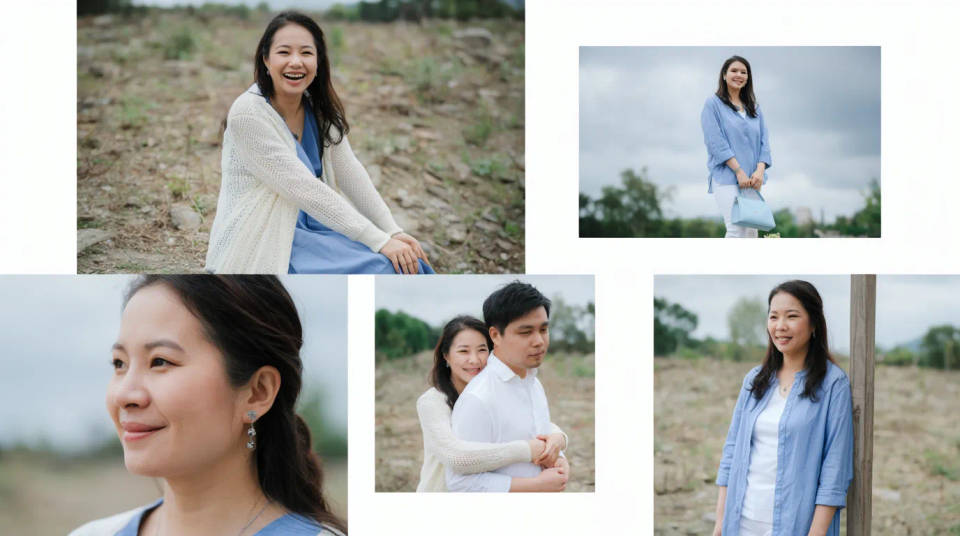
Pull the best shots from a holiday, a wedding, or a weekend and arrange them into one collage to share or print. Morphic balances the crops and the colour so photos taken in different light sit together, turning a camera roll into a single piece worth posting.
A social post or story
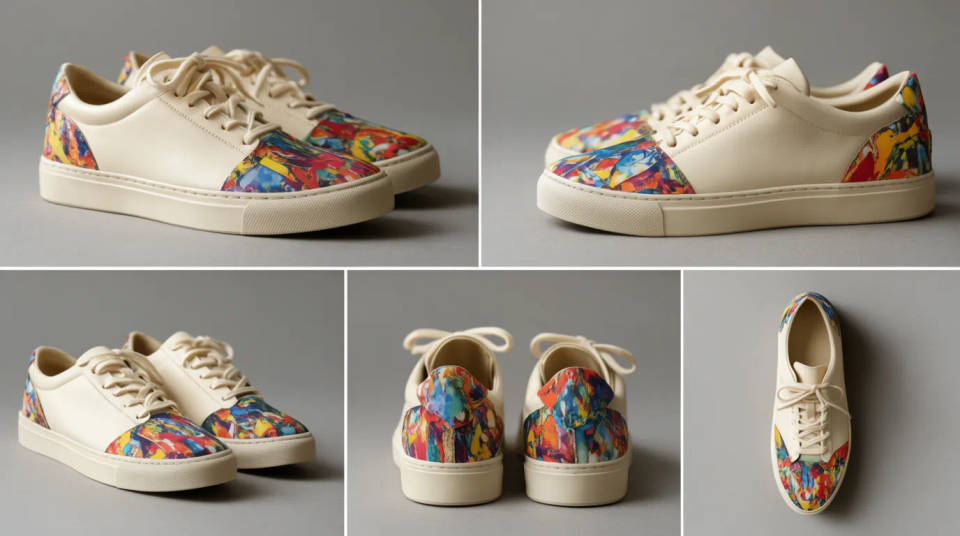
Combine several product angles or moments into one framed image for a feed post or a story. A tidy grid or a layered layout reads better than posting singles, and the colour balancing keeps the set on-brand across the frames.
A photo wall to print
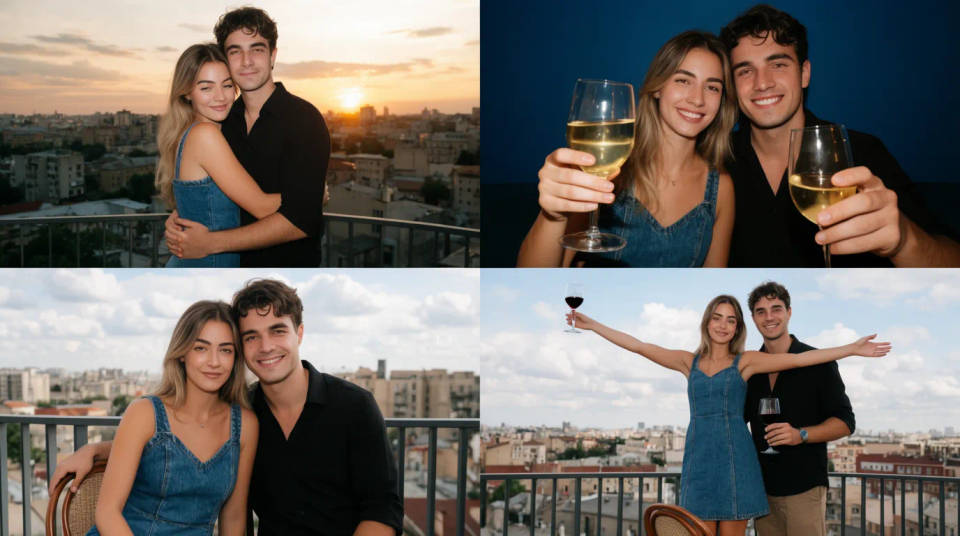
Design a mosaic or a photo-wall layout from a batch of images and export it as one piece for a poster or a canvas print. The maker handles the spacing and the trim so the arrangement prints cleanly instead of leaving awkward gaps at the edges.
A moodboard or a lookbook page
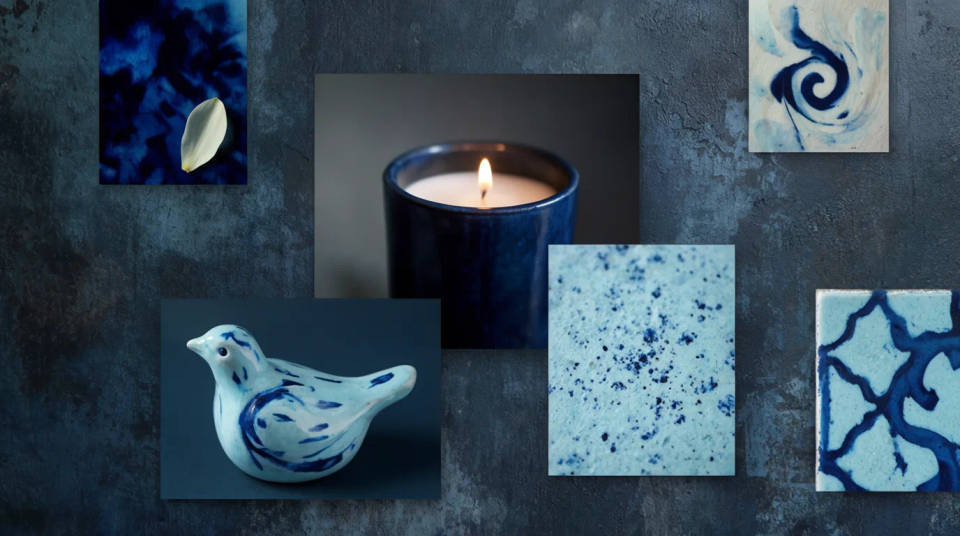
Gather references, product shots, or style images into a clean grid for a moodboard or a lookbook page. Ask for a hero image with supporting frames, and the layout gives the main shot weight while keeping the rest balanced around it.
Prompt examples
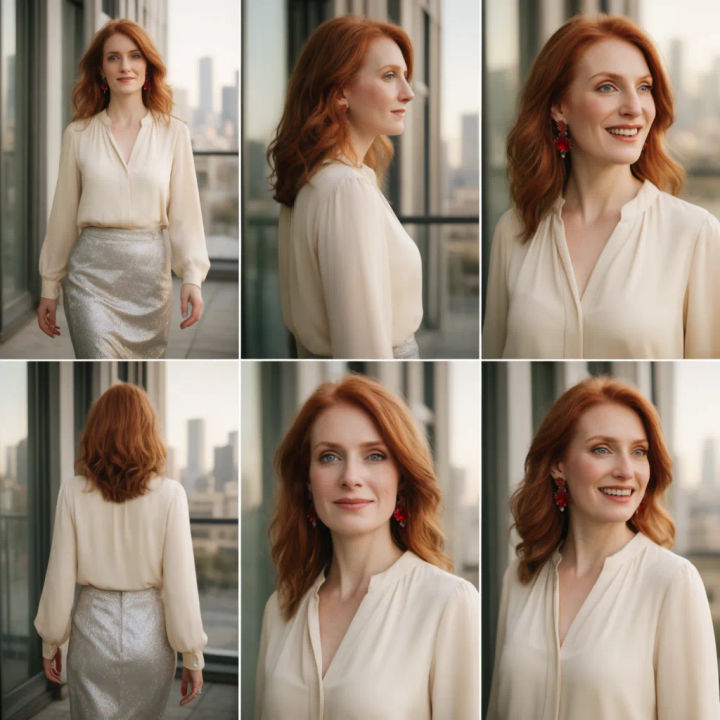
Clean six-photo grid
Arrange these six photos into a clean three-by-two grid collage, even white gaps between frames, balanced colour across all six
Edit prompt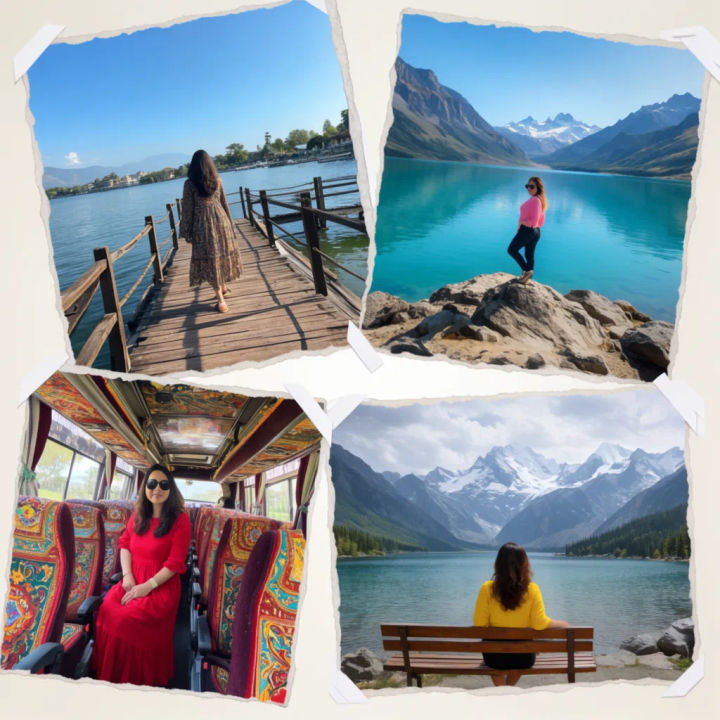
Scrapbook layout
Arrange these travel photos into a scrapbook collage with slight tilts, torn-paper edges, and a warm balanced tone
Edit prompt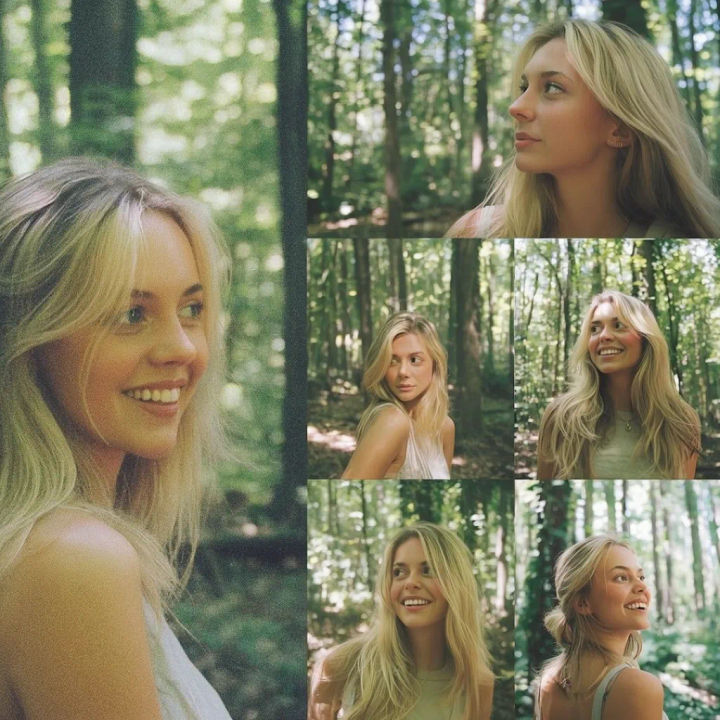
Hero image with frames
Arrange these photos into a collage with one large hero image on the left and four smaller frames stacked on the right
Edit prompt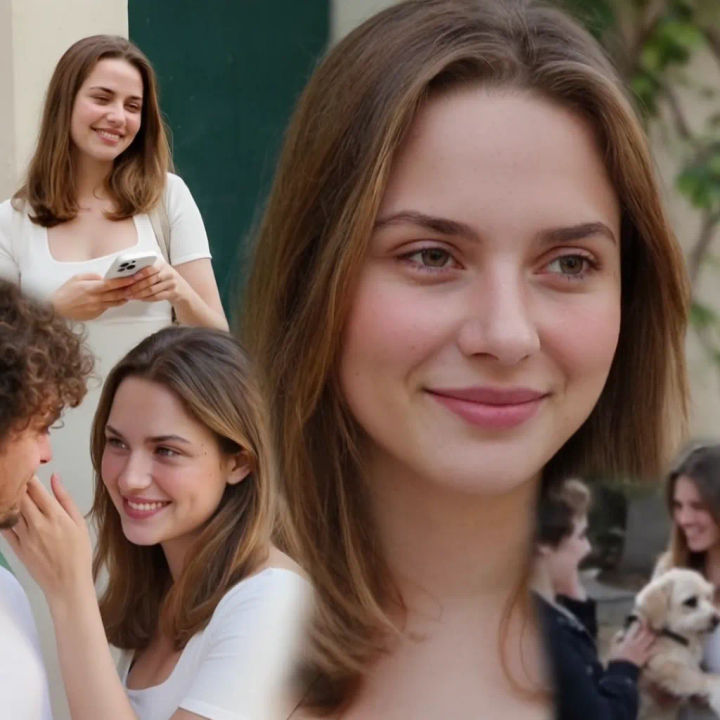
Polaroid stack
Arrange these snapshots as a loose stack of polaroid frames with white borders on a soft neutral background
Edit prompt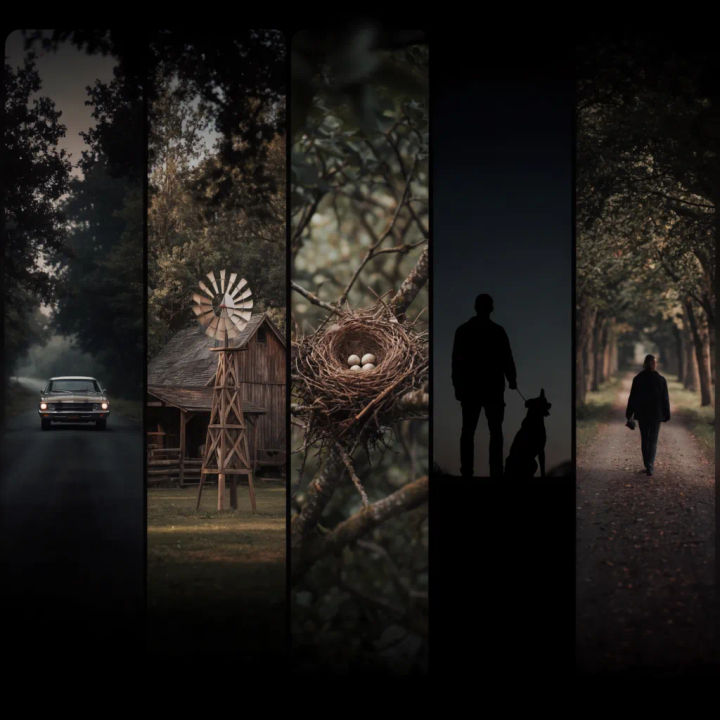
Wide banner strip
Arrange these five landscape photos into a wide banner filmstrip, thin dividers, matched colour grade across the strip
Edit prompt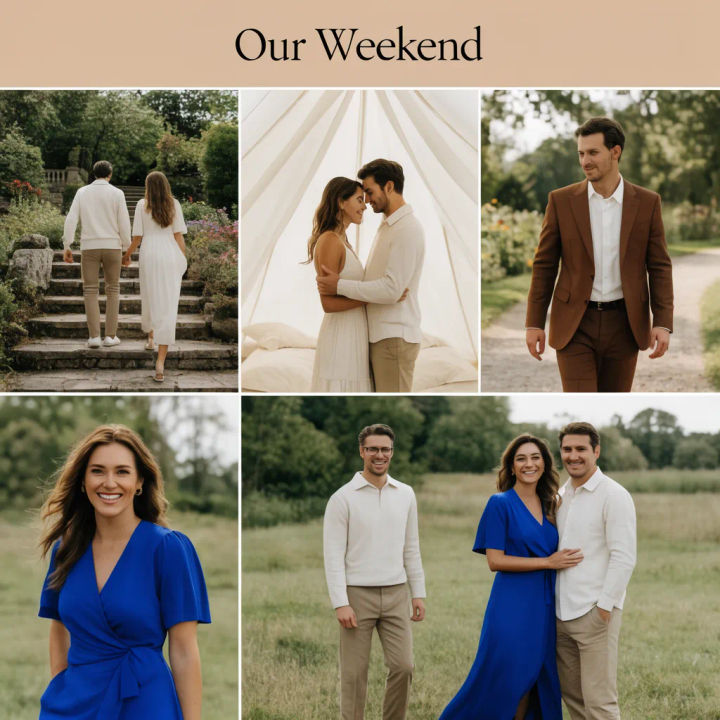
Grid with a title
Arrange these photos into a clean grid collage with a short title bar at the top reading Our Weekend, balanced spacing
Edit prompt
Cinematic storyboard
Share a scene description with character references. Get a full storyboard with shot angles and mood.

Chibi sprite animation
Turn any photo or description into an animated chibi sprite. Dance, jump, wave, attack, and more.

Messages to cinematic scene
Dramatize any text conversation into a cinematic multi-shot video.

Title sequence
Generate a professional film title card from scratch, with optional cinematic animation.

3x3 storyboard
Feed in a single image. Get 9 cinematic beats laid out as a 3x3 storyboard grid.
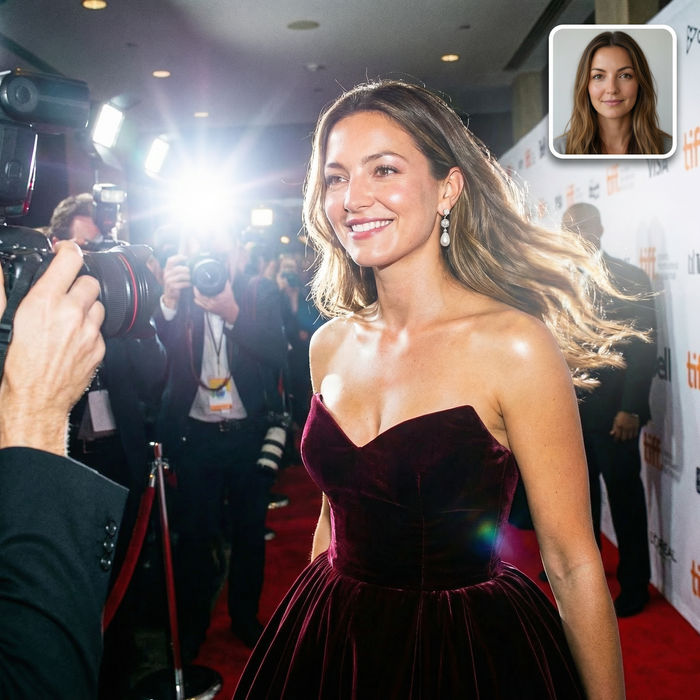
Paparazzi scene
Put anyone on a red carpet with paparazzi flashes, animated into a celebrity entrance video.
All on Morphic
Models
Nano Banana 2, Flux 2 Pro, ChatGPT Images, Grok Imagine, Recraft, Seedream, and more. Swap models when a layout needs a cleaner balance.
AI image editor
Tweak a finished collage by describing a change, from swapping a frame to adjusting the caption.
Generative fill
Extend a collage past its edges or fill an empty corner of the layout with matching background.
Image to image
Upload your photos and generate a designed layout from them, the method behind a balanced collage.
