Every video model
One workspaceSoft in, sharp out
Upscale a video in three steps
- 01
Open Morphic
Sign up and start creating on a free-flowing, infinite visual canvas.
- 02
Upload your video
Drop in the clip you want to sharpen, at whatever resolution it is now.
- 03
Pick a target and export
Choose up to 4x, run Topaz Video or Crystal Video, and export in 4K.
Use cases
Rescue old footage
Family clips, early phone videos, and archive tape were shot at resolutions that look soft on a modern screen. Upscaling reconstructs the detail hiding under that softness, so a memory recorded years ago holds up at 4K instead of dissolving into blur when it fills the display.

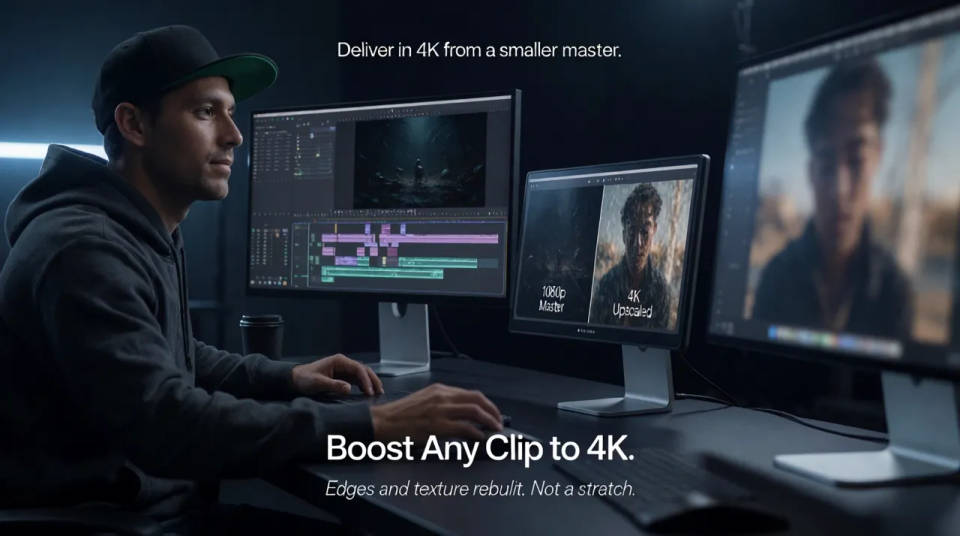
Deliver in 4K from a smaller master
A client or platform asks for 4K when the original was finished at 1080p. Rather than reshoot, upscale the master up to 4x and hand over a file that meets the spec, with edges and texture rebuilt so it reads as genuine detail, not a stretch.
Clean up compressed social exports
A clip that has been re-uploaded across platforms picks up compression and loses crispness each pass. Running it back through an upscaler recovers detail and smooths the motion, so a video that started to look worn comes back closer to the way it was shot.
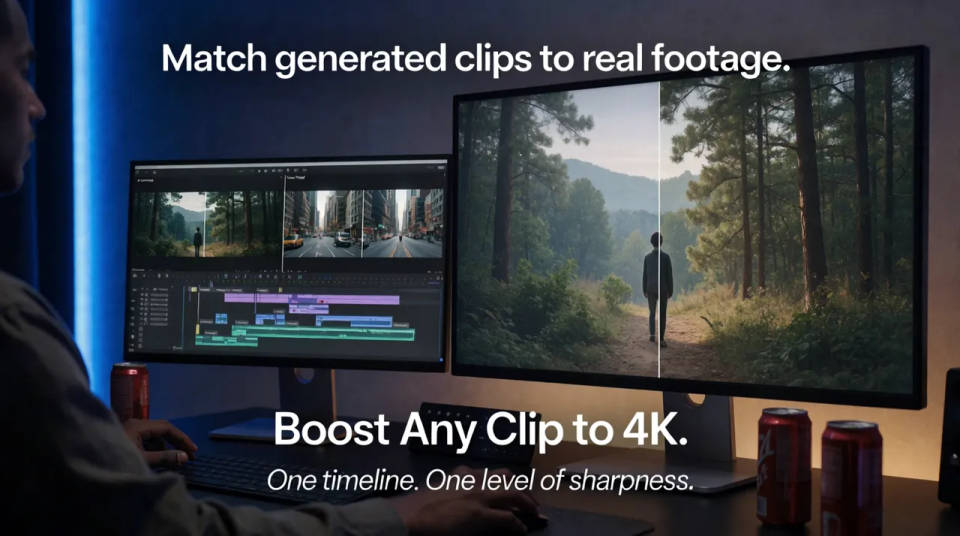
Match generated clips to real footage
When AI-generated shots sit alongside high-resolution camera footage in an edit, the softer clips give themselves away. Upscale the generated pieces so the whole timeline shares one level of sharpness and the cut holds together on a big screen.
Cinematic scene
One image to a 9-scene cinematic video.
Time-freeze effect
Cinematic time-freeze short film for any scene
Short film creator
Go from any idea to a finished short film with scenes, visuals, video, and music.
Renovation timelapse
Photo of any real-estate becomes a cinematic renovation timelapse video with construction SFX and music.
Motion transfer
Pair a character image with a reference video. Your character picks up that exact motion.
Video style transfer
Restyle any video in a completely new visual style. Every frame transforms, all motion stays intact.
All on Morphic
From soft source to sharp 4KModels
Topaz Video and Crystal Video for upscaling, alongside every generation model in one workspace.
Upscale
Doing the same to a still image? Upscale a photo and rebuild detail the same way.
Best AI image upscalers
Compare the leading upscaling models and see which one fits your source and output.
Video to video
Restyle, edit, or transform a clip with a prompt, beyond raising its resolution.
