Every image model
One workspaceDrop the black
Clear the black in three steps
- 01
Open Morphic
Sign up and start creating on a free-flowing, infinite visual canvas.
- 02
Upload the shot
Drop in the photo taken against the black backdrop you want gone.
- 03
Generate and export
The model separates the subject and drops the black. Export the transparent cutout.
Use cases
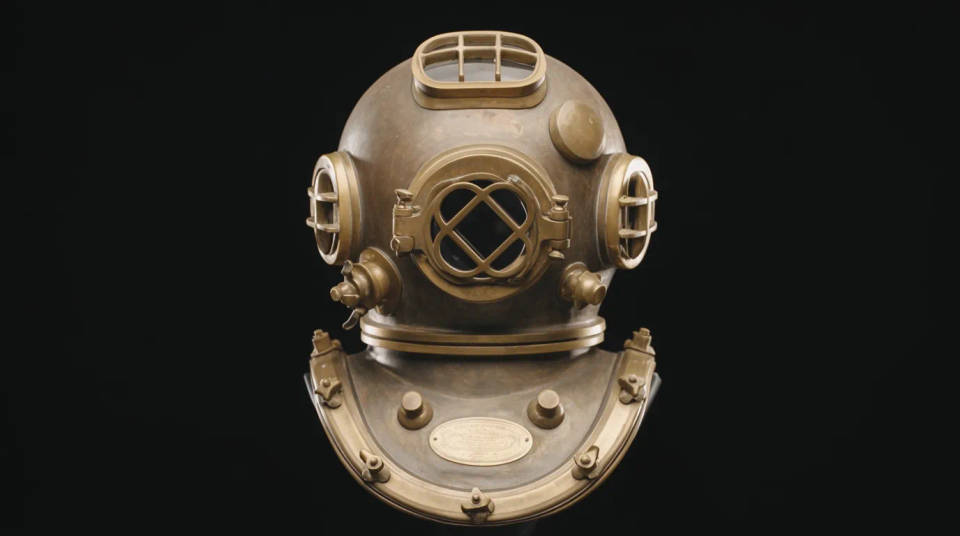
Free a subject shot on a black sweep
Studio and dramatic shots often sit on a black backdrop that you now need gone. Segmentation lifts the person or object off cleanly while keeping their dark clothing and shaded edges, which a plain black key would strip away. The result is a clean cutout you can drop anywhere.
Keep dark hair and clothing intact
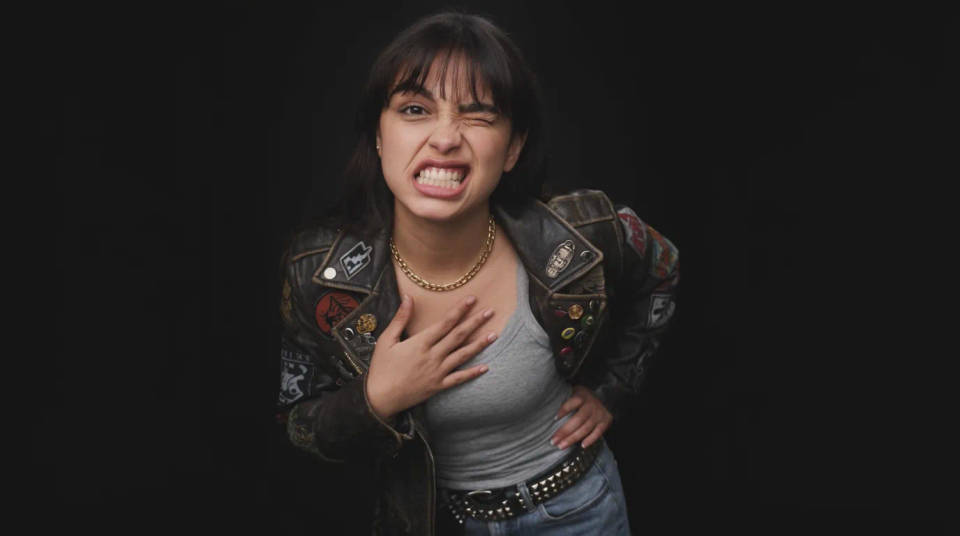
Dark hair against black is the classic case where a cutout eats into the subject. Because the model reads the outline rather than the colour, a black hoodie, dark curls, or a shadowed jawline stay put while only the backdrop goes. You keep the detail that makes the shot look real.
Move a product off its black backdrop
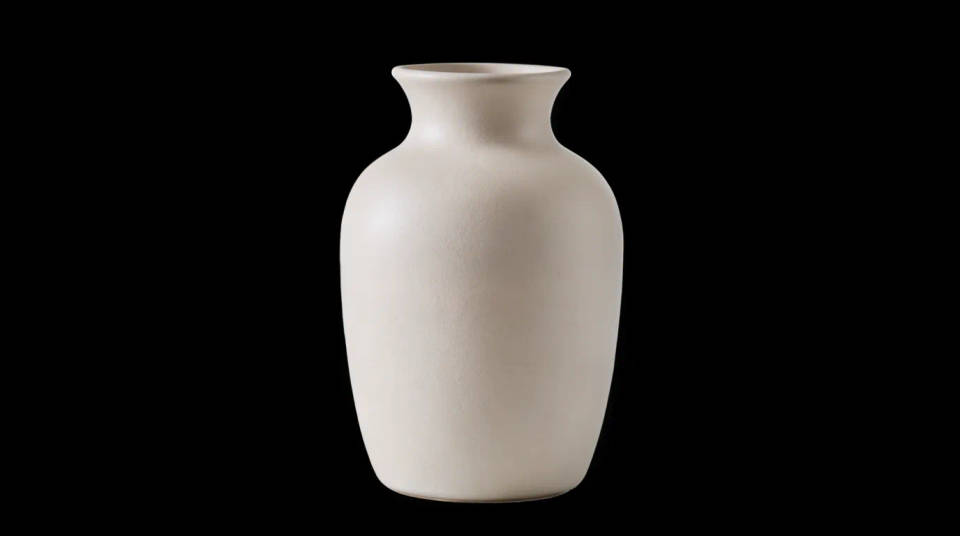
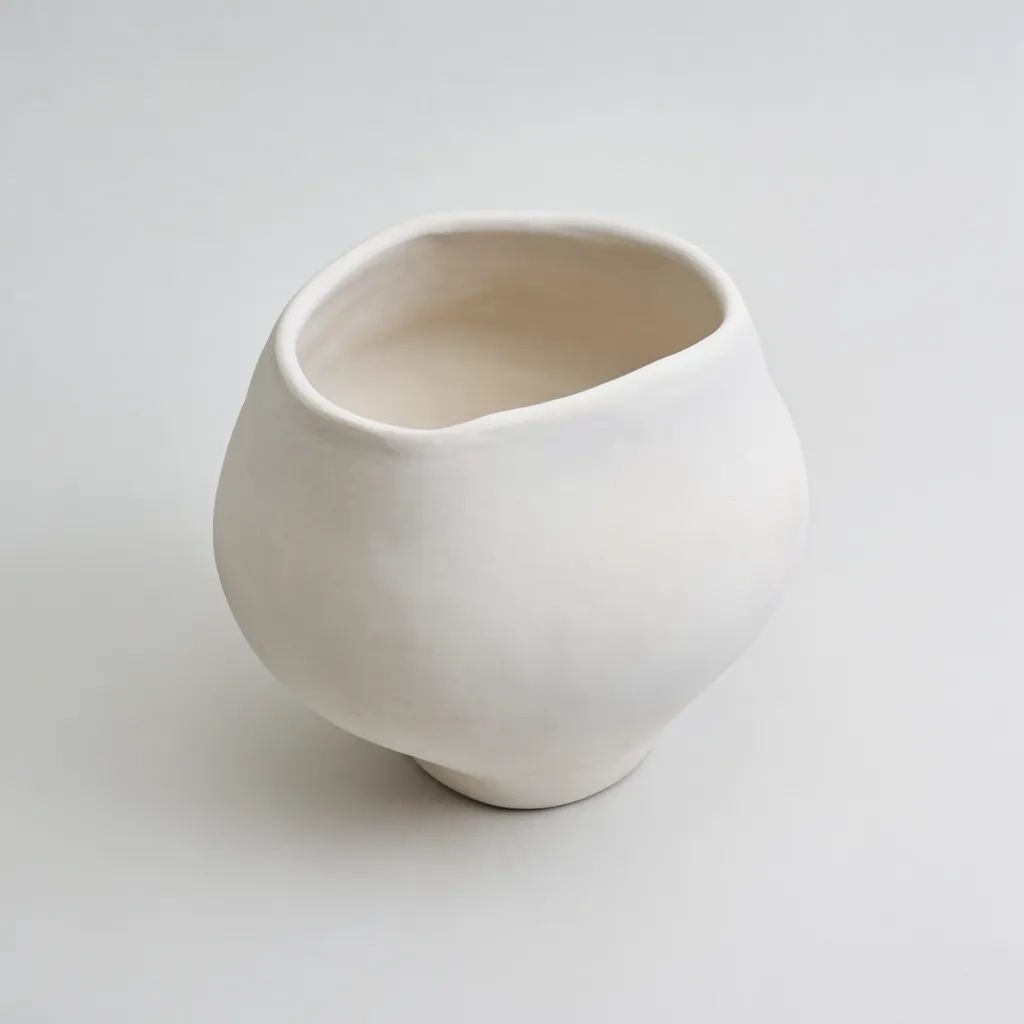
Products photographed on black look striking but lock you into one background. Cut the item out and you can drop it onto white for a listing, a colour for a banner, or a scene for an ad. The dark and reflective parts of the product survive the cut instead of dissolving into the backdrop.
Swap black for the background you want
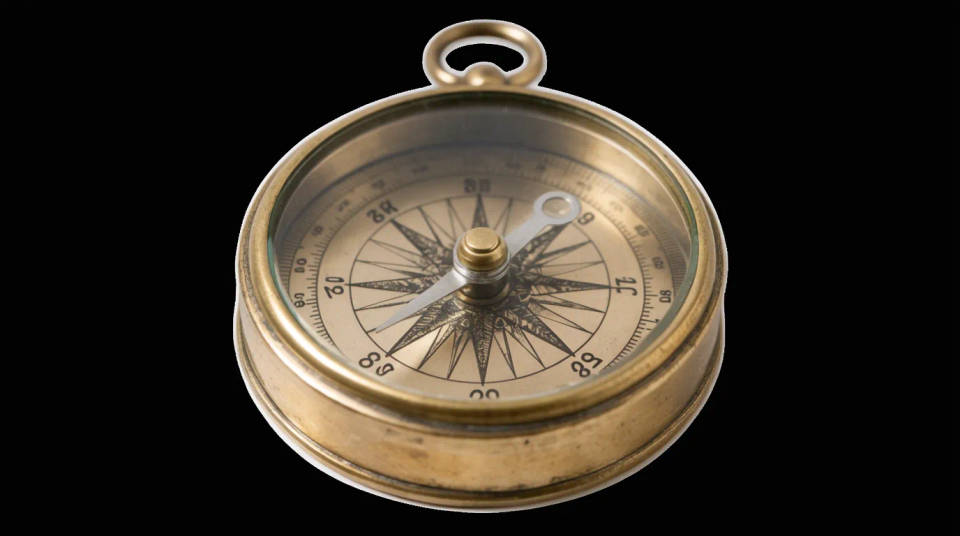
Once the subject is isolated, the black is just a starting point. Place the cutout on transparency, on a solid colour, or generate a new backdrop on the same canvas. It turns a single black-background shot into a flexible asset you can restyle for different uses.
Prompt examples
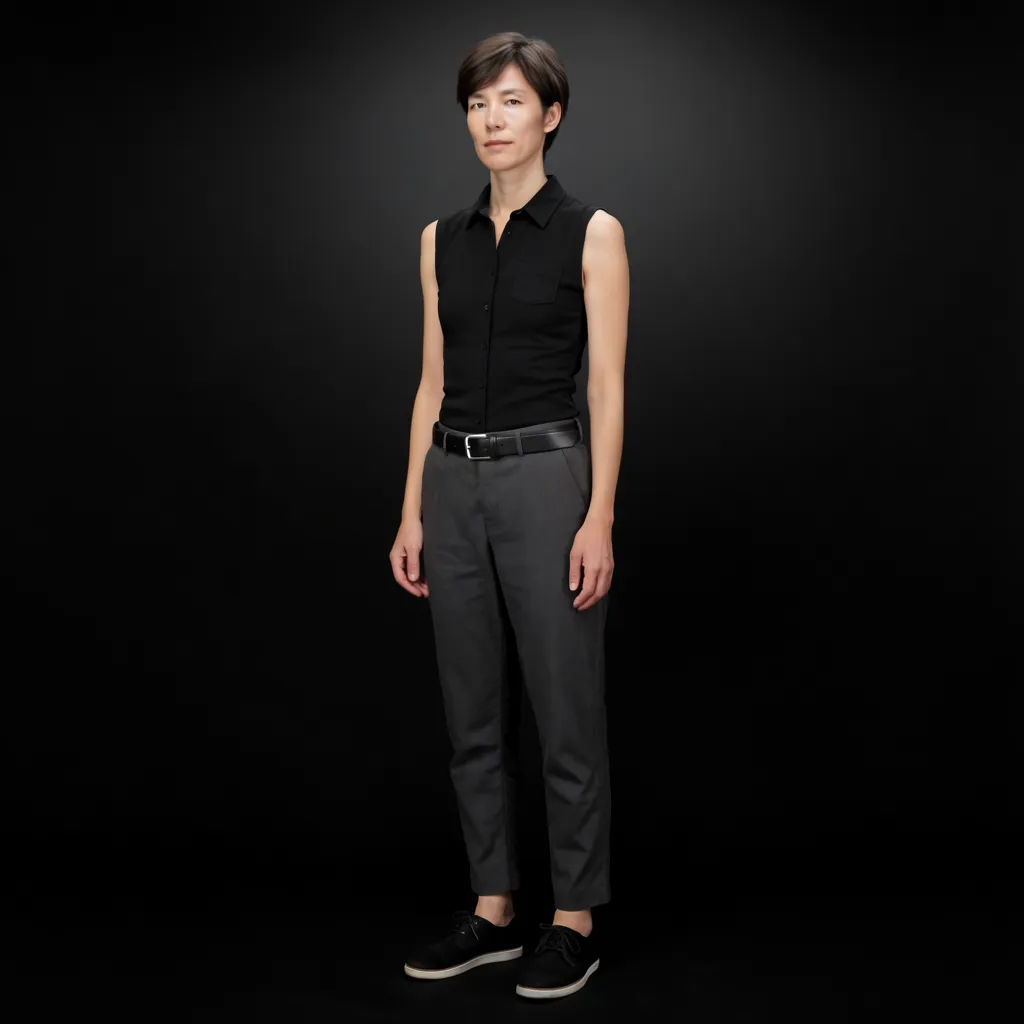
Off a studio sweep
Remove the black studio background behind this person and export a transparent PNG
Edit prompt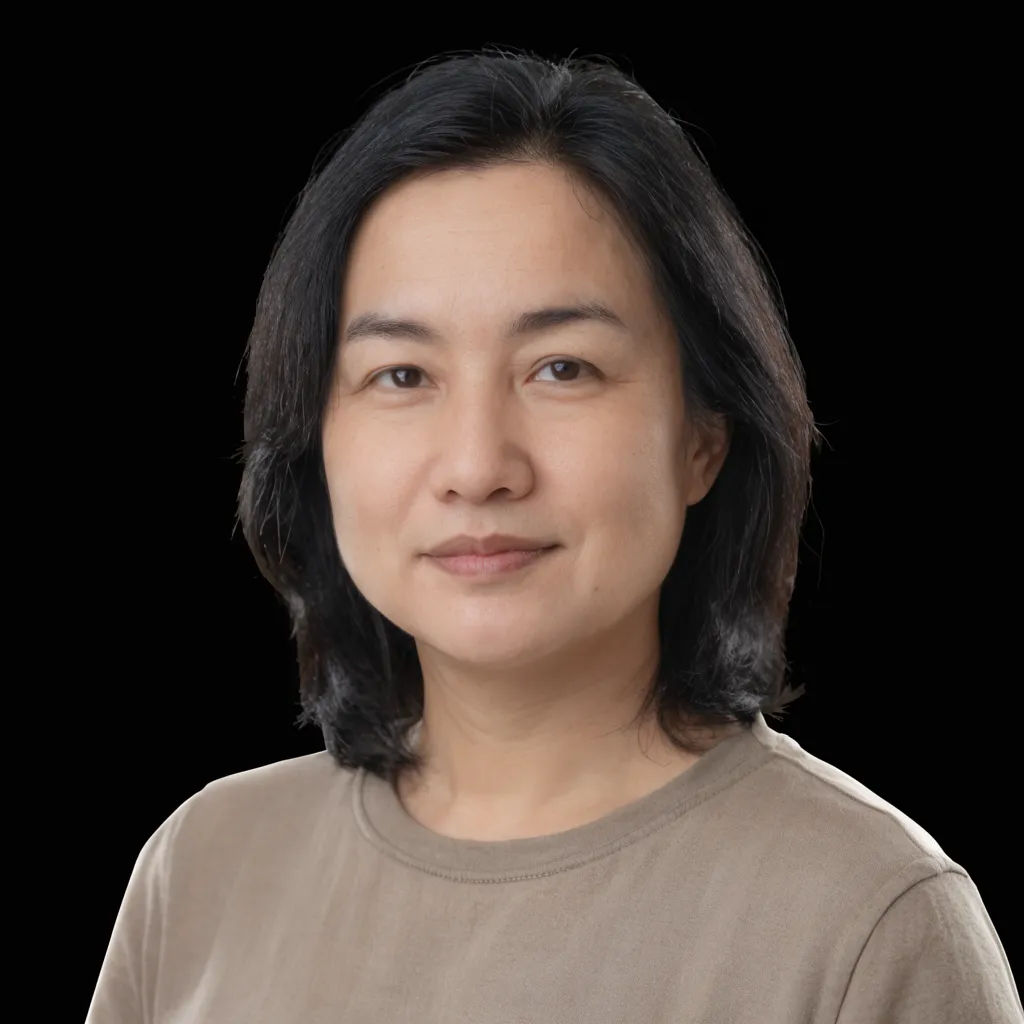
Keep the dark hair
Cut this subject out of the black background without eating into the dark hair
Edit prompt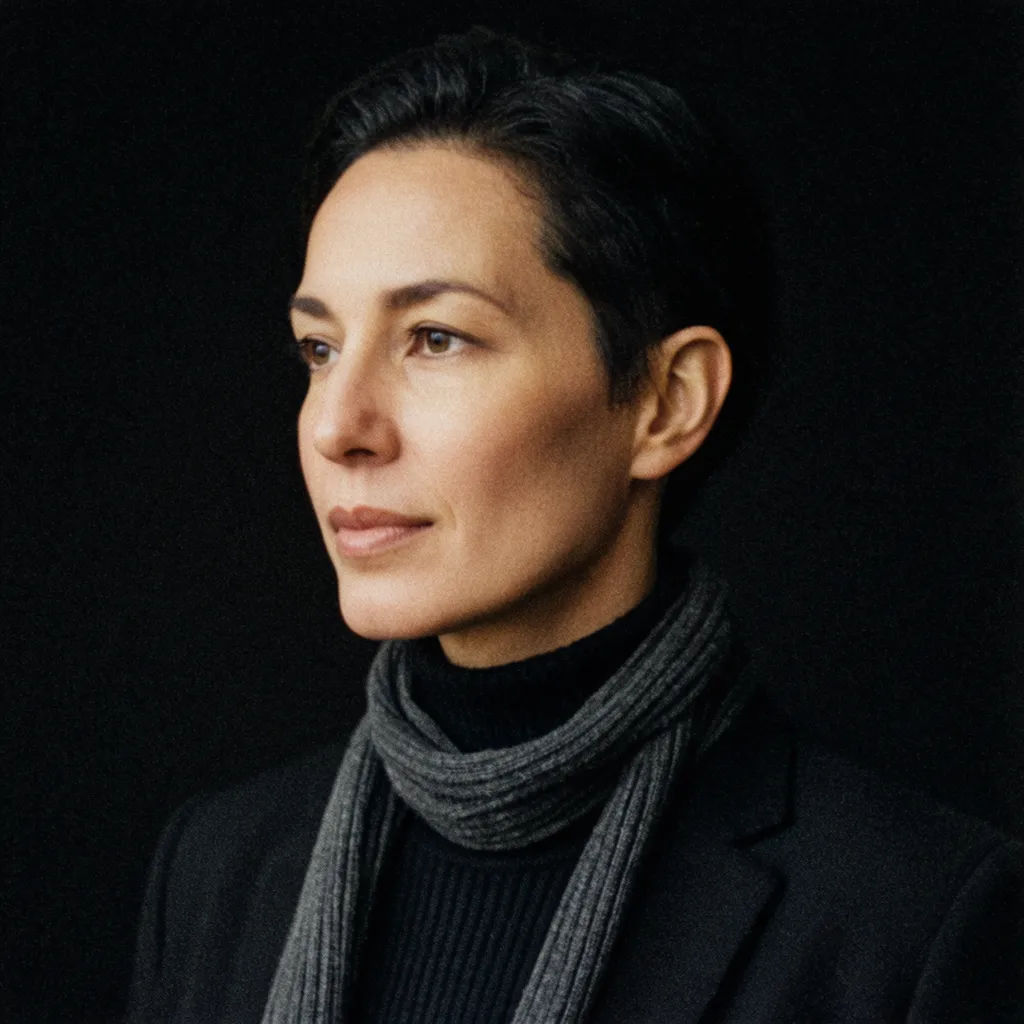
Hold the black jacket
Remove the black backdrop but keep the subject's black jacket fully intact
Edit prompt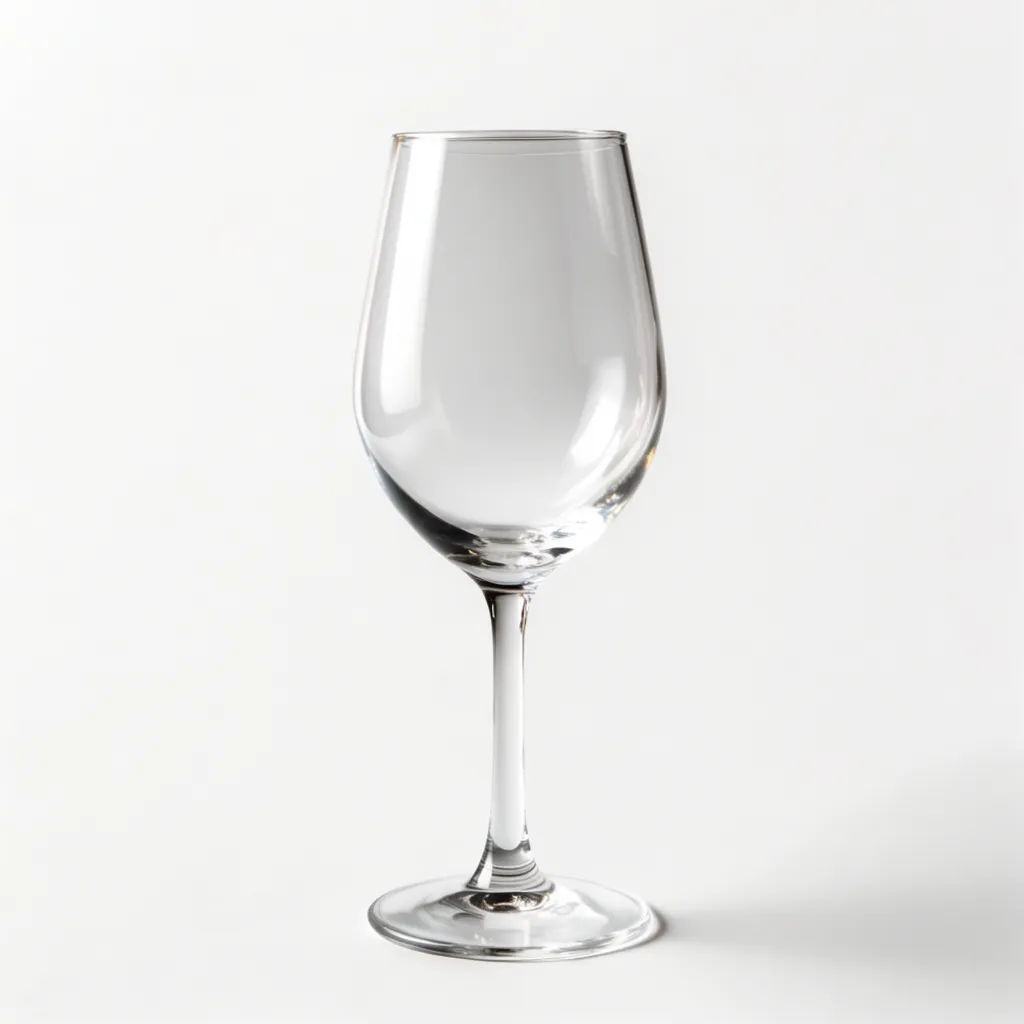
Product on black
Isolate this product from the black background and place it on plain white
Edit prompt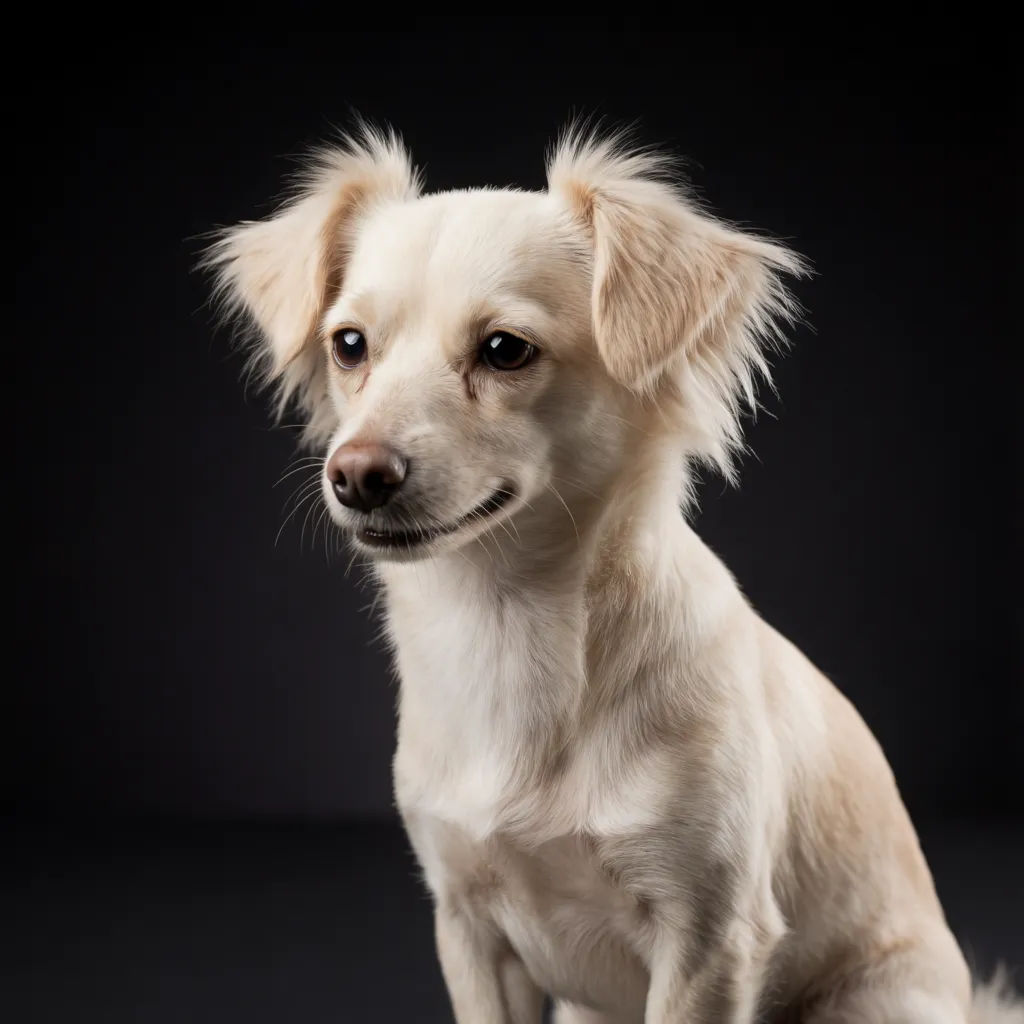
Swap the backdrop
Take this subject off the black background and set it on a soft grey studio scene
Edit prompt
Cinematic storyboard
Share a scene description with character references. Get a full storyboard with shot angles and mood.

Messages to cinematic scene
Dramatize any text conversation into a cinematic multi-shot video.

3x3 storyboard
Feed in a single image. Get 9 cinematic beats laid out as a 3x3 storyboard grid.

Title sequence
Generate a professional film title card from scratch, with optional cinematic animation.

Anime sticker pack
Turn any image into anime-style stickers in PNG. Ready for messaging apps or social media.

Chibi sprite animation
Turn any photo or description into an animated chibi sprite. Dance, jump, wave, attack, and more.
All on Morphic
Your cutout toolkitModels
Nano Banana 2, Flux 2 Pro, ChatGPT Images, Grok Imagine, Recraft, Seedream, and more. Switch models when an edge needs a cleaner separation.
Background remover
The same segmentation for any background, not just black, when the backdrop is a colour, a scene, or clutter.
White background generator
Once the subject is free, drop it onto clean white with a natural shadow for a listing shot.
Image to image
Recolour, relight, or rebuild the isolated subject through the same canvas that powers the cutout.
