Camera angles describe where the camera sits relative to the subject: how high it is, which way it points, and whether it tilts. The same moment from eye level, from below or from above tells the audience three different things. Six of them are shown on one blocked 3D scene, and every angle links to its full page.
What a camera angle is (vs shot size and camera movement)
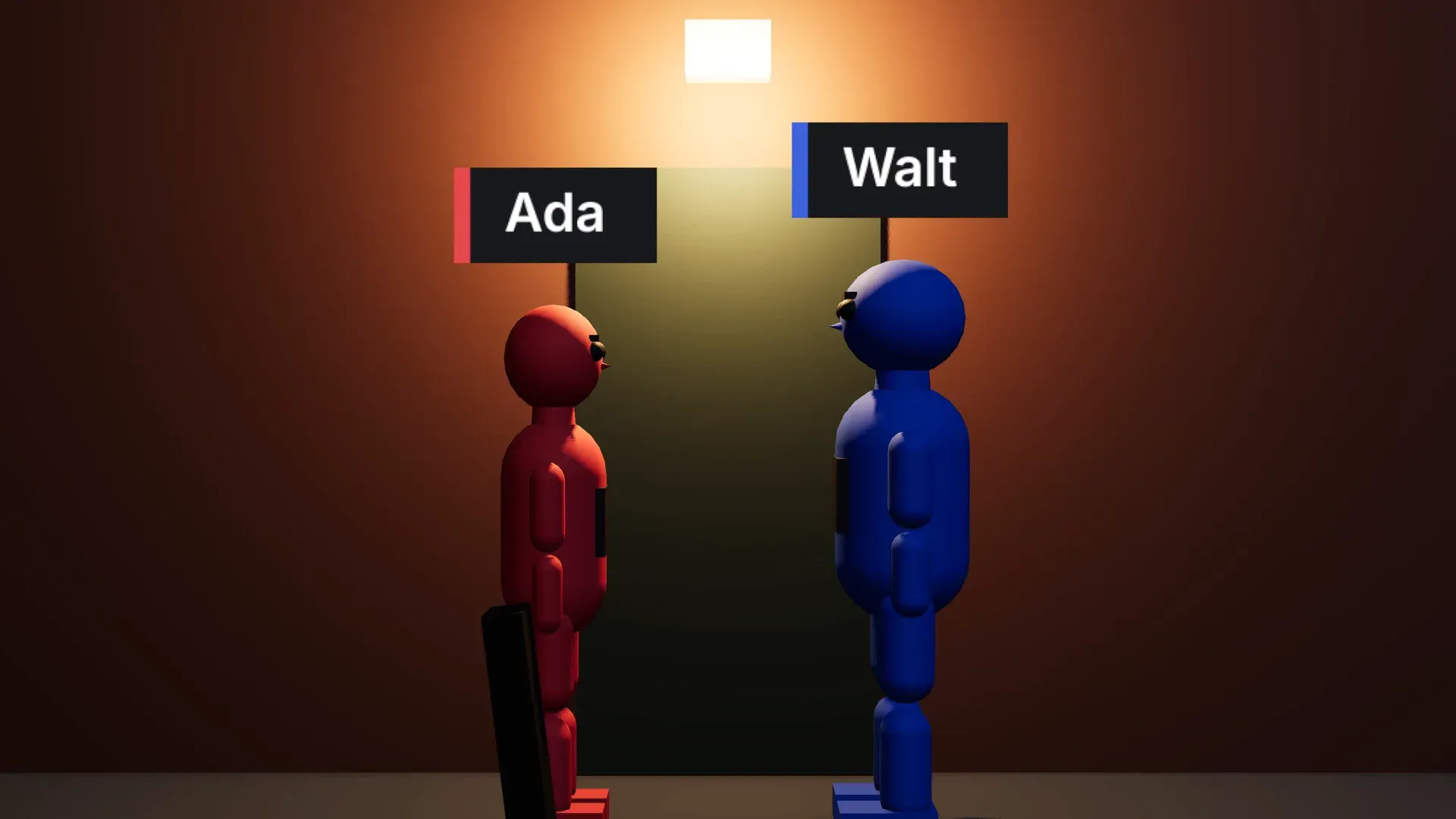
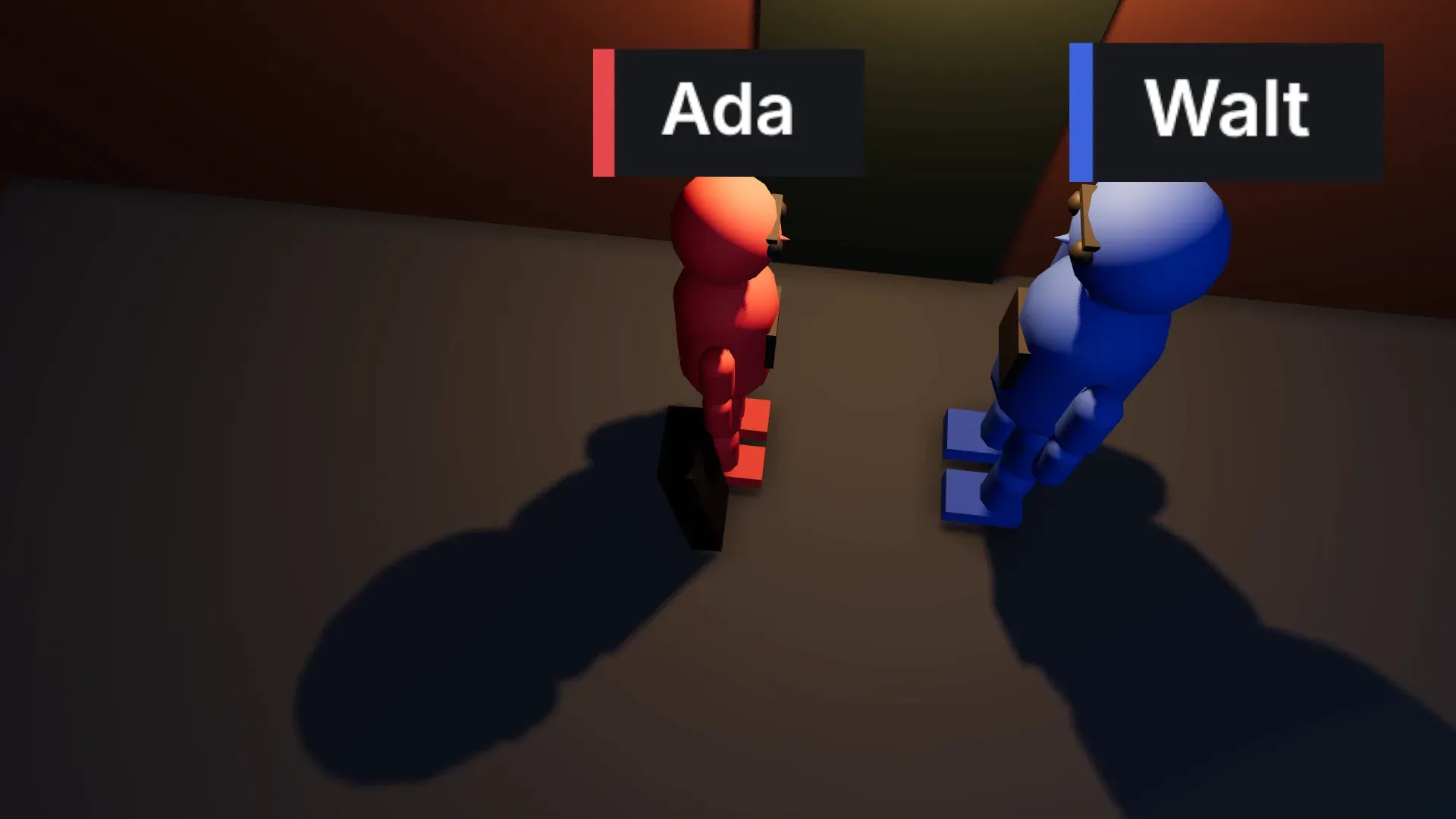
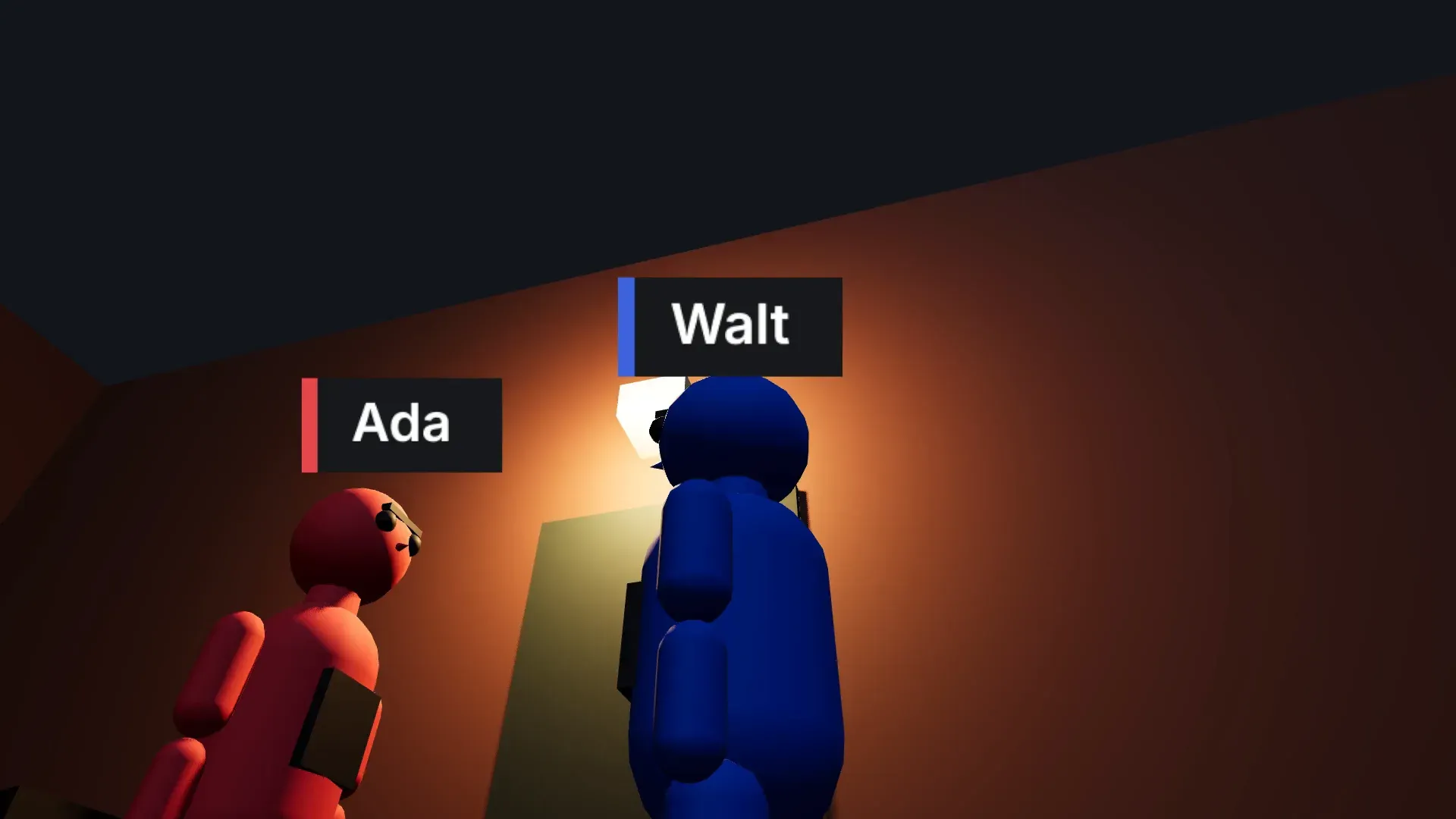
Three choices define most shots, and they combine freely: a low angle can be a wide or a close-up, static or rising on a crane. Shot sizes run from wide to medium and close-up, and the camera movements guide covers moves. The example scene: a violinist (red in the blocking) and an older stagehand (blue) talking under a lamp outside a stage door at night.
- Camera angleHeight and tilt relative to the subject: eye level, low, Dutch.
- Shot sizeHow much of the subject fills the frame: wide, medium, close-up.
- Camera movementWhat the camera does during the shot: a pan, a dolly, a crane.
Types of camera angles at a glance
| Camera angle | Where the camera sits | What it does |
|---|---|---|
| Eye level | At eye height, looking straight on | Neutral: the viewer meets the character as an equal |
| High angle | Above the eye line, looking down | The subject looks smaller and more exposed |
| Low angle | Below the eye line, looking up | Height and weight; the classic angle for authority or threat |
| Overhead | Straight down at the action, often close | Hands on a table, a body on a bed, a map |
| Bird's eye view | Far above, looking down | People become shapes; the place becomes the subject |
| God's eye view | Directly above, far away | Detached, like fate or surveillance |
| Worm's eye view | On or near the ground, looking up | Exaggerates height more than a low angle |
| Dutch angle | Rolled so the horizon tilts | Unease, disorientation or madness |
| Over-the-shoulder | Past one person's shoulder onto another | Puts the audience in the conversation |
| Point of view | At a character's eye position | Shows exactly what the character sees |
Eye level, high and low camera angles
Most dialogue is shot at eye level, so leaving it gets noticed; for a seated character, eye level means a seated camera height. Cut between a high and a low angle in a conversation and the shift in power is felt before anyone speaks.
Overhead, bird's eye and worm's eye camera angles
Overhead, bird's eye and god's eye views differ mostly in distance and purpose. All three, pointed straight down, remove the horizon, which suits geography and patterns. Use the worm's eye sparingly, for a moment of scale or a view from the floor.
Dutch, over-the-shoulder and POV camera angles
A slight Dutch roll unsettles quietly; a steep one shouts. Over-the-shoulder and POV angles depend on steady screen direction across cuts, which the 180-degree rule and an eyeline match protect.
Set any camera angle on a 3D scene
In Morphic's 3D Scene, block the scene once, then try angles on it. One-click angles frame the subject for you, so a low, overhead, two-shot or over-the-shoulder frame is a click away.
Add several cameras and set each one's lens, sensor, field of view and roll; roll is what makes a Dutch angle. The focal length comparison shows how the lens changes an angle, and the camera blocking tool covers planning positions and cameras together.
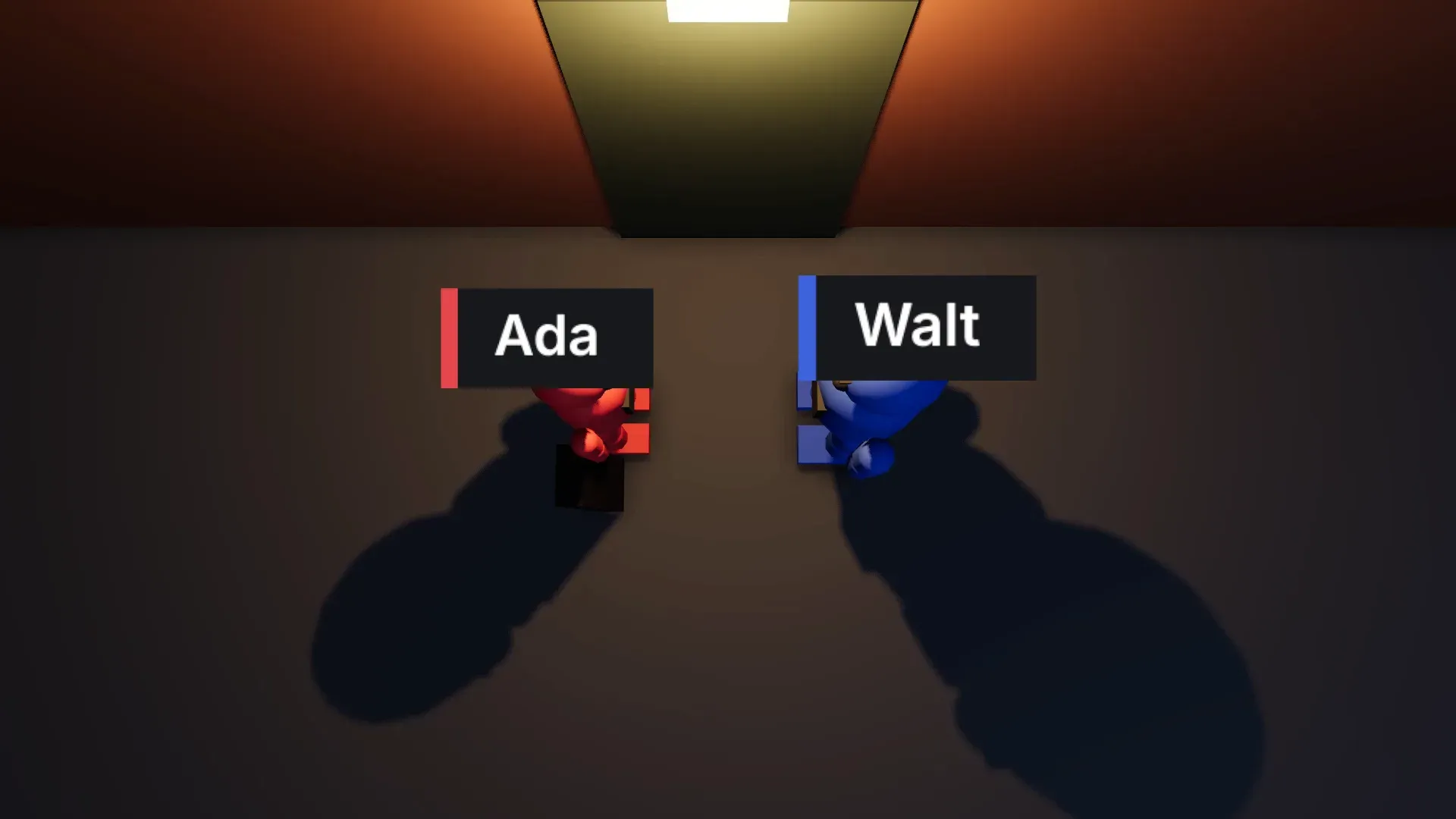
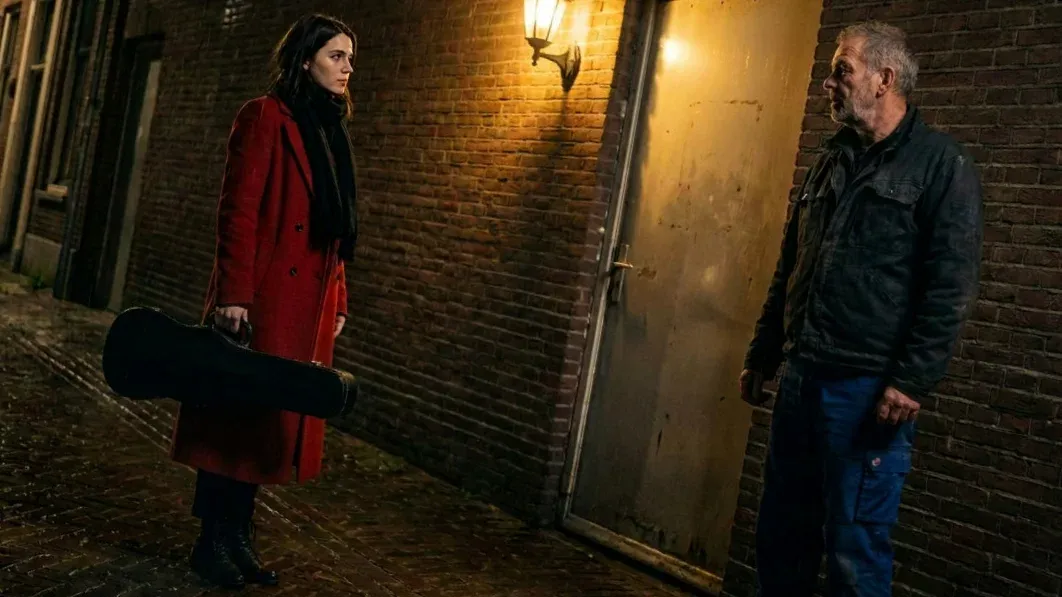
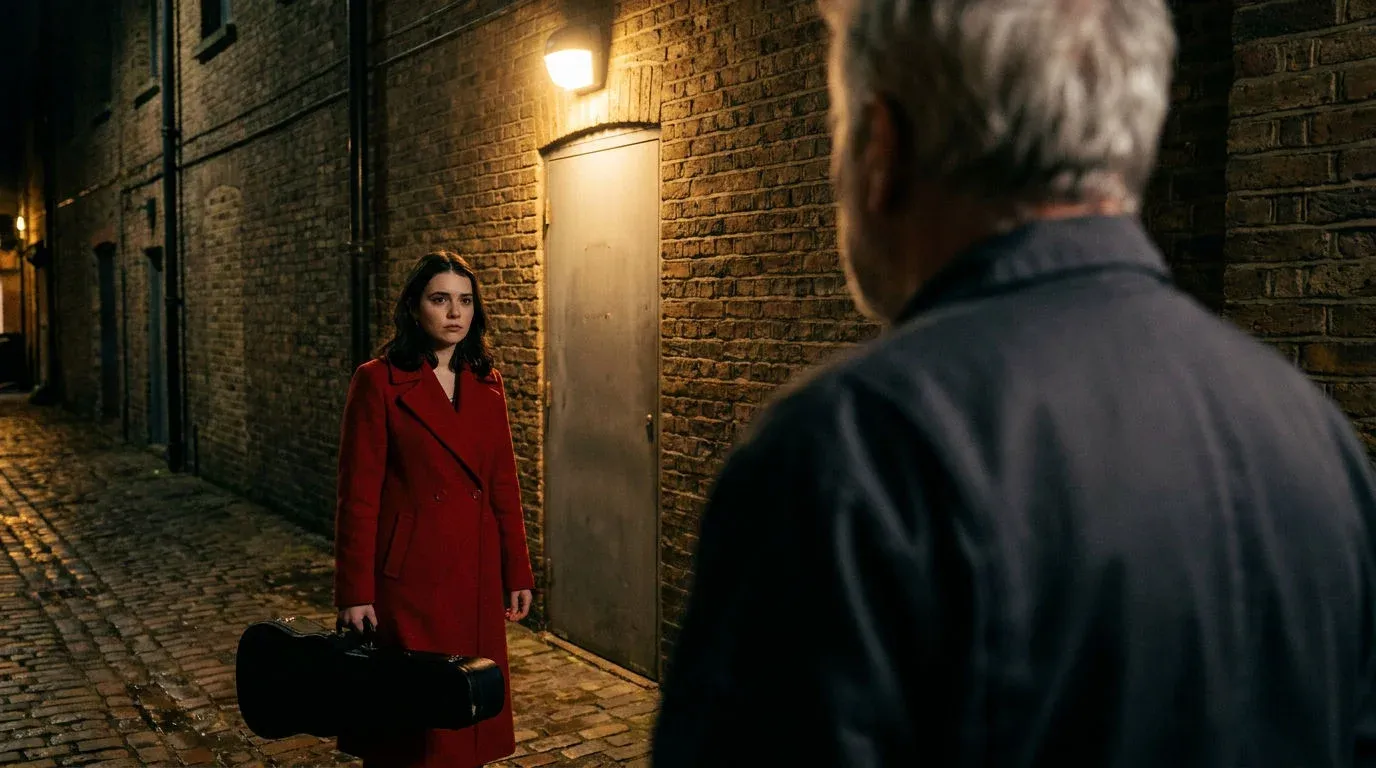
Render the blocking video in the browser or press P for a snapshot, attach it to the shot, and name each figure by colour; the blocking guides the angle and staging of the finished frame. For several framings with no 3D step, try the AI shot coverage generator.